跳转到主内容

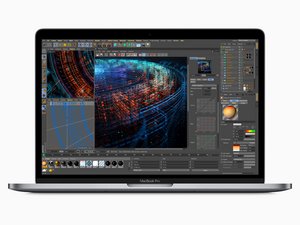
2018年7月发布,15英寸 MacBook Pro,型号 A1990,拥有True Tone技术的LED背光15.4英寸显示器,最高6核心的酷睿 i7 处理器。

How do I remove the bottom?

I just want to clean up the inside of my MacBook Pro 15” A1990 that I have had for 2.5 years, but after unscrewing the 6 screws and undoing the internal clips, I can’t get the bottom to slide off.

I have seen numerous guides and they all show the same thing: After undoing the clips, they slide the bottom down from the hinge and it comes off easy. But when I try sliding down, it doesn’t budge even slightly.

It may be worth noting that the Apple Genius Bar has done a repair on this MacBook in the past.

已回答! 显示答案 我也有这个问题

这是一个好问题吗?

得分 0
添加一条评论

1个答案

已选择的解决方案

It definitely takes a little more force than you would expect, but the aluminum bottom cases are quite durable and the tabs are meant to slide out. However, if you’re uncomfortable I’m sure a local repair shop can help you open it up.

这个答案有帮助吗?

得分 0

2条评论:

Alright I think I’ll keep trying... Are you sure the Apple Geniuses wouldn’t have put adhesive on the tabs after servicing it?

完成的

Nevermind! I opened it! Thanks.

完成的

添加一条评论

添加你的答案

Jacob Kowanetz 将永远感激不已
浏览统计数据:

过去 24 小时: 0

过去 7 天: 0

过去 30 天: 3

总计 110