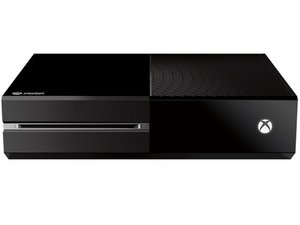

Xbox won't power on after optical drive replacement
I worked up the courage today to replace my optical drive on my Xbox One (Day One Edition). I followed the steps, put it all back together, and now I can’t get it to power on. I’ve checked the front plate ribbon, the connectors to the speaker, wifi, and optical drive. I’ve tried powering it on with the button, a controller, and a remote. Can’t get it to power up, no sound, nothing. The power brick is solid orange (I even tried cleaning that out also).
While I was working on the optical drive, I also cleaned as much dust out of it as possible, including the fan and heat sink.
It was working pretty good before I cracked it open. I’m not sure what I did wrong, or what I could have missed. Any ideas?
