
跳转到主内容

Bad Backlight - Display or Logic?

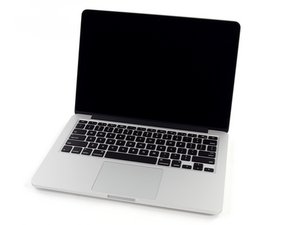
Hi - I have an A1502 with a bad backlight (flashlight test shows the display is working.) How can I diagnose whether the problem is with the logic board or the display before purchasing and swapping in either?

Extra detail: the backlight did not completely die all at once. It stopped working, then came back on a few days later, went out again, and repeated this cycle for a week or two before finally turning off for good.

Update (06/09/2020)

Here are some pics - and the backlight is currently back on.

Block Image
Block Image
Block Image
回答此问题 我也有这个问题

这是一个好问题吗?

得分 0
添加一条评论

1个答案

最有帮助的答案

You'll need to pop the bottom off and inspect the display cable and its connector on the logic board. Follow this guide to Step 6 MacBook Pro(13英寸,带有Retina显示屏,2013年末)显示屏组件更换 then jump down to Step 11. Hold the cable like its held in the 3rd image taking a nice clear closeup of the connector and the cable end and post it here for us to see 在已经存在的问题里加入图片

iFixit图片

指南

在已经存在的问题里加入图片

难度:

非常容易

2 - 5 minutes

MacBook Pro 13" Retina Display Late 2013 显示屏组件图片

指南

MacBook Pro(13英寸,带有Retina显示屏,2013年末)显示屏组件更换

难度:

中等

30 minutes - 1 hour

这个答案有帮助吗?

得分 1
添加一条评论

添加你的答案

Bill Domineau 将永远感激不已
浏览统计数据:

过去 24 小时: 0

过去 7 天: 0

过去 30 天: 1

总计 66
