
 2
2  1
1 Can't get past setup screen of connect your controller
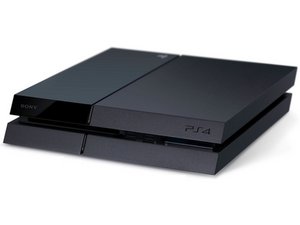
Hi, I recently wiped my PS4 clean I got USB and reinstalled system software, it boots up to the screen that says connect you dualshock 4 controller and press home button, I try and try again won't let me get passed that screen, I can go to safe mode and my home button works just fine to access that, I'm completely lost anything might help

 371
371 












3条评论
how do you get past blue setup screen without controller
由 camillaplumley1974 完成的
Mine says either push ps button or register my playstation 4 again
由 Mike Ritz 完成的
https://www.digitaltrends.com/gaming/how...
This helped me get past the blue screen. I was able to get my controller to connect with a random cord I had in the safe mode. Try every usb to micro usb cord you own. Some are just charging cords and some are actual data cords and it needs to be a data cord. So like think if you have an old one from a digital camera that would be a data cord. Use that to plug your controller in in safe mode and do the default setting reset (which is just a soft reset that keeps all your info) and it worked for me. If that doesn’t work you may have to try a harder reset.
由 jlpjlp 完成的