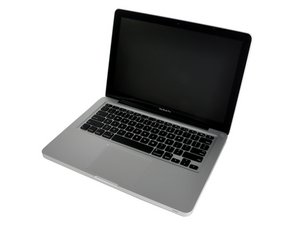

Problem recognizing solid state drive in 2010 MacBook Pro
I have replaced the original hard drive with a Samsung 860 EVO 1TB Internal SATA Solid State Drive, and I have an external hard drive set up to install High Sierra. But when I turn on the laptop, it is not recognizing the new SSD as an option for installing the OS.

When I go into Disk Utility it lists the SSD, and it says it is not writeable, and has zero writeable space. This was a refurbished drive, but it seems like they didn’t take care of all the steps. Should I be erasing the drive and setting up a partition? Would that fix this issue?

 11
11  201
201  370
370 