
 1
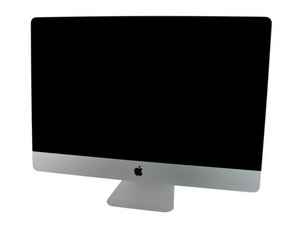
1 iMac won't power on after teardown
My iMac GPU failed about a week ago causing the OS to get stuck on a white screen with vertical pinkish stripes.
I’ve performed a careful teardown to reflow the GPU. While I was at it I took the chance to repaste the CPU and give the iMac internals a clean using air duster can. I’ve put everything together and double-checked the connections which look ok to me.
Upon pressing the power button, I’m greeted with 3 beeps every 5 seconds. After around 35 seconds all the fans are maxing out on top speed.
Looking on the internet I’ve seen that the basic diagnosis for the 3 beeps every 5 seconds is RAM issue. I have 4 different RAM cards (all were lightly clean with air duster). I’ve tried each on each of the iMac 4 RAM slots. I doubt that I managed to brick all 4 sticks, to be honest, but hey I guess it’s possible?
I’ve then taken the screen apart again and can see that led 501 and led 502 are lit and behaving as expected. led 503 and 504 are not led but this is what I would expect since the iMac never sounds the startup chime.
I’ve made a quick movie of the process: https://www.youtube.com/watch?v=vrQ9qOJo...
Is it guaranteed that the problem is with the RAM or is it worth removing the motherboard again and triple checking everything? Is there any RAM connection to the board? Any other idea?
Some photos of the visible connections


