
 2
2 Internal speakers not showing up or working...
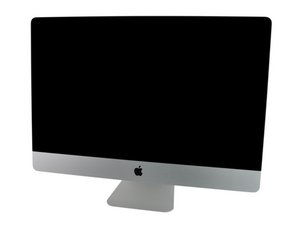
Bought second hand iMac on fb market place knowing it needed a new hard drive, replaced it with an ssd as well as upgrading the ram to 16 gig, everything works perfectly except the speakers… they are defiantly connected and they do work as I get the startup “bong!” Every time I turn the computer on, but other than that there is absolutely no sound, ive tried reinstalling the os, also tried using with headphones in (no sound through headphones either) leading me to believe there is something wrong with the port that seems to make the computer think is has some other form of speaker connected even though it does not,
Can anyone help with this?! I’m not bothered about the headphone jack working but I would like to be able to use the internal speakers at least :)

 339
339  975
975 

2条评论
You could use a pair of bluetooth speakers or headphones in the meantime ;-}
由 DanJ 完成的
Same problem, clean jack not helps
由 Gianlorenzo Passuello 完成的