
跳转到主内容
加入维修社区 - 创建账户

Can't install OS X

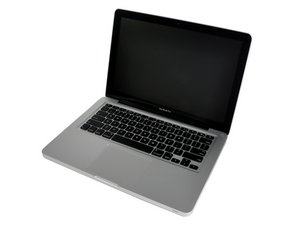
I’m currently using OS X Lion 10.7.5 on my MacBookpro because I like it but recently certain websites haven’t been working as well so I decided to upgrade to El Capitan but when I start the installation I get this message

OS X cannot be installed on “Hard Drive”

I had the 500GB hard drive replaced last year with a 1TB hard drive, so maybe that’s the problem.

Also, if this helps the processor is 2.4 GHz Intel Core i5 and the memory is 4 GB 1333 MHz DDR3 and the graphics are Intel HD Graphics 3000 384 MB

Edit:

I just tried again and when I clicked on the hard drive icon I got this message

This disk is used for Time Machine backups

已回答! 显示答案 我也有这个问题

这是一个好问题吗?

得分 0
添加一条评论

2个答案

已选择的解决方案

I found the solution.

There was an empty Backup file in my Hard Drive, so I deleted the file and was then able to perform the update.

BTW if you’re still using Lion, I would recommend updating to El Capitan, any bugs the at it had on first release have al been fixed so it works like a dream and it’s given my machine a new lease of life.

这个答案有帮助吗?

得分 0
添加一条评论

Go into your System Preferences open Date and Time. We did to alter the date manually to Jan 2016. Make sure you disable the check mark. Restart your system and see if that fixes things.

这个答案有帮助吗?

得分 0
添加一条评论

添加你的答案

rob7037a 将永远感激不已
浏览统计数据:

过去 24 小时: 0

过去 7 天: 1

过去 30 天: 3

总计 71