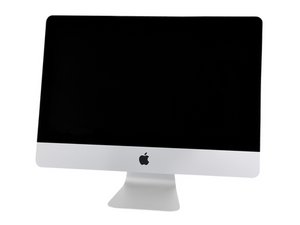

Slow iMac only when the LCD is disconnected!
Here is a weird one… I have a faulty display on my iMac so I was thinking about hooking it up to a secondary display and make use of it. When I changed the hardrive to an ssd, I tried only using a secondary display just for testing and the computer was slow as a snail! I tried restarting it and i installed the macfans app to get the fan to work properly but nothing seemed to help. The only way to make it run as usual was to connect the screen. I did not have to connect the cable which provides light, only the data cable and the computer again worked on the new display… any ideas for why this is and or how to use it without having to have the lcd connected?

 35
35  338
338  974
974 
2条评论
maybe "Reset NVRAM or PRAM on your Mac"?? No mac user here. Just a thought
https://support.apple.com/en-us/HT204063
由 prop man 完成的
Thanks for the answer! Is there no way to trick the system into thinking it has a thermal sensor to the screen?
由 rober 完成的