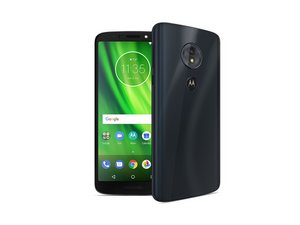

I can't access the keyboard.
Only the Google “tap to speak” dictation of messages feature appears on my screen for texting and e-mails. When I tap the “X” in the upper right hand corner of the dictation screen, nothing happens. Can anyone guide me as to how to get my keyboard back?
Thanks.

 13
13  6
6  1
1 
You may have switched the default keyboard from GBoard or something similar to Google Dictation. Try opening the Settings app, click "Languages & Input", then Virtual Keyboard, and then try switching off Google Voice Typing. Also check to see if GBoard (should be the default keyboard app) is switched on as well.
由 Michael Stefanchik 完成的