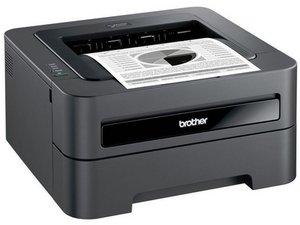

Out of paper error...but its not
My printer will not print as it thinks its out of paper. The paper tray is full. Why does it think its out?

声誉积分: 25
 1
1
For the following models: HL-2130, HL-2135W, HL-2220, HL-2230, HL-2240, HL-2240D, HL-2250DN, HL-2270DW and HL-2275DW , see this post:
这个答案有帮助吗?
The answer @Standish linked to solved my same issue. My lever was white, but completely missing. Upon viewing the “paper feed not working” answer, I found that mine wasn’t visible at all. It had fallen inside the side panel, which had to be removed for me to see it was there. I super glued mine onto the plastic dowel it slides onto, and that has worked well, so far. If it continues to happen tho, there’s a neat little permanent fix video on YouTube (not in English) that’s going to be my handy next go to. It’s a bit more involved than just taking the side panel off and requires a couple of tools, and an extra spring, but looks to be perfect for the long term solution. In the link below, the comments contain the info to find said video. Good Luck! 😊

声誉积分: 3.5千
6
 5
5
 1
1
Check by the feed rollers and look for a black plastic lever, this is the paper detect sensor. The lever should be easy to see if you remove the paper. It should move freely if it is working correctly. Sometimes this lever gets knocked out of its pivots when removing paper, if paper jams are not removed correctly then the levers might get broken off.
这个答案有帮助吗?
where is the lever located, in the paper tray or hanging down, near the front or the rear of the compartment ???
过去 24 小时: 0
过去 7 天: 17
过去 30 天: 66
总计 2,351

2条评论
Model number?
由 Dan 完成的
Can you view the rollers the paper runs on this has happened me before it was a paper jam.
由 Minus 完成的