
跳转到主内容
加入维修社区 - 创建账户

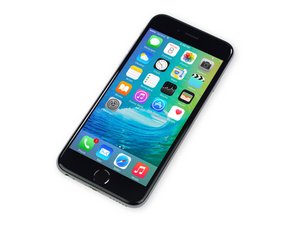
苹果官方于2015年9月25日正式发售iPhone6S A1688/A1633机型。 此机型的修理方式与先前几代差不多, 需要螺丝起子及撬棍工具。 同时也适用GSM or CDMA/16, 64 or 128 GB/ 银色, 金色, 深空灰色, 玫瑰金色等机型。

The home button doesn't work

Hi guys..

This morning, I tried to replace rear camera of my iphone 6s.

I was so stupid. I didn’t turn my phone off before fixing.

After replacing the camera, I restarted my phone.

And then the home button doesn’t work..

How can I do?

回答此问题 我也有这个问题

这是一个好问题吗?

得分 0
添加一条评论

2个答案

最有帮助的答案

Unplug the battery. Hold power button for 5 seconds, reseat all screen connectors and then plug battery back in last and try it again.

这个答案有帮助吗?

得分 2
添加一条评论

There are two contacts that have to connect from the motherboard (the lighting connector) to the front plate, make sure the spring contacts didn’t fall out.

这个答案有帮助吗?

得分 0
添加一条评论

添加你的答案

jeon 将永远感激不已
浏览统计数据:

过去 24 小时: 0

过去 7 天: 0

过去 30 天: 0

总计 51
