
 1
1 How to fix an iPhone from activation error
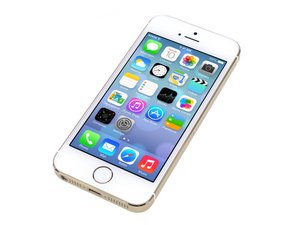
I'm having an iPhone 5s, with iOS 11.4.1. Recently, I reset my phone because it was slow but when I switched it on it was stuck on the activation page that it could not be activated then I decided to do iTunes restoration but still unable to pass through the activation SIM stage. When I insert my SIM card, it shows:
"Your iPhone could not be activated because the activation server cannot be reached. Try connecting your iPhone to iTunes to activate it" - the message pops up in my phone
"The iPhone could not be activated because the activation information could not be obtained from the device. Disconnect your iPhone, make sure the SIM card is inserted correctly." - the message pops up in iTunes
I have had tried countless times to restore it through iTunes and it seems like the problem still persist.
Anyone have any solutions so far?
Any reply would be greatly appreciated.

 201
201  370
370 
