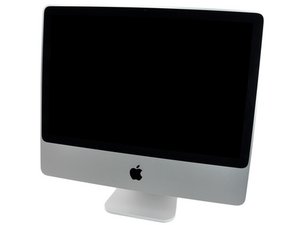

Identify lcd panel problem
Hi guys,
I wanted some help to identify the problem that my screen has and if anybody has any suggestions on how to fix it, if this is an option of course.
Thanks in advance

声誉积分: 496.1千
 35
35
 338
338
 974
974
Cool Vid! Great for a movie effect.
Sadly your GPU is gone. Here's the best IFIXIT guide to get it out as we don't have one for your exact system: iMac Intel 24" EMC 2111 GPU Assembly Replacement
There are a few different GPU boards your system had. Here's the breakdown:
这个答案有帮助吗?
Hi, thanks for your answer, when I connect a projector as a secondary monitor the image is fine, but the problem on the main monitor of the imac remains. Do you think it is the GPU and not the panel itself?
Well, that does change things!
If an external works with no problems then it has to be the display and/or the LVDS connection.
Haven't seen this effect without tearing where the image in the corners gets distorted and often not as crisp a display with a bad display or LVDS cable. So you've found a new condition I haven't seen!
2007 - LCD Assembly - 661-4431
2008 - LCD Assembly - 661-4685
For either LVDS Cable - 922-8167
过去 24 小时: 0
过去 7 天: 0
过去 30 天: 0
总计 173
