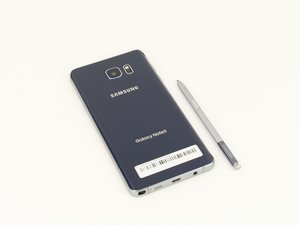

How to turn on Note 5 without a power button?
The power button is not responding at all, (tried all the combos like volume down+power, etc.). My phone is at 100% charge. Are there any ways that y'all know of?

声誉积分: 8.4千
 5
5
 11
11
 25
25
So from what it sounds like it's just your power button.
Correct me if I'm wrong but you LCD is working properly, hence why you know the phone is at 100% battery life.
I would try Odin Mode just to see if it triggers. (Power, Home Button, Volume Down)
Your screen will go bluish-green and you can restart the phone from that screen.
The other case would be your cable to the power button is damaged and may need to be replaced, but that's rather rare. If you can't feel the click on the power button then it's most likely the case, or the button is stuck onto something.
Let us know. Cheers
这个答案有帮助吗?
过去 24 小时: 0
过去 7 天: 0
过去 30 天: 2
总计 4,141
