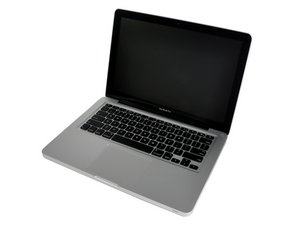

MacBookPro won't restart after RAM upgrade.
I have a late 2011 MacbookPro. I upgraded the RAM from 4GB to 16GB Corsair today, but the computer would not restart. It would get to the Apple logo, then freeze. Whenever I run the diagnostic test on either one or both of the new RAM cards, they pass. However, I can't seem to load the operating system (even in safe mode) with the 16GB installed.
I just re-installed one original 2GB card and one 8GB card together and the computer started without a problem, even though the cards are from different manufacturers and of different capacities. Yet, using two 8GB, it freezes.
Thoughts?
 4
4 
2条评论
how much ram does it show when you run it with 2 and 8 gb
I hazard a guess that 8gb sticks may not work in the machine ...
or maybe one of your 8gb sticks is faulty
由 Spikey2 完成的
I installed 2 8Gb RAM sticks in my late 2011 MBP and it works like charm @Spikey2
由 Vincent Monteil 完成的