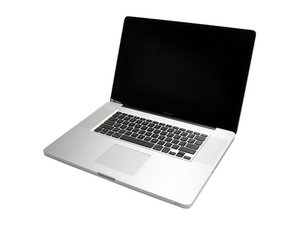

Black screen but screen recognized by MacBook
Hi,
I have a Macbook Pro 17" (mi-2010) wich black screen and no backlight working.
I tryed to reset PRAM and SMC but it did nothing.
As i would like to know where could come from the problem i did several tests:
- When i plug an external screen, i have image on the second screen.
- In system preferences the macbook recognizes both displays (internal and external)
- In display configuration i can choose the option "optimised for built-in display"
- In system informations, i can see the two video cards, Intel HD graphics (internal) and Nvidia GeForce GT 330M (PCIe)
- When i unplugg the LVDS cable from macbook and i plugg it on a second one macbook, display is working properly
With all these tests and results, where is the problem and how to resolve it to have my display working again?
Thanks


 8
8  54
54  62
62 
1条评论
i checked with the light behind the apple logo on top case and i can see the screen is working so, it's just a backlight problem but i still don't know how to fix it
由 Yann Lamy 完成的