
跳转到主内容
加入维修社区 - 创建账户

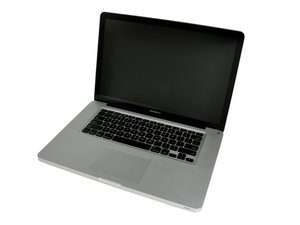
Model A1286. Released February 2011 / 2.0, 2.2, or 2.3 GHz Quad-core Intel Core i7 Processor

Can't adjust disk sleep settings in El Capitan?

I can't adjust my disk sleep settings for my secondary hard drive in El Capitan.

Any ideas what's causing this? I only use my secondary platter HD for storageand I don't need to have it spinning 24/7 when I am on my laptop.

Even though I typed "sudo pmset -a disksleep 2" into the terminal I find that it defaults to 10 upon reboot.

Any ideas on how to fix it?

已回答! 显示答案 我也有这个问题

这是一个好问题吗?

得分 0
添加一条评论

2个答案

已选择的解决方案

Your only option is to dismount the drive. You might give this app a try: M3 Drive Mounter.

We don't use dual drive setups so I can't tell you if this utility will help.

这个答案有帮助吗?

得分 2
添加一条评论

This is technically an unauthorized repair from Apple, and the settings that Apple has "hardwired" into the firmware are specifically for disk drives for CDs and DVDs, not hard drives.

这个答案有帮助吗?

得分 0
添加一条评论

添加你的答案

Erik Liska 将永远感激不已
浏览统计数据:

过去 24 小时: 0

过去 7 天: 0

过去 30 天: 1

总计 131