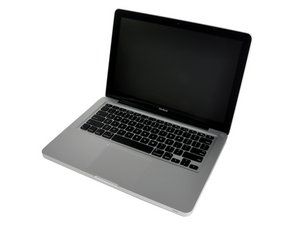
Replaced drive cause vibrations
Hi,
I've replaced my Fujitsu hard drive (160 GB, 5400 rpm) with a Seagate Momentus 7200.4 buy I feel vibrations @ right side of the trackpad. Somebody that can help me with this issue?

声誉积分: 11
 1
1
 2
2

声誉积分: 37.7千
317
67
 72
72
You may reopen your bottom case panel and double check if the hard drive is correctly installed. Also there is a firmware update for the 7200 rpm drives installed in the Macbook. Here's a link you should check:
这个答案有帮助吗?
Hi,
thank you for your reply. This firmware update is not for my type of macbook.
I've already double checked the hard drive installation but probably apple rubbers don't work so well with a 7200 rpm. Do you have some kind of screw that can help me....?
thanks
I guess your hard drive is the problem. Maybe you should reinstall your old one and check if the vibrations persists or put the new drive in an external enclosure and check if you still have the vibrations. I have the Momentus 7200 320GB in my MBP 13" Unibody and there are no vibrations at all. I used the same screws to install it.
Sorry for the upgrade link in fact the firmware upgrade is for the MacBook Pro.
过去 24 小时: 0
过去 7 天: 1
过去 30 天: 3
总计 1,174
