
跳转到主内容
加入维修社区 - 创建账户

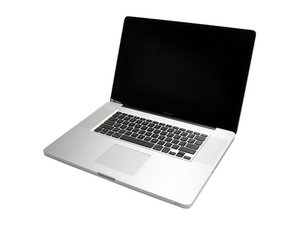
Model A1297 Unibody: Early 2009, Mid 2009, Mid 2010, Early 2011 & Late 2011

Maintaining programs & software through hard drive upgrade

Hello

I have several software programs from when I was a student installed on my 17" unibody mid-2009 Macbook Pro, and need to retain this software while doing a hard drive upgrade if possible. I am curious if doing a Time Machine backup to an external HD, then somehow restoring from that external drive would work.

Any feedback or resources would help

Thanks very much

已回答! 显示答案 我也有这个问题

这是一个好问题吗?

得分 1
添加一条评论

1个答案

已选择的解决方案

If you have an external FireWire HD case (this is best in your case) you can make this very easy.

During the OS install process you'll be asked if you want the migrate your data from your old system to your new drive. That allows you to copy over the apps & user data as well as the permissions.

I do recommend you first make a backup on an external drive using TimeMachine just because the next action could mess things up. This is were you boot up under an external drive (USB thumb drive will work here) so you can repair your drives permissions and any disk errors. Then proceed with the upgrade.

这个答案有帮助吗?

得分 4

2条评论:

If you really want to be paranoid, you can use something like SuperDuper to completely copy the old drive onto your new drive. I've done that with an external USB hard drive dock, and it works VERY well.

完成的

This is one program that works well enough for me to get the paid version. Great Product! http://www.shirt-pocket.com/SuperDuper/S... And the registration stays with you through updates.

完成的

添加一条评论

添加你的答案

Tyler Stark 将永远感激不已
浏览统计数据:

过去 24 小时: 0

过去 7 天: 0

过去 30 天: 4

总计 142