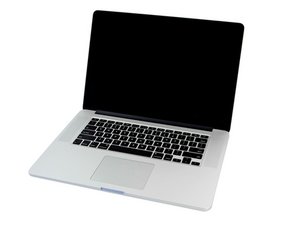

MacBook Pro screen replacement doesn't display correctly
I've tried to replace the display on my MacBook Pro (ME294ll/a) Late 2013 but the image is not displayed correctly. It looks like this:
http://i.imgur.com/J9TOewx.jpg
My brother had the same problem:
http://i.imgur.com/N9TbN2u.jpg
…but he just reconnected the ribbon cable and the screen began to work correctly. I tried several times to reconnect the ribbon cable, but to no avail.
I tried to change the connector from crashed display – it didn't help. GPU is also ok because I use external monitor right now. Replacement screen also must be suitable (model: 661-8310). I've bought a brand new.
Does anyone know what could be the problem?


Did you check for damaged or bent pins on the connector?
由 Tyler Momberger 完成的
Of course but only visually. Unfortunately I do not have special equipment to check damaged pins. But... before I broken my old display, everything worked as it should.
由 paulpatap 完成的