
跳转到主内容

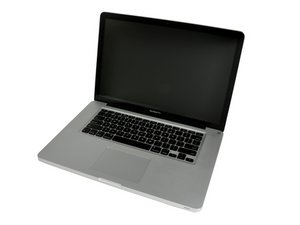
Released October 24, 2011 / 2.2, 2.4, or 2.5 GHz Quad-core Intel Core i7 Processor

replaced part and it won't boot/ MacBook Pro 15"

I replaced both speaker units and the dc mag safe unit

After i put it all back together all that happens when starting is chime and then a grey screen w/out apple logo... i was having no problems with booting or start up prior to this

回答此问题 我也有这个问题

这是一个好问题吗?

得分 -1
添加一条评论

1个答案

最有帮助的答案

Could be the boot volume. The chime indicates a passing of POST (Power On Self-Test) so the essential hardware all checks out. Try an R boot or boot from some other volume.

Go over your connections again... particularly those to the display and the drive.

On some of these units the cables to the drives are particularly sensitive... rough handling may have damaged it.

If this answer is acceptable please remember to return and mark it accepted.

这个答案有帮助吗?

得分 2

4条评论:

Thank you Sir

完成的

Machead3 I went back over all connection and did r reboot, it ask if english language is preferred, but ztill no screen it is on but a dark grey. Thank you for your help

完成的

If I leave it on it shutz down after 3-4 min

完成的

Have you tried connecting to an external monitor? If the external works you may be able to use it to run Apple Diagnostic (D boot). Try an SMC and a PRAM reset (once). Also leave the grey screen for 10 minutes it may be doing an EFI check or install - especially if you see a dark bar at the bottom of the screen.

完成的

添加一条评论

添加你的答案

tow3rcr33p 将永远感激不已
浏览统计数据:

过去 24 小时: 0

过去 7 天: 0

过去 30 天: 2

总计 126