
跳转到主内容

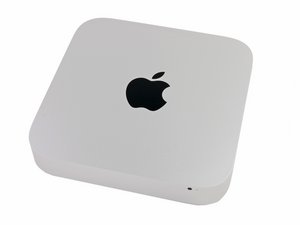
发布于2012年10月23日。酷睿i5或酷睿i7处理器。配备Apple Fusion Drive.

Finder can't find the original drive.

I installed a second drive to my Mac Mini using iFixit's kit. Everything went fine except that now Finder doesn't see the original drive, even though it appears in the Disk Utility under its original name (Macintosh HD.)

I downloaded Yosemite and installed it on the new drive. (I opted for the 1TB Seagate with the SSD buffer.) The new drive seems to be working fine.

回答此问题 我也有这个问题

这是一个好问题吗?

得分 -1

1条评论:

Please supply the last three digits of your serial number or give us the exact CPU spec of your model.

完成的

添加一条评论

2个答案

First check your firmware level. Follow this Apple TN: EFI and SMC firmware updates for Intel-based Macs. Make sure you have the latest.

Sounds like you might have a bad SATA cable. Who's cable did you use and the PN#

Also did you swap the drives around by chance?

这个答案有帮助吗?

得分 0
添加一条评论

That's because Finder doesn't normally show your main drive, even though that one isn't anymore, it was at one time. I don't know how to change it without wiping the drive with Disk Utility though.

这个答案有帮助吗?

得分 0
添加一条评论

添加你的答案

davidsmorgan 将永远感激不已
浏览统计数据:

过去 24 小时: 0

过去 7 天: 0

过去 30 天: 1

总计 138
