Dead systems are always tough to diagnose ;-{
To start with: Did the system get wet or dropped? Can you give us background on its history? Was this a new system when you got it or used? Often these give us clues on what to look for.
What chargers did you use? If you look an the side of the charger in light grey print you should see some information (look at the plug side) you want to make sure you have an 85 Watt unit. Was the other units the same? Did they work on other MacBook Pro system?
Looking at the system & the charger does the MagSafe connector look OK not dirty or melted. Using a cotton swab slightly damp with some Isopropyl alcohol (85% or better), wipe down the contacts.
Are you able to open your system up? Do you have the correct tools and work area (ESD mat & wrist strap)
If you can carefully pop open the cover to inspect things that would be a good start.
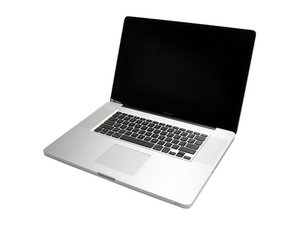
But, before we can do this we need to know which model you have can you give us the last three digits of your serial number so we can point you to the correct guide.

 1
1 
 35
35  974
974 
Can you give us the last three digits of your serial number so we can correctly identify which model you have.
由 DanJ 完成的