
跳转到主内容

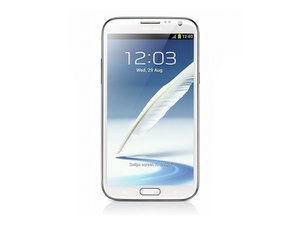
The Samsung Galaxy Note II is a smartphone noted for its combination of a large display and software optimized for an integral self-storing stylus.

Note 2 did not turn on after changing the screen display

Hello all,

I fallow precisely the steps on the vid', with the correct tools. And when i try to turn on my note 2 ( N7100 ), nothing happen. I thought it was the battery who was down, but when i charge it, nothing happen, no lights, nothing at all. When i put it on my computer, he did not even recognize it..

I supposed it could me the battery, but i did not have any kind to see if that works.

My bad feeling is that could be the motherboard...

Anyone knows what could it be? And if it's possible to fix it?

Thanks in advance!

回答此问题 我也有这个问题

这是一个好问题吗?

得分 -1
添加一条评论

1个答案

Charge your battery with a charging box to make sure if your battery okay or not.

If the battery is okay, you should try to turn on the phone again with full power battery.

If still not work, you should make sure all of the connectors to logic board are connected very well and are clean without much dust.

If still failed, exchange your display with another working well note 2. On the one hand to ensure your new screen is good or not on the other good mother board. On the other hand, make sure your mother board is good or not with the other good display.

Good luck to you!

这个答案有帮助吗?

得分 0
添加一条评论

添加你的答案

marco 将永远感激不已
浏览统计数据:

过去 24 小时: 0

过去 7 天: 0

过去 30 天: 2

总计 327