
 2
2  2
2 White screen after replacing LCD cable?
Hello I am new to this forum, and some what familiar with MAC repairs.
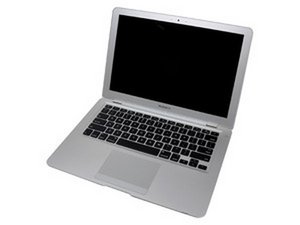
I am having a problem with a 1st GEN Macbook air A1304. The hinges broke which is common on these and the LCD cable ended up ripping a little, with very little pressure on the cable i could get the display to work.
I recently decided to replace the hinges and cable so I can start using the Mac again. After I completed the install of the new cable and hinges I powered on the Mac and white screen. I can hear the boot sound and the hard drive running, so I hooked it up to a external monitor and it works. I have tried the PRAM and SMC reset still nothing. After that I was messing with the cable to see if it was still loose or something nothing but now I am just getting a black screen, so I am assuming I messed up another cable so I order a new and waiting for it to ship.
My questions are. What is causing the white screen after the cable being replaced? Could it be a bad LCD screen? And what are the symptoms or things I should check for it to be a bad LCD screen?
I will also note I have done a lot of reading on this issue and have heard of people replacing numerous cables and numerous displays and still have the same problem.
So if anyone else knows of anything else I can do to possibly fix this I would greatly appreciate it.
Thanks,
Roy

 360
360 