
 1
1 Display won't turn on after trackpad repairs
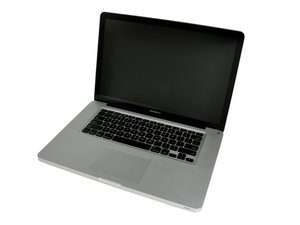
Initially the trackpad on this mac wouldn't pop up after being clicked. I used the repair guide for the replacing the trackpad and was able to easily repair it.
After putting everything back in place, I started up the machine. It sounded like everything powered ok, but the display remained dark. When I plug the computer into an external display everything seems to be fine (including the trackpad) but the internal display stays dark.
I have already tried a few things that others have used to fix similar problems including resetting the NRAM and the SMC. I have also taken the mac apart and put it back together again just to make sure I didn't forget to plug in a cable. No dice.
The mac doesn't have a warranty, so my question is, is there anything I can do to A: fix it without buying any parts, or B: fix it by buying an inexpensive part?
Thank you for your help!

 69
69  360
360 