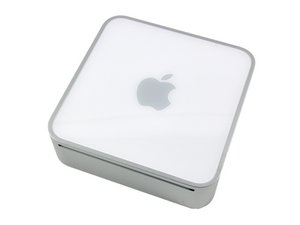

Strange video display behavior
The video output appears to be out of sync or not receiving a sync signal. Once the OS has booted, only ~1/8" of the desktop is visible (upon mouse over). It is as if there is a light grey wall placed over the rest of the desktop. I can see the tops of all the menu items, and I can see the correct desktop picture in the background, and I see the mouse cursor when it is at the top of the screen. In single user mode, I partially see the first line.
Upon start up, I see the light grey screen without a logo or loading icon, but the display appears to "switch" once it loads the desktop. If I disconnect the display, startup the machine, and re-connect it after the chime, I do get the loading screen, but it has a partially ghosted image to the right. Once the desktop loads, it "switches" and the only the top of the screen is visible (upon mouse over)
I have tried this with several displays, but the results are the same with either a DVI or VGA connection.
I have examined the board, but can see no visible signs of a poor connection.
What else can I check for? Are there any video diagnostic tools I can run (I do have ARD access, so I can see the desktop) ? Thanks for you help.

 77
77  69
69  360
360 