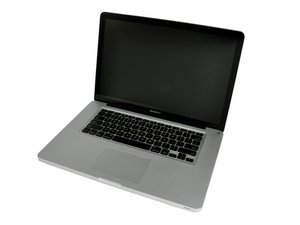

I'm swapping 120 SSD for 256 SSD.
Do I need more than a normal back up of current hard drive? Will software, OS, etc. work if moved to new hard drive?
Any potential problems to worry about?

声誉积分: 496.8千
 35
35
 339
339
 974
974
If you can mount your SSD into a USB external case or SATA to USB cable harness you can clone your current SSD (or HD) over to it.
Doing it that way you don't really need a backup as your current SSD (or HD) will be your backup.
You can even use the Boot Disk preference setting to test out your SSD before you open the system to exchange out the drives.
这个答案有帮助吗?

声誉积分: 116.5千
77
69
360
Normal backup should be fine. You'll have to boot from an install disk to format the new drive, install the OS and then use Migration Assistant (in the Utilities folder in Launchpad) to restore information to a new computer or HD/SSD.
If this Answer is helpful please remember to return and mark it Accepted.
这个答案有帮助吗?
过去 24 小时: 0
过去 7 天: 0
过去 30 天: 0
总计 191
