跳转到主内容

你所需要的

本篇指南是分解流程而非维修指南。 如果您要维修您的Echo Dot 4. Generation,应参考我们的维修指南

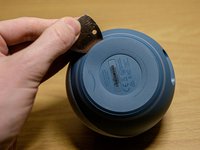
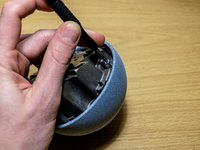
  1. Echo Dot 4th Generation Teardown, Open the bottom: 步骤 1 中的图像 1,3 Echo Dot 4th Generation Teardown, Open the bottom: 步骤 1 中的图像 2,3 Echo Dot 4th Generation Teardown, Open the bottom: 步骤 1 中的图像 3,3
    • Get under the bottom layer with something thin and pull it off. You might need to use quite a force as it's glued pretty well.

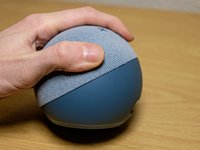
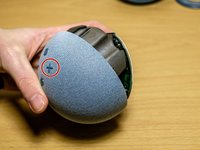
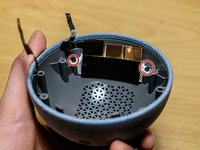
  2. Echo Dot 4th Generation Teardown, Loosen screws: 步骤 2 中的图像 1,2 Echo Dot 4th Generation Teardown, Loosen screws: 步骤 2 中的图像 2,2
    • Take the screws out with torx 6. A T5 might work as well.

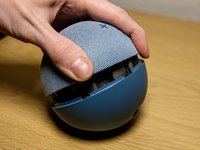
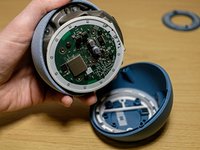
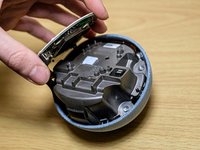
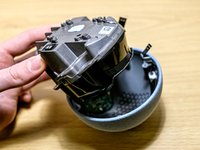
  3. Echo Dot 4th Generation Teardown, Open it: 步骤 3 中的图像 1,3 Echo Dot 4th Generation Teardown, Open it: 步骤 3 中的图像 2,3 Echo Dot 4th Generation Teardown, Open it: 步骤 3 中的图像 3,3
    • Open the device.

    • The top part is housing the speaker with all boards and components.

  4. Echo Dot 4th Generation Teardown, Take out the mainboard screws: 步骤 4 中的图像 1,1
    • Take out the mainboard screws with a torx 5.

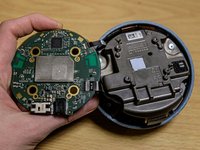
  5. Echo Dot 4th Generation Teardown, Lift the mainboard.: 步骤 5 中的图像 1,3 Echo Dot 4th Generation Teardown, Lift the mainboard.: 步骤 5 中的图像 2,3 Echo Dot 4th Generation Teardown, Lift the mainboard.: 步骤 5 中的图像 3,3
    • Be careful by lifting the mainboard. The LED panel and the control board are still connected.

    • Open it from the side on the volume up button.

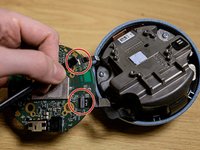
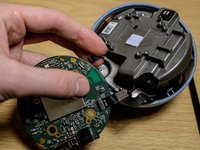
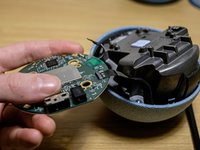
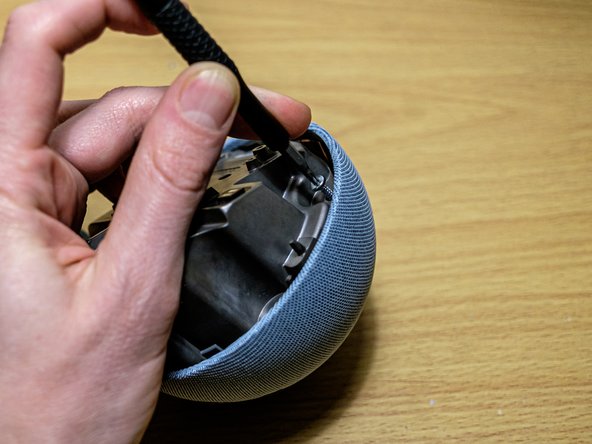
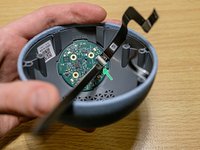
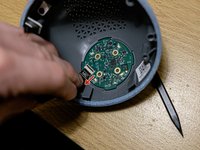
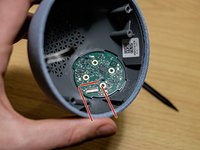
  6. Echo Dot 4th Generation Teardown, Unplug the connectors: 步骤 6 中的图像 1,3 Echo Dot 4th Generation Teardown, Unplug the connectors: 步骤 6 中的图像 2,3 Echo Dot 4th Generation Teardown, Unplug the connectors: 步骤 6 中的图像 3,3
    • Take a spudger and lift the connector off. Careful! It opens from the opposite site to which the cable is going to.

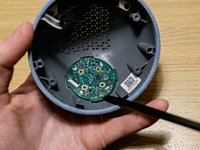
  7. Echo Dot 4th Generation Teardown, Place the mainboard aside: 步骤 7 中的图像 1,1
    • Best place is in the bottom part where it originaly sits.

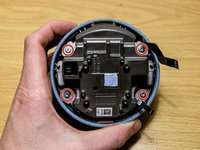
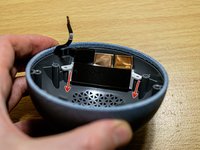
  8. Echo Dot 4th Generation Teardown, Take out the speaker: 步骤 8 中的图像 1,3 Echo Dot 4th Generation Teardown, Take out the speaker: 步骤 8 中的图像 2,3 Echo Dot 4th Generation Teardown, Take out the speaker: 步骤 8 中的图像 3,3
    • Open the four torx 8 screws.

    • Lift the speaker outside the speaker grill.

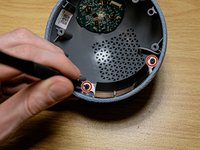
  9. Echo Dot 4th Generation Teardown, LED Panel: 步骤 9 中的图像 1,3 Echo Dot 4th Generation Teardown, LED Panel: 步骤 9 中的图像 2,3 Echo Dot 4th Generation Teardown, LED Panel: 步骤 9 中的图像 3,3
    • Carefully pull the partially glued connector cable off.

    • Use a torx 6 or 5 to take out the two screws.

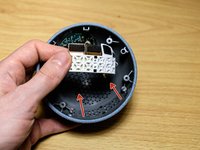
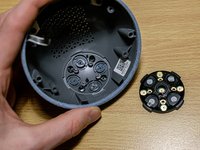
  10. Echo Dot 4th Generation Teardown, Take LED panel out: 步骤 10 中的图像 1,2 Echo Dot 4th Generation Teardown, Take LED panel out: 步骤 10 中的图像 2,2
    • Pull it in the direction of the arrows to take the panel out.

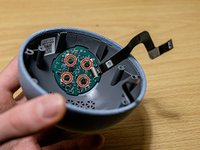
  11. Echo Dot 4th Generation Teardown, Take out screws of control board: 步骤 11 中的图像 1,2 Echo Dot 4th Generation Teardown, Take out screws of control board: 步骤 11 中的图像 2,2
    • Loosen the four screws.

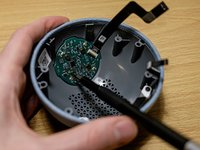
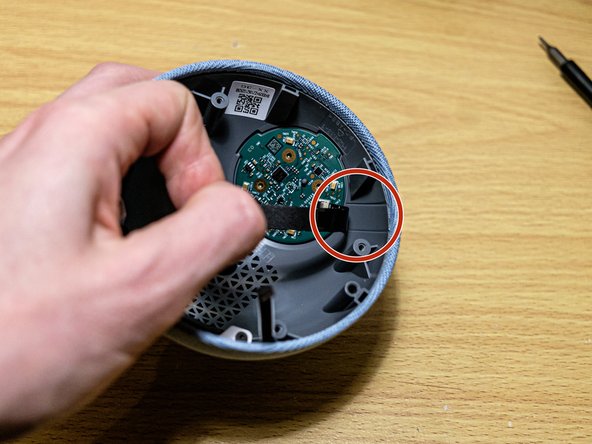
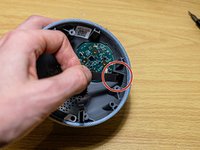
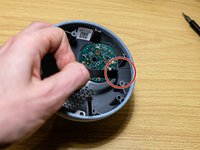
  12. Echo Dot 4th Generation Teardown, Loosen glued cable: 步骤 12 中的图像 1,2 Echo Dot 4th Generation Teardown, Loosen glued cable: 步骤 12 中的图像 2,2
    • Pull of the glued connector cable.

  13. Echo Dot 4th Generation Teardown, Take off the cable: 步骤 13 中的图像 1,3 Echo Dot 4th Generation Teardown, Take off the cable: 步骤 13 中的图像 2,3 Echo Dot 4th Generation Teardown, Take off the cable: 步骤 13 中的图像 3,3
    • Lift the lock, which is again on the opposite side of the cable.

    • Beware pulling the cable out. Don't pull it up, pull it as low as you can. See the arrow.

    • Remember how the board is placed because there isn't much of a difference.

  14. Echo Dot 4th Generation Teardown, Lift the controller board: 步骤 14 中的图像 1,3 Echo Dot 4th Generation Teardown, Lift the controller board: 步骤 14 中的图像 2,3 Echo Dot 4th Generation Teardown, Lift the controller board: 步骤 14 中的图像 3,3
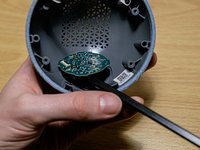
    • As the controller board sits quite tight better use the flat side of a spudger to lift it off.

    • Use the leverage effect.

  15. Echo Dot 4th Generation Teardown, Closer look: 步骤 15 中的图像 1,3 Echo Dot 4th Generation Teardown, Closer look: 步骤 15 中的图像 2,3 Echo Dot 4th Generation Teardown, Closer look: 步骤 15 中的图像 3,3
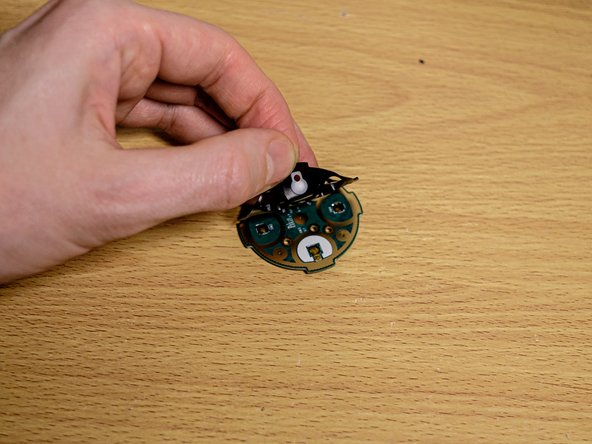
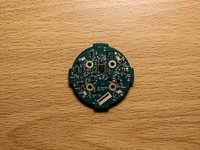
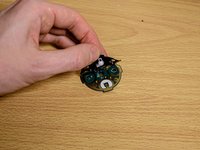
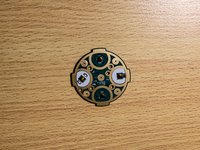
    • Thats the controller board.

    • On the other side are the buttons. Remove the rubber cap.

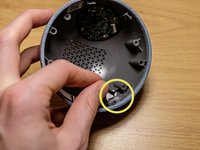
  16. Echo Dot 4th Generation Teardown, Screws of the device: 步骤 16 中的图像 1,1
    • The device uses three types of screws.

Wolfgang

于02/03/22注册

542 声望

创作了2篇指南

4指南评论

Has anyone firgured out what kind LED is used??

Helios - 回复

Onde posso adquirir o cabo flex flert da echo dont 4ª geração

Eder Bezerra - 回复

Hi want alaxa echo dot flex cablesvfor mother board

srinivasrao Manam - 回复

I need ffc cable for alaxa echo dot mother board

srinivasrao Manam - 回复

添加评论

浏览统计数据:

过去 24 小时: 3

过去 7 天: 22

过去 30 天: 176

总计 9,457