简介
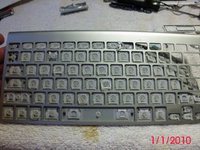
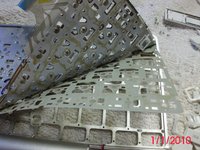
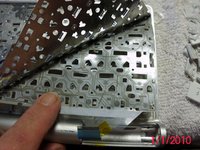
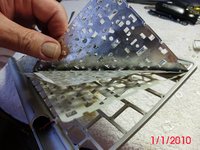
转到步骤 1 ↓我在ebay上买的这个坏键盘,只是为了给大家做一个拆解的教程。我几乎找不到可以修理的东西,但你可以看到它与众不同的设计。注意!这个拆解可能会毁了键盘!
你所需要的
工具
-
-
-
-
Spudger4.9


-
-
-
-
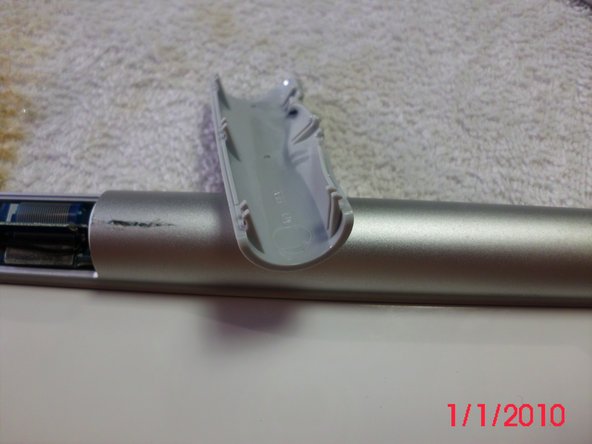
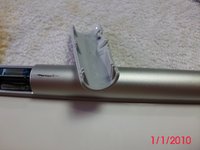
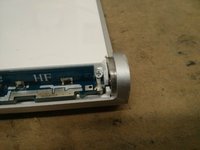
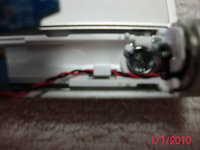
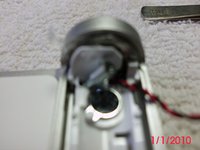
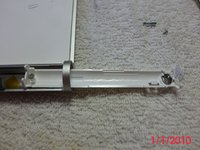
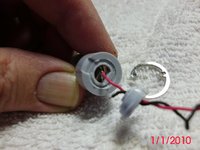
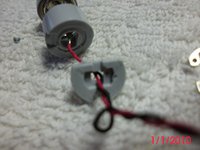
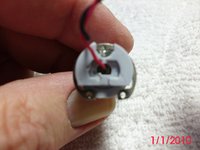
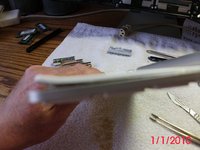
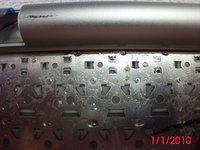
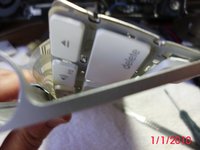
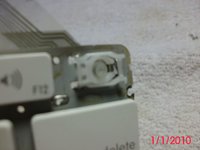
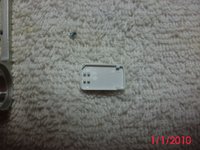
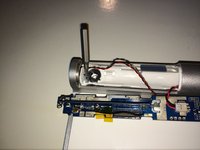
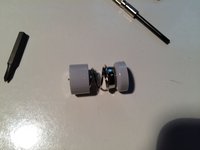
你可以在这里看到螺丝旋入的螺柱。你可以拆下它,以便取出电源按钮和白色外壳。
-
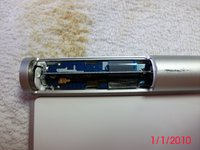
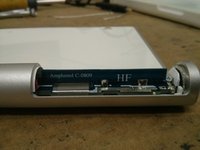
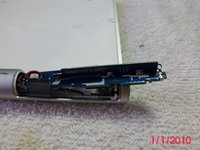
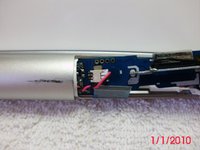
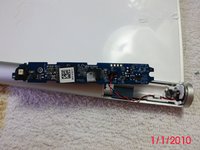
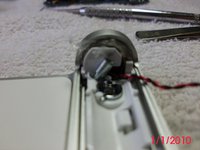
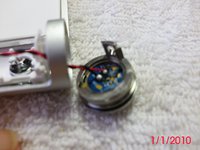
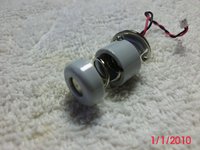
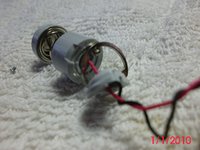
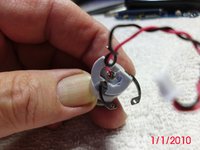
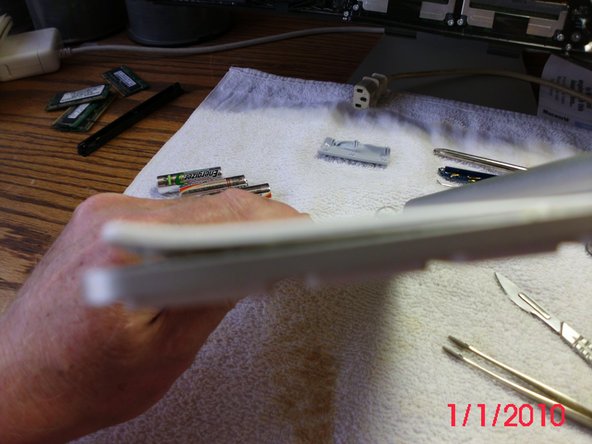
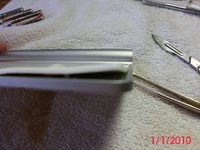
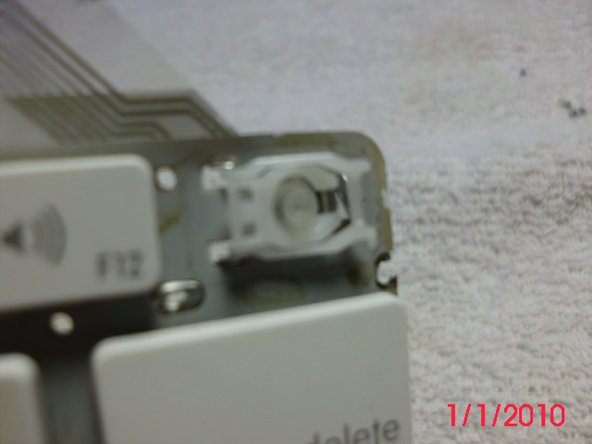
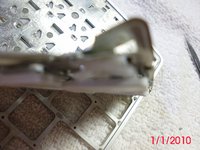
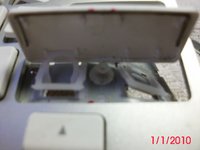
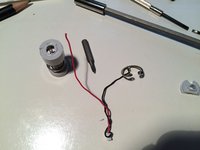
此外,这里是(带有弹簧的)电池端子,必须强行将其拆出。它靠膨胀环固定在管子里,遗憾的是,这反而是这个键盘上做工最好的部分。我用一把长螺丝刀强行把它顶了出来,但不幸弄断了布线。反正键盘本来也已经坏了,多谢 Apple。
-


 询问修复机器人































25指南评论
This keyboard holds 3 AA batteries not 2.
Clark Tucker - 回复 分享
No quibble at all. My keyboard ca. 2010 years old is two batteries. No question but that the A1255 had three, the A1314 which I have is two. Duh! (for me). I didn't think initially about model numbers and I got enough out of this to make it work
Thanks to this post I managed to remove a stuck battery on an A1314, pushing the battery out with a letter opener.
The ribbon cable is not hard to remove, but a little trick to open and relock it back? I just had cataract surgery which didn't help, but it's pretty obvious when you take a close look.
There was no corrosion; the keyboard was working. Someone installed off-brand batteries, no leaks just stuck. New name brand (copper tops) slide in and out without a problem.
If you kept the keys, I'd like to buy an "L" key and the plastic/rubber part that goes underneath. Little accident with my keyboard left L key inoperable .... ;-)
Kevin
Kevin McKean - 回复 分享
]can I buy new buttons, the up arrow fell off ?
How did you manage to knock out the battery terminal with only a screwdriver and from which end of the aluminum encasement did you knock it out?
