跳转到主内容
加入维修社区 - 创建账户

iPhone 16 Pro Microphone Installation

仅作为前提条件
本指南仅提供前提条件!本指南是另一个程序的一部分,不能单独使用。

你所需要的

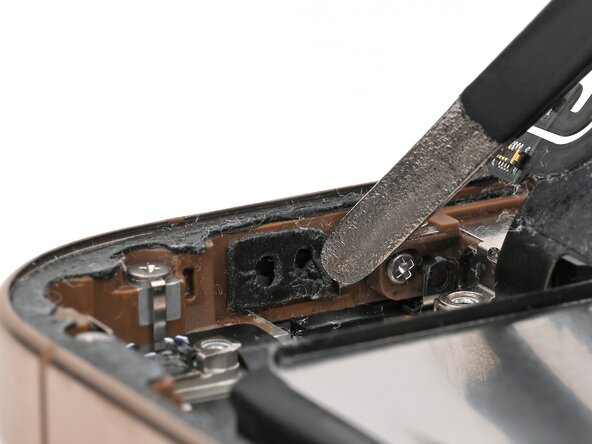
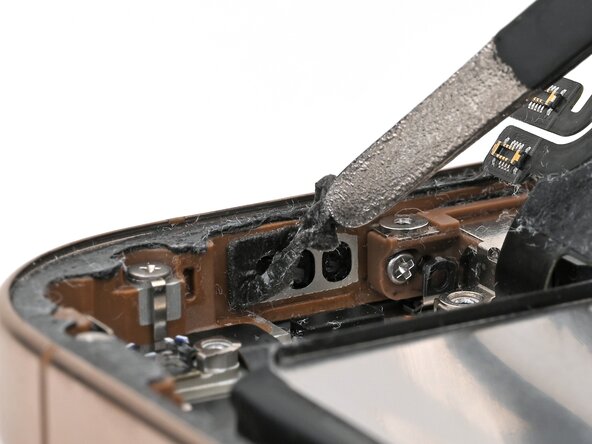
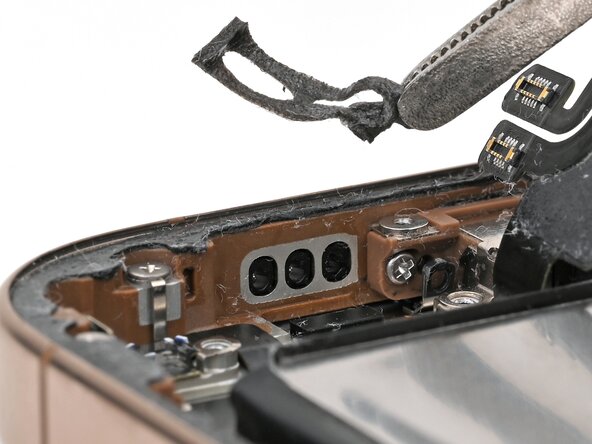
  1. iPhone 16 Pro Microphone Installation, Remove the old adhesive: 步骤 1 中的图像 1,3 iPhone 16 Pro Microphone Installation, Remove the old adhesive: 步骤 1 中的图像 2,3 iPhone 16 Pro Microphone Installation, Remove the old adhesive: 步骤 1 中的图像 3,3
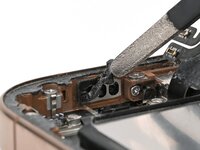
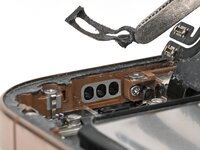
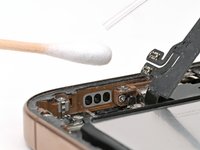
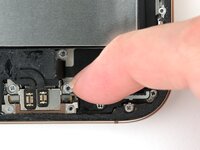
    • Use tweezers to remove the old microphone adhesive from the bottom of the frame.

  2. iPhone 16 Pro Microphone Installation: 步骤 2 中的图像 1,2 iPhone 16 Pro Microphone Installation: 步骤 2 中的图像 2,2
    在这个步骤中使用的工具:
    Cotton Swabs
    $4.99
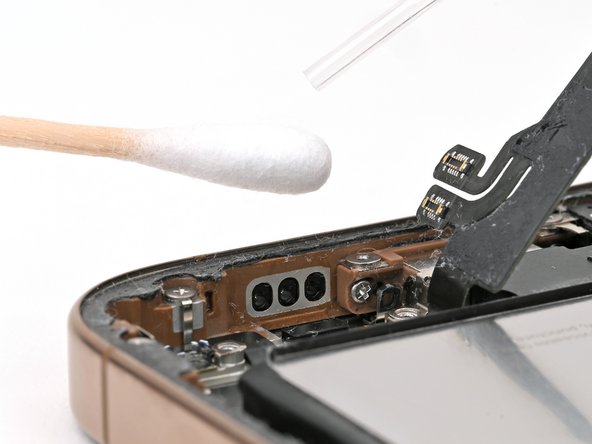
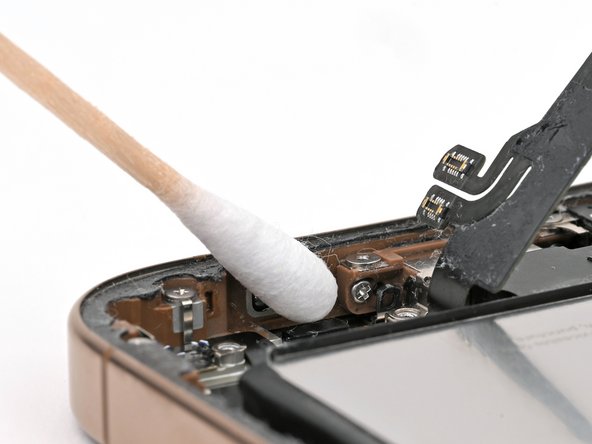
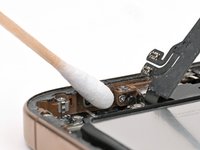
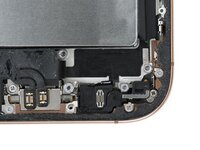
    • Use isopropyl alcohol and a cotton swab or lint-free cloth to clean any residual microphone adhesive from the frame.

  3. iPhone 16 Pro Microphone Installation, Apply new adhesive: 步骤 3 中的图像 1,3 iPhone 16 Pro Microphone Installation, Apply new adhesive: 步骤 3 中的图像 2,3 iPhone 16 Pro Microphone Installation, Apply new adhesive: 步骤 3 中的图像 3,3
    • If your replacement microphone comes with adhesive pre-installed, skip this step.

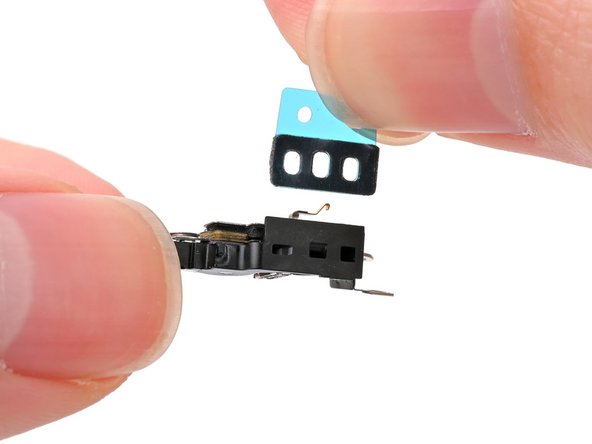
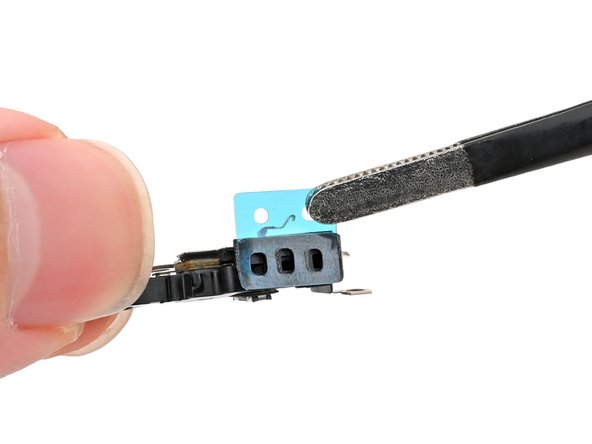
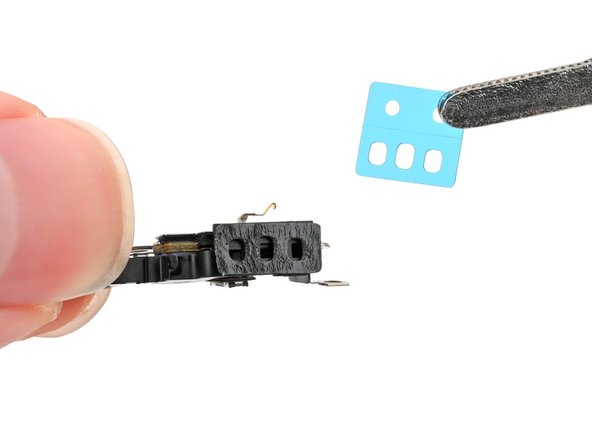
    • The adhesive can't be removed and reused once it sticks to the microphone. Ensure it's perfectly aligned before adhering.

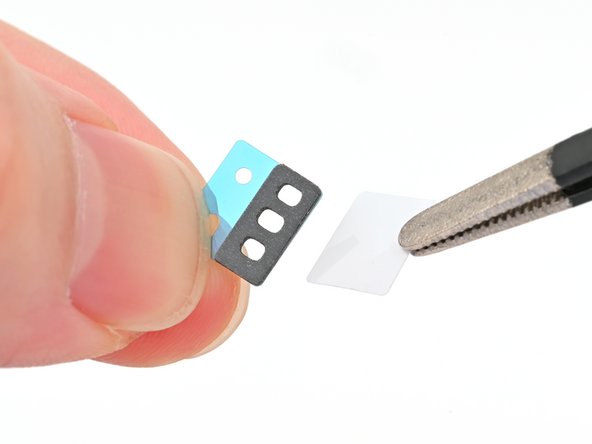
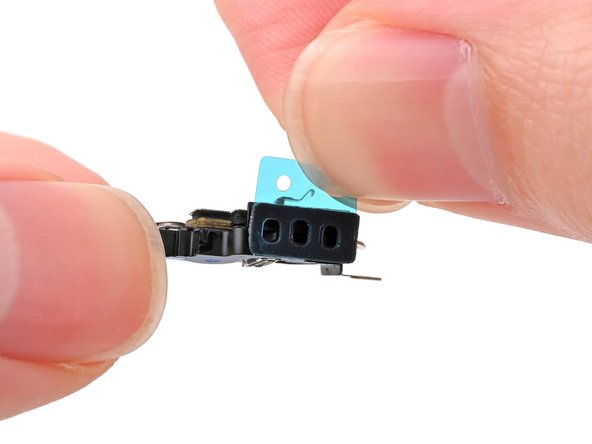
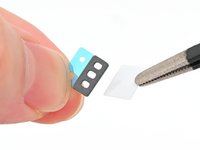
    • Remove the solid white adhesive liner from the new microphone adhesive.

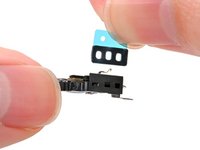
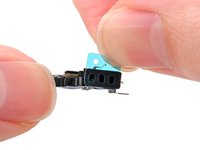
    • Align the holes in the adhesive with the three holes in the microphone, and stick it into place.

  4. iPhone 16 Pro Microphone Installation: 步骤 4 中的图像 1,2 iPhone 16 Pro Microphone Installation: 步骤 4 中的图像 2,2
    • Remove the plastic backing from the microphone adhesive.

  5. iPhone 16 Pro Microphone Installation, Install the microphone: 步骤 5 中的图像 1,3 iPhone 16 Pro Microphone Installation, Install the microphone: 步骤 5 中的图像 2,3 iPhone 16 Pro Microphone Installation, Install the microphone: 步骤 5 中的图像 3,3
    • Set the microphone in the frame, aligned with its screw holes.

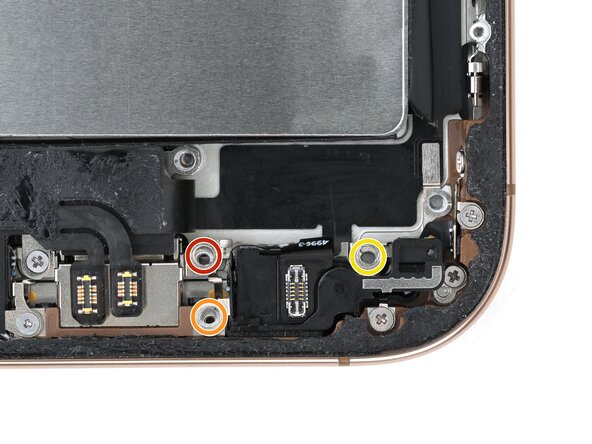
    • Partially install the three screws securing the microphone:

    • One 3.6 mm‑long standoff screw

    • One 2.9 mm‑long standoff screw

    • One 1.3 mm‑long tri-point Y000 screw

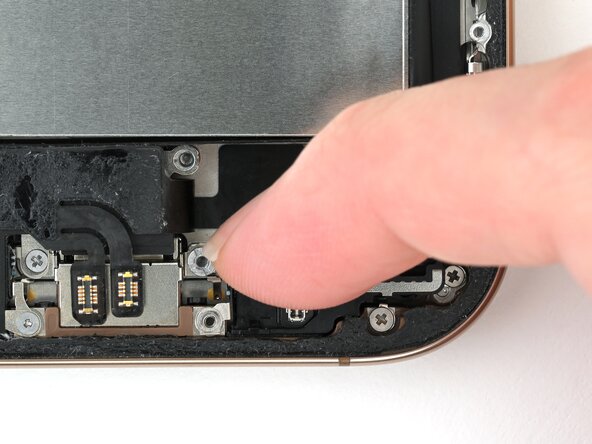
    • Press the microphone against the bottom of the frame, and hold it for 15 seconds to seal the adhesive.

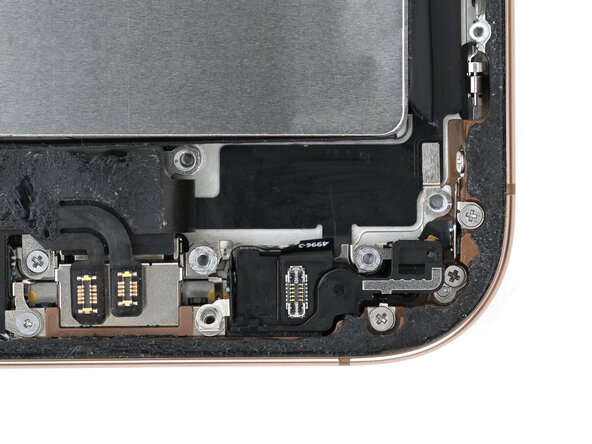
    • Fully tighten the microphone screws.

终点

Nick Schultz

于03/24/24注册

39,308 声望

创作了226篇指南

团队

iFixit iFixit 的会员

Staff

123 名成员

创作了23,992篇指南

0指南评论

添加评论

浏览统计数据:

过去 24 小时: 0

过去 7 天: 2

过去 30 天: 4

总计 43