简介
使用本指南可拆卸和更换 iPhone 11 Pro Max 中的前置摄像头组件(也称为自拍镜头)。请注意,如果你更换此部件,则Face ID将不再起作用。此项维修将使破裂的自拍镜头恢复正常工作,但是只有 Apple 或 Apple “授权”技术人员才能恢复 Face ID。
你所需要的
-
-
将重叠的透明包装胶带条黏在 iPhone 的后玻璃上,直到覆盖整个手机后部。
-
如果在接下来的几个步骤中无法让吸盘粘在手机上,请将强力胶带(折叠到把手中,然后用它提起后玻璃。
-
-
-
将蓝色手柄拉向铰链以解除开启模式。
-
将反向钳手臂滑过 iPhone 的左边缘或右边缘。
-
将吸盘放在屏幕上主页按钮的正上方——一个在前面,一个在后面。
-
向下推吸盘以将吸力施加到所需区域。
-
-
-
加热 iOpener 并将其穿过反向钳臂。
-
折叠 iOpener,使其位于 iPhone 底部边缘。
-
等待一分钟,让胶水软化并出现一个缝隙。
-
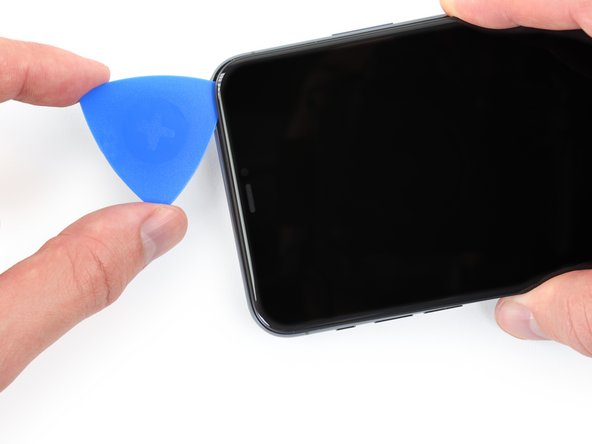
将三角撬片插入屏幕和塑料边框下方的间隙,而不是屏幕本身。
-
跳过接下来的三个步骤。
-
-




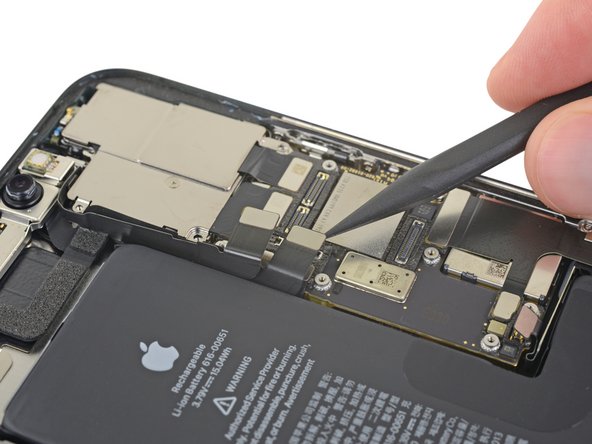
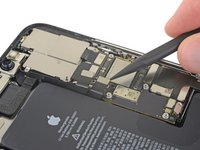


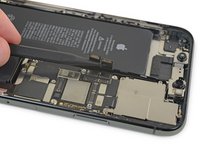
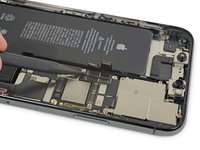
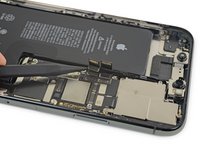

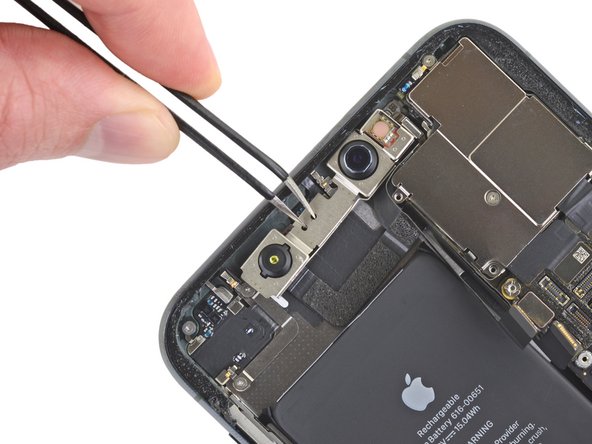


将新的更换零件与原始零件进行比较——在安装之前,你可能需要转移剩余的零件或从新零件上取下粘性衬板。
``要重新组装设备,请按照相反的顺序执行上述步骤。''
将你的电子垃圾带到R2或e-Stewards认证回收商。
维修没有按计划进行吗?尝试一些 基本的排障,或向我们的iPhone 11 Pro Max 论坛社区寻求帮助。
9等其他人完成本指南。



3指南评论
Hi, in step 27, the picture showcases the front camera and on its right there is a blue component with a copper looking piece of metal near it which is attached to a screw, during my repair I broke it and wanted to know what that part is and what are the consequences of that part being broken :(
Hey Daniel,
That's a grounding clip, possibly for a nearby cable. These type of clips help mitigate electrical interference and noise to sensitive components. Your iPhone will most likely work just fine with this clip broken.
Hello
My face id was not working
In settings when i open the setup face id it says face id not available try againg later. Then i tryed fixing it with the i2c mci2 programmer it is showing the imei of the dot matrix but it is not showing the imei of the infrared camera. When i was done with all the programming i put the face id back and it was still saying face id not available.
If you are in BRAMPTON or mississauga Contact me please
4165874147
