简介
你所需要的
-
在这个步骤中使用的工具:Clampy - Anti-Clamp$24.95
-
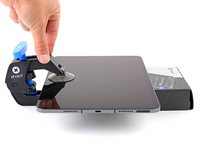
将反向钳的蓝色手柄向后拉以松开反向钳的手臂。
-
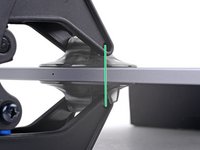
将你的平板垫起来,让平板高度位于两个吸盘之间。
-
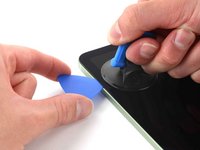
将吸盘吸在平板左边边缘的中间位置——一个吸盘在上,一个吸盘在下。
-
用手扶稳反向钳的底部,同时用手按住上吸盘的上表面来让吸盘吸住平板。
-
-
-
-
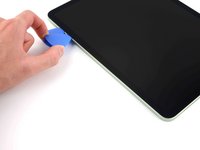
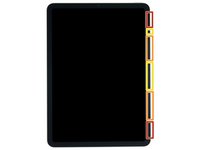
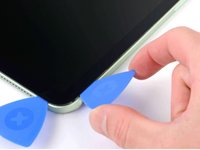
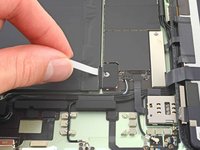
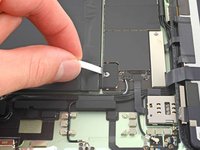
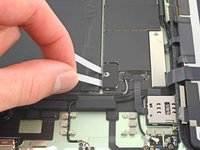
在屏幕右下角插入一个新撬片,其中一个插入的撬片沿右边缘滑动来分离屏幕和外壳。保证注意以下事项:
-
撬片插入深度不要超过两毫米,否则就会损伤屏幕磁吸定位器。
-
撬片插入深度不要超过三毫米,否则就会损伤显示排线以及触控屏排线。
-
撬片插入深度不要超过五毫米,否则就会损伤显示器边缘。
-
将一个撬片留在平板右边缘的上端以避免屏幕和外壳重新闭合。
-
-
-
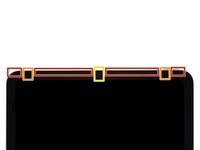
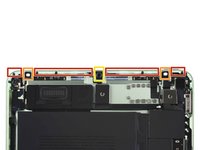
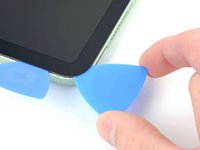
在屏幕右上角插入一个新撬片,其中一个插入的撬片沿上边缘滑动来分离屏幕和外壳。保证注意以下事项:
-
撬片插入深度不要超过五毫米,否则就会损伤显示器边缘。
-
撬片插入深度不要超过三毫米,否则就会损伤环境光传感器。
-
撬片插入深度不要超过两毫米,否则就会损伤相机模块。
-
将一个撬片留在平板上边缘的左端以避免屏幕和外壳重新闭合。
-


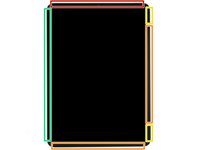
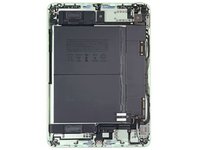













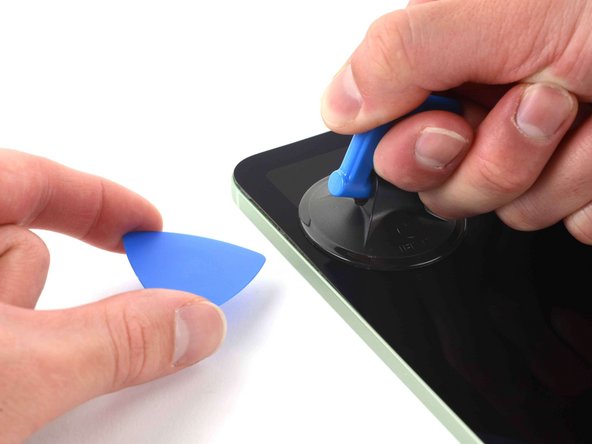
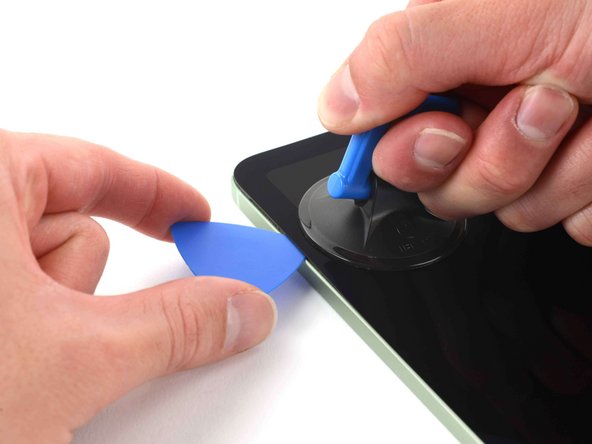











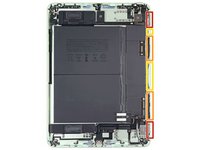





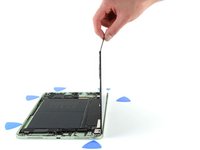
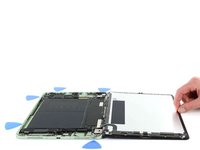


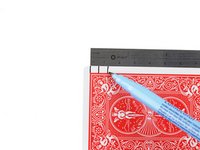
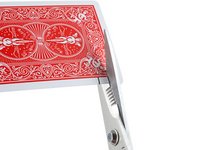




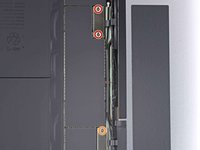
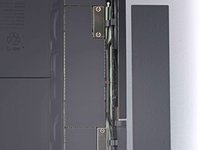


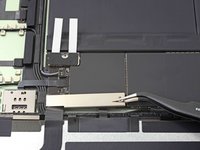
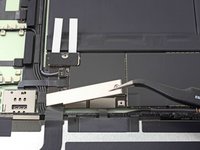
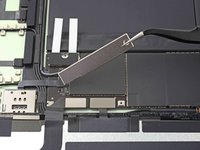


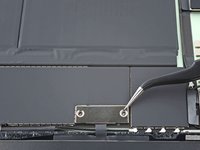
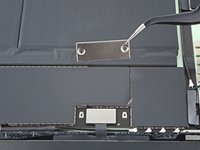


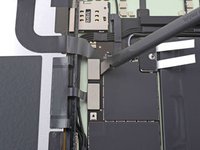
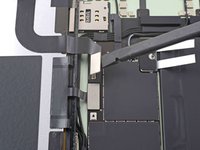
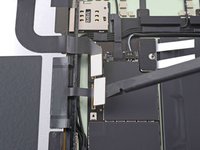


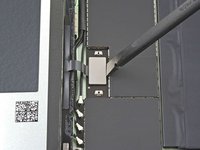
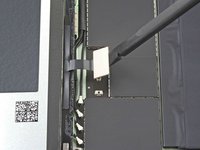

将新的替换显示屏与原显示屏进行比较--在安装之前,您可能需要转移剩余部件或去除新部件上的背胶。
要重新组装设备,请按照相反的顺序遵循以下说明。
将您的电子垃圾送到R2 或 e-Stewards 认证的回收商。
维修没有按计划进行?请尝试一些基本故障排除,或向我们的iPad Air 5社区寻求帮助。
17等其他人完成本指南。


团队

14指南评论
The spare part listed is for an iPad Air 4. Is this compatible with the ipad air 5?
Dusun Tren - 回复
Hi Dusun Tren,
The iPad Air 4 and 5 use physically identical screens. We swapped the screens and found them functional. As with most Apple product screen repairs, true tone will most likely disappear from settings after replacing the screen. It's case-by-case whether this will happen, but all other features are retained. Good luck with your repair!
Is it possible to replace only the glass while keeping the touch same or do we have to replace the whole unit
Unfortunately, this model of iPad combines the LCD and digitizer in one unit. Some iPad models have a separate digitizer + glass and LCD panel. In which case, you could replace just the digitizer and glass, like you mentioned.
