跳转到主内容

How to Fix Xbox Series (Model 1914) Controller Stick Drift Without Soldering

你所需要的

  1. How to Fix Xbox Series (Model 1914) Controller Stick Drift Without Soldering, Xbox Series (Model 1914) Trimmer Potentiometer Sensor: 步骤 1 中的图像 1,3 How to Fix Xbox Series (Model 1914) Controller Stick Drift Without Soldering, Xbox Series (Model 1914) Trimmer Potentiometer Sensor: 步骤 1 中的图像 2,3 How to Fix Xbox Series (Model 1914) Controller Stick Drift Without Soldering, Xbox Series (Model 1914) Trimmer Potentiometer Sensor: 步骤 1 中的图像 3,3
    • Before you begin, remove the two double-A (AA) batteries from the back of the controller.

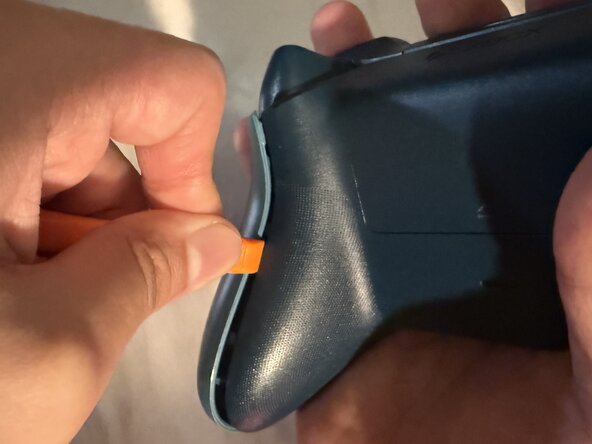
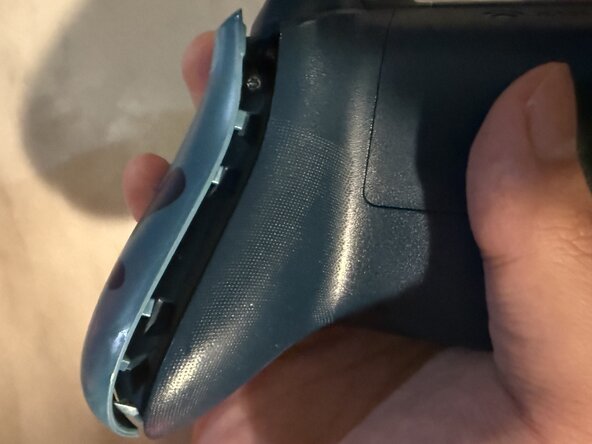
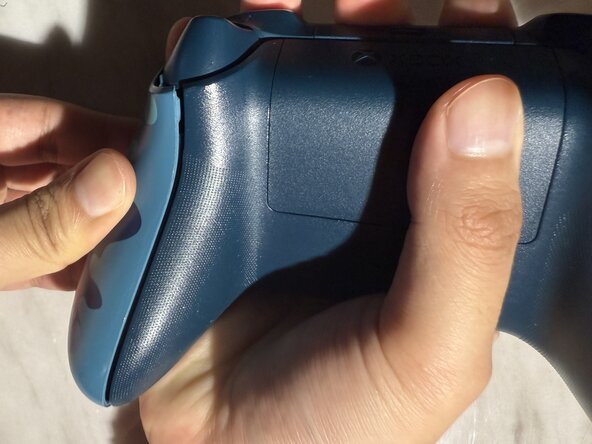
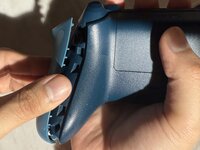
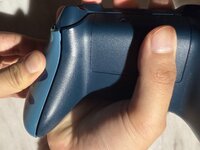
    • Wedge your spudger into the seam between the back and side panels.

    • Grip the controller firmly and pry the side panel away by moving the spudger back and forth. Work your way around the entire seam using this motion.

  2. How to Fix Xbox Series (Model 1914) Controller Stick Drift Without Soldering: 步骤 2 中的图像 1,3 How to Fix Xbox Series (Model 1914) Controller Stick Drift Without Soldering: 步骤 2 中的图像 2,3 How to Fix Xbox Series (Model 1914) Controller Stick Drift Without Soldering: 步骤 2 中的图像 3,3
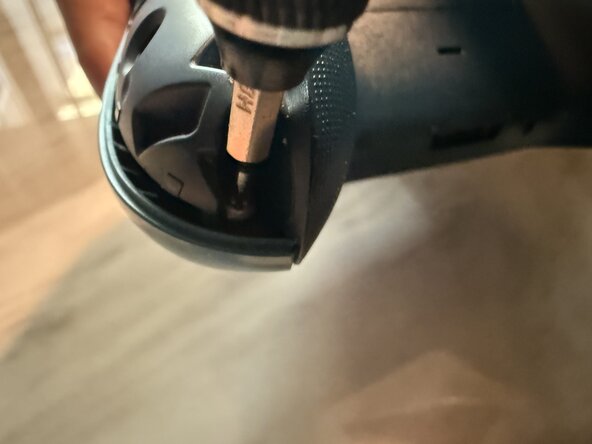
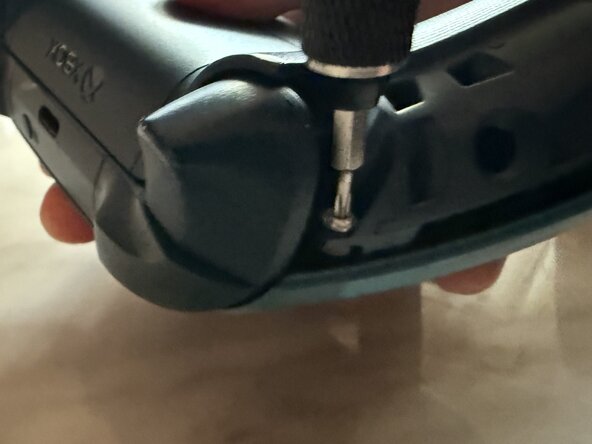
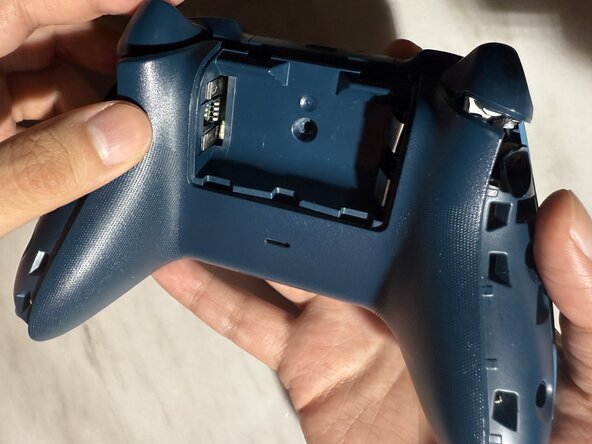
    • One of the five 2.4 mm screws is located in the middle of the battery container.

    • You can either peel the sticker or punch a hole through the center to access the 2.4 mm screw.

    • Remove the screw in the middle using the TR8 Torx screwdriver. Also, remove the two 2.4 mm screws on both sides of the controller.

  3. How to Fix Xbox Series (Model 1914) Controller Stick Drift Without Soldering: 步骤 3 中的图像 1,1
    • Remove the back panel.

  4. How to Fix Xbox Series (Model 1914) Controller Stick Drift Without Soldering: 步骤 4 中的图像 1,3 How to Fix Xbox Series (Model 1914) Controller Stick Drift Without Soldering: 步骤 4 中的图像 2,3 How to Fix Xbox Series (Model 1914) Controller Stick Drift Without Soldering: 步骤 4 中的图像 3,3
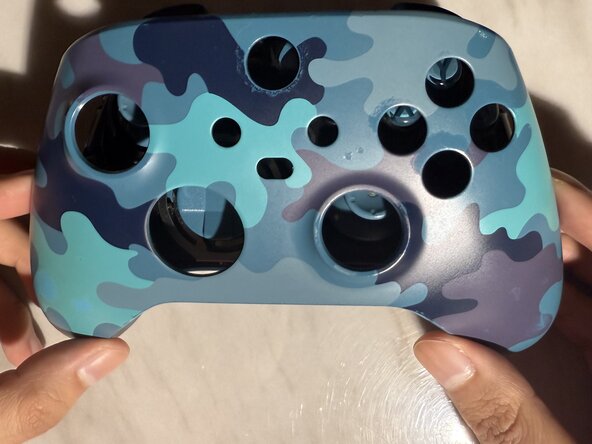
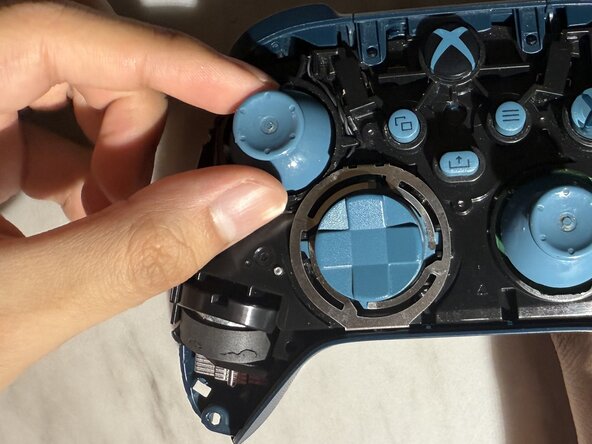
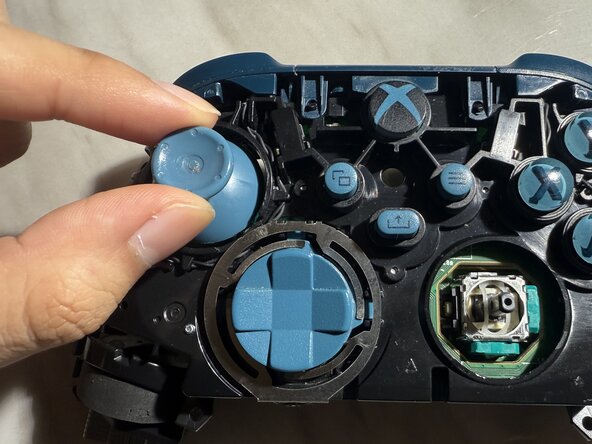
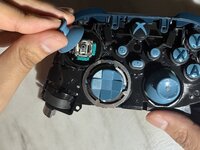
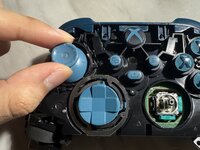
    • Turn the controller over and remove the front panel.

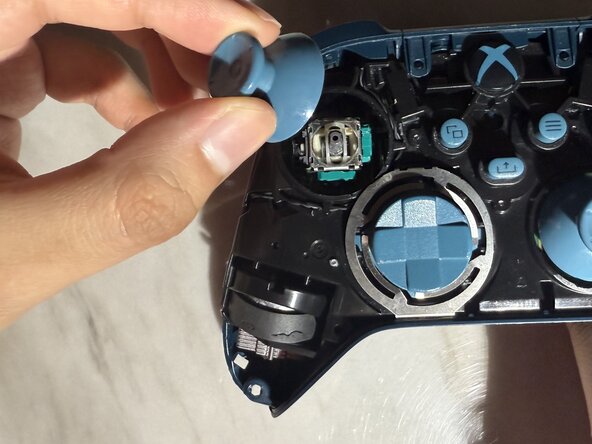
    • Remove both thumb sticks by pulling them up.

  5. How to Fix Xbox Series (Model 1914) Controller Stick Drift Without Soldering: 步骤 5 中的图像 1,3 How to Fix Xbox Series (Model 1914) Controller Stick Drift Without Soldering: 步骤 5 中的图像 2,3 How to Fix Xbox Series (Model 1914) Controller Stick Drift Without Soldering: 步骤 5 中的图像 3,3
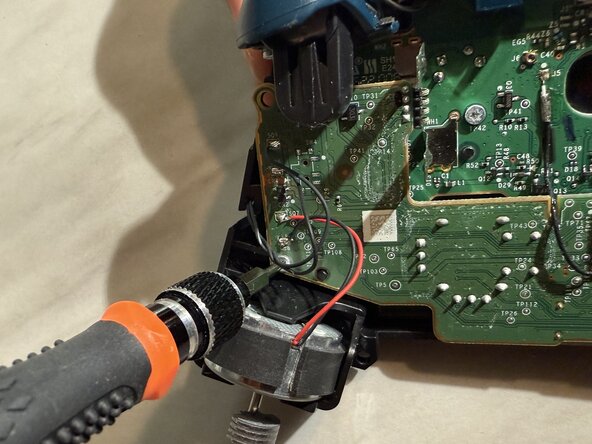
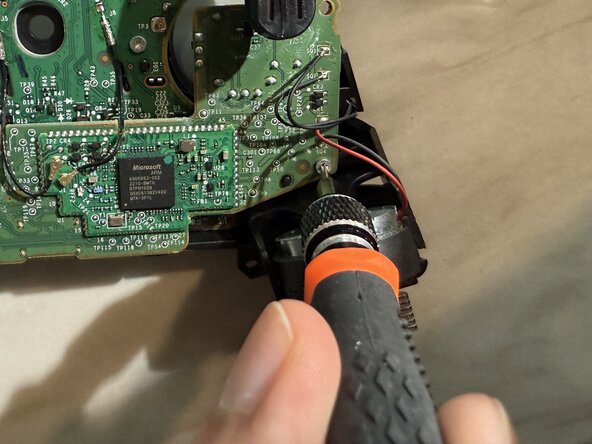
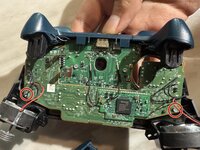
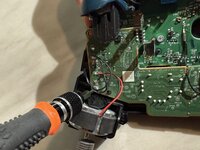
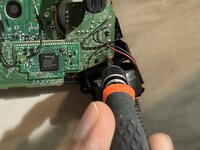
    • Turn the controller over and remove the two 1.75 mm screws using the T6 Torx screwdriver.

  6. How to Fix Xbox Series (Model 1914) Controller Stick Drift Without Soldering: 步骤 6 中的图像 1,3 How to Fix Xbox Series (Model 1914) Controller Stick Drift Without Soldering: 步骤 6 中的图像 2,3 How to Fix Xbox Series (Model 1914) Controller Stick Drift Without Soldering: 步骤 6 中的图像 3,3
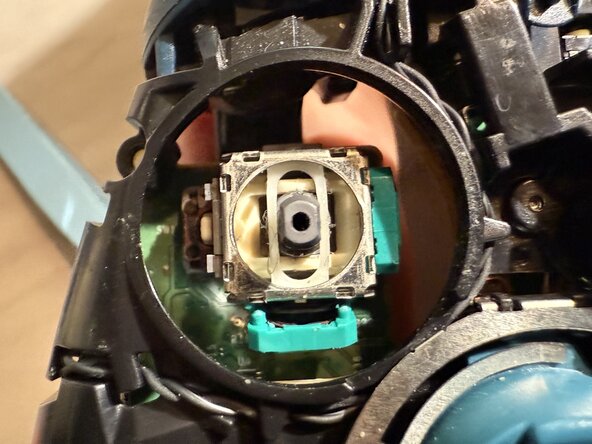
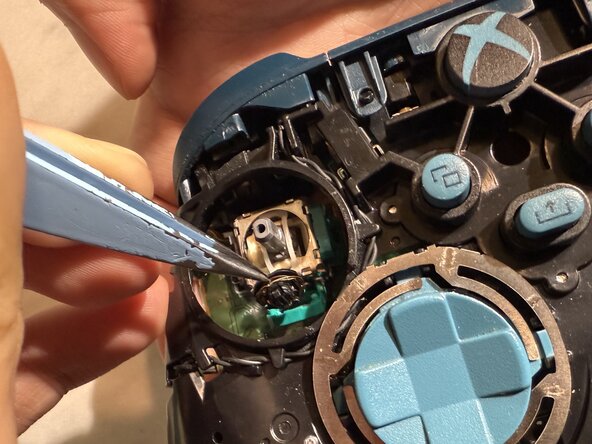
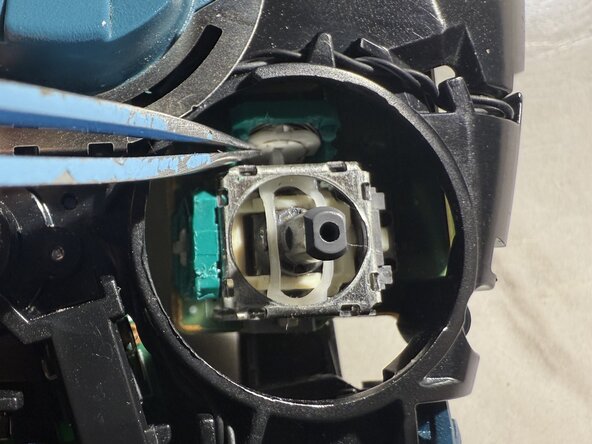
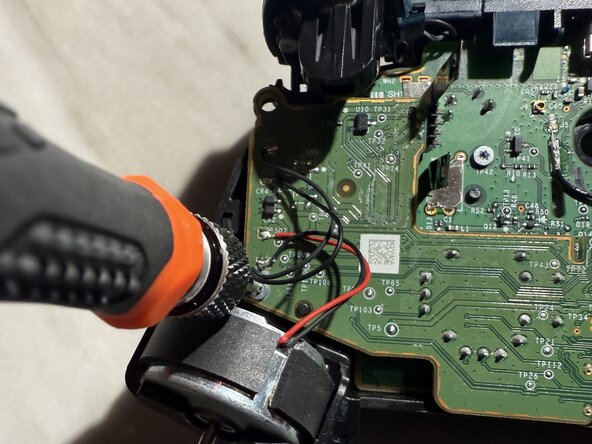
    • Do not use excessive force when you pry open the sensor housing since it can damage it.

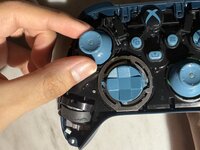
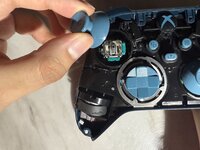
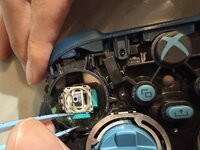
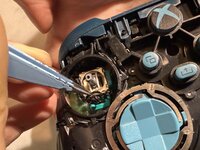
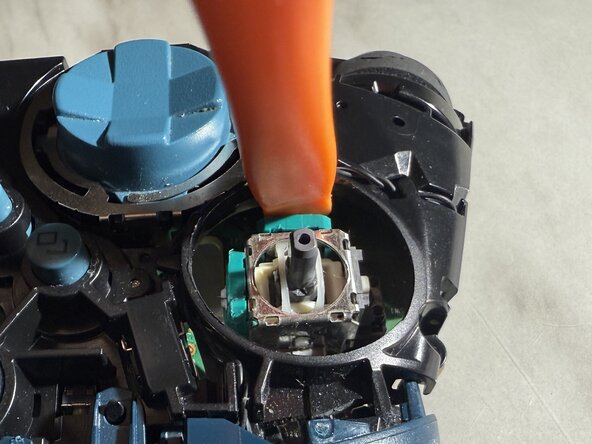
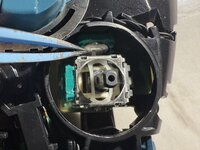
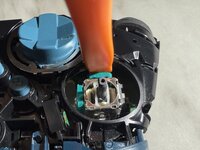
    • Face the controller up, and with your tweezer, open the sensor housing by gently pushing away from the analog stick sensor.

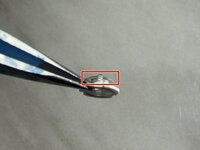
    • Pull the old sensor wheel out of the sensor housing.

  7. How to Fix Xbox Series (Model 1914) Controller Stick Drift Without Soldering: 步骤 7 中的图像 1,3 How to Fix Xbox Series (Model 1914) Controller Stick Drift Without Soldering: 步骤 7 中的图像 2,3 How to Fix Xbox Series (Model 1914) Controller Stick Drift Without Soldering: 步骤 7 中的图像 3,3
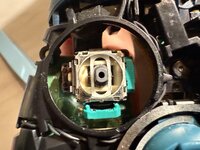
    • Align the sensor wheel so that the sensor arms are facing upwards.

    • Insert the sensor wheel into the sensor housing.

    • Push the sensor housing back in using the spudger to close it back in.

  8. How to Fix Xbox Series (Model 1914) Controller Stick Drift Without Soldering: 步骤 8 中的图像 1,1
    • You will repeat steps 6 and 7 for the other three sensor wheels.

  9. How to Fix Xbox Series (Model 1914) Controller Stick Drift Without Soldering: 步骤 9 中的图像 1,2 How to Fix Xbox Series (Model 1914) Controller Stick Drift Without Soldering: 步骤 9 中的图像 2,2
    • Push the analog sticks back into the analog stick sensors.

  10. How to Fix Xbox Series (Model 1914) Controller Stick Drift Without Soldering: 步骤 10 中的图像 1,2 How to Fix Xbox Series (Model 1914) Controller Stick Drift Without Soldering: 步骤 10 中的图像 2,2
    • Screw back in the 1.75 mm screws using the T6 Torx screwdriver.

  11. How to Fix Xbox Series (Model 1914) Controller Stick Drift Without Soldering: 步骤 11 中的图像 1,3 How to Fix Xbox Series (Model 1914) Controller Stick Drift Without Soldering: 步骤 11 中的图像 2,3 How to Fix Xbox Series (Model 1914) Controller Stick Drift Without Soldering: 步骤 11 中的图像 3,3
    • Flip the controller over and place the front panel back.

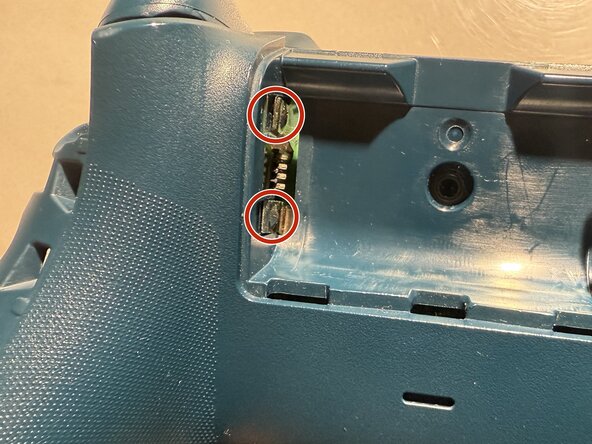
    • Turn it around and align the back panel so that the two battery terminal contacts are outside.

  12. How to Fix Xbox Series (Model 1914) Controller Stick Drift Without Soldering: 步骤 12 中的图像 1,1
    • Screw back the 2.4 mm screws using the TR8 Torx screwdriver.

  13. How to Fix Xbox Series (Model 1914) Controller Stick Drift Without Soldering: 步骤 13 中的图像 1,2 How to Fix Xbox Series (Model 1914) Controller Stick Drift Without Soldering: 步骤 13 中的图像 2,2
    • Push the side panels back in place.

结论

I hope this guide has been helpful!

2等其他人完成本指南。

团队

CSU Los Angeles, Team 5-22, Harris Spring 2025 CSU Los Angeles, Team 5-22, Harris Spring 2025 的会员

CSULA-HARRIS-S25S5G22

1 名成员

创作了2篇指南

1指南评论

Es no funciona ya que directamente los contactos de carbono de los potecimetros son los que están ya desgastados debido a la friccion de funcionamiento, directamente se debe de reemplazar los potecimetros completos, no únicamente el sensor de contacto.

JCBrokeS995 - 回复

添加评论

浏览统计数据:

过去 24 小时: 17

过去 7 天: 150

过去 30 天: 645

总计 3,077