简介
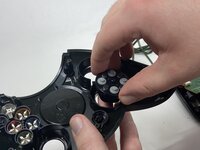
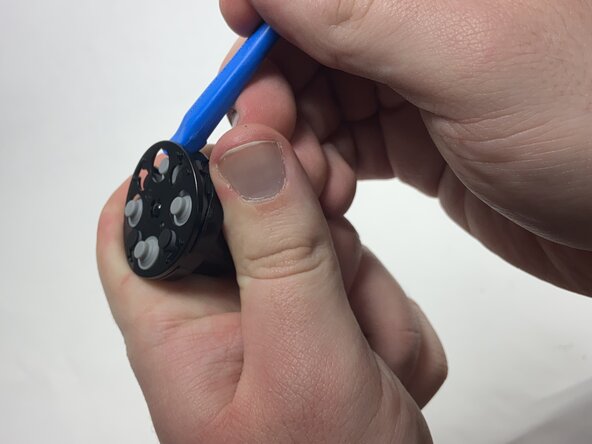
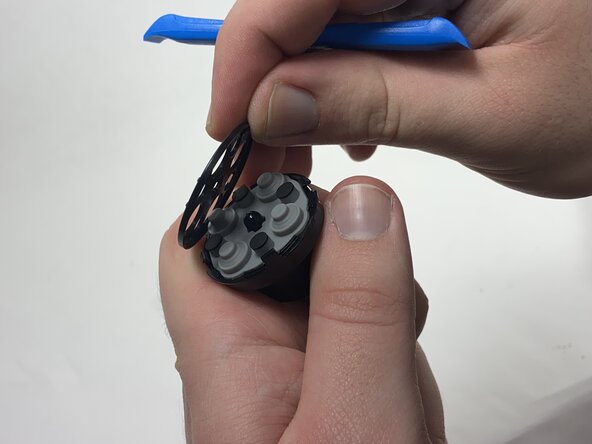
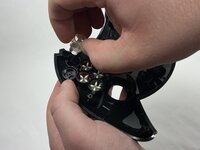
If the face buttons on the Xbox Duke Controller aren't working properly, sticking when you press them, not registering input, or delaying the input, use this guide to replace them.
Before using this guide, check to see if there is dirt or debris that is interfering with the buttons. Spraying a small amount of contact cleaner into the button can potentially fix the problem. Otherwise, the problem may lie in the silicone pads or the double-sided graphite tape that contacts the motherboard.
Before beginning, make sure to disconnect your Duke controller from the Xbox or any other console it may be plugged into.
你所需要的
-
-
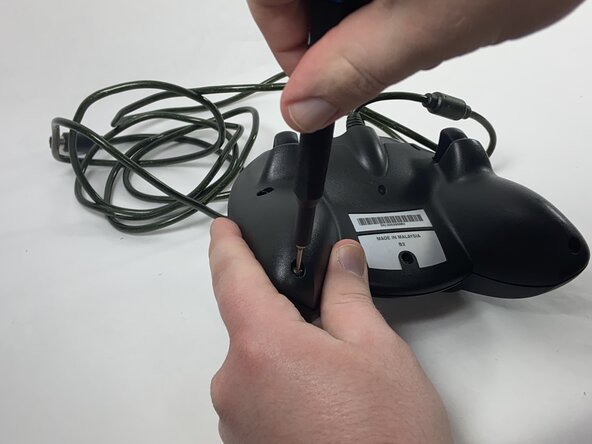
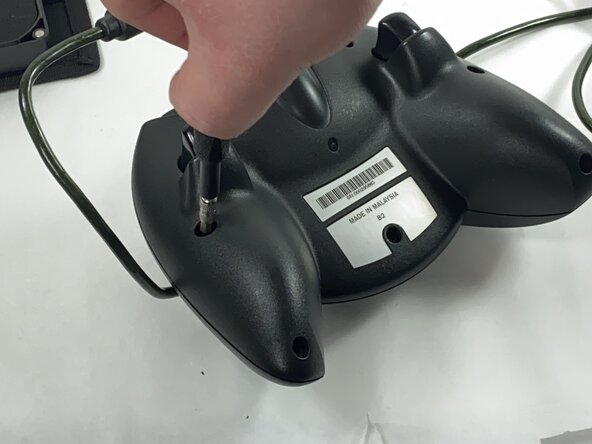
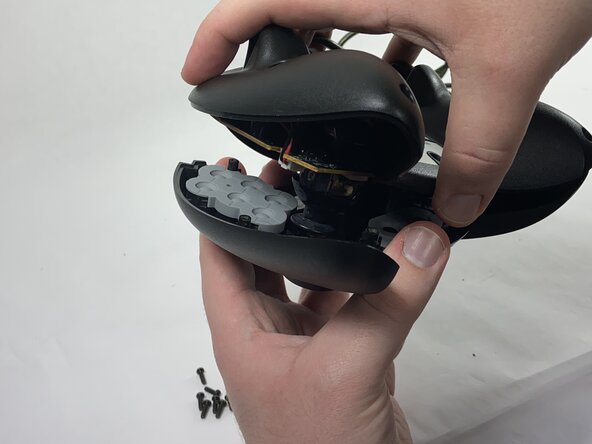
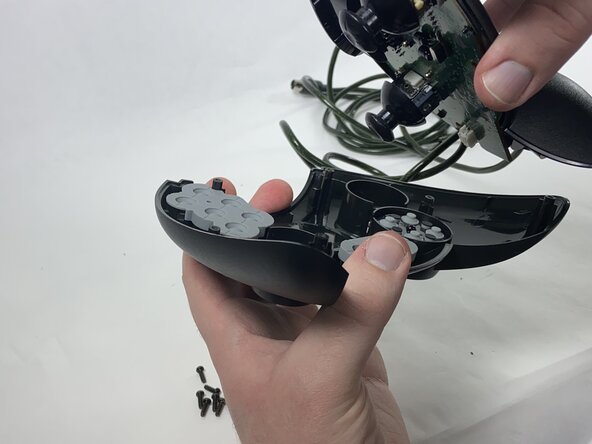
Remove the seven black 8 mm screws holding the two halves of the Duke together using a Phillips #1 screwdriver.
-
-





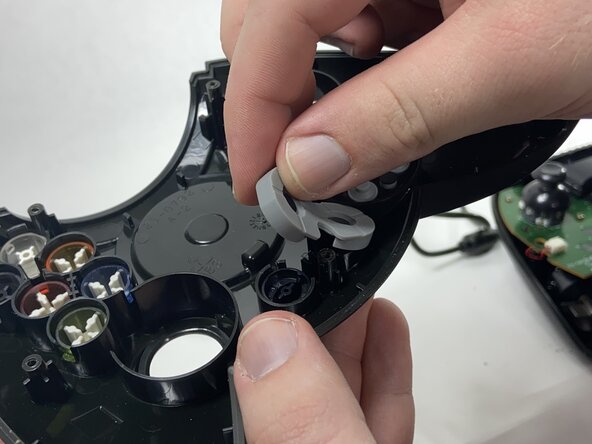
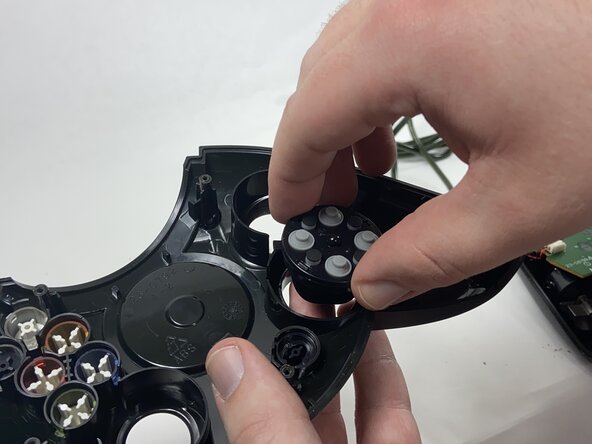

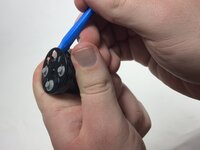
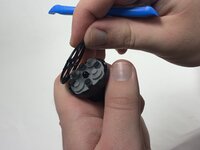

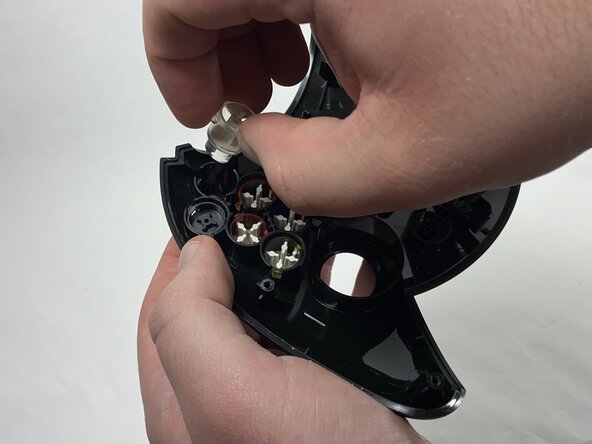
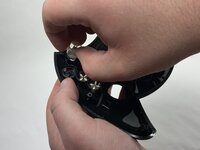
To reassemble your device, follow these instructions in reverse order.
另外一个人完成了本指南。


团队

UMass Dartmouth, Team 1-1, Gulbrandsen Spring 2025 UMass Dartmouth, Team 1-1, Gulbrandsen Spring 2025 的会员
UMASSD-GULBRANDSEN-S25S1G1
1 名成员
创作了4篇指南
