简介
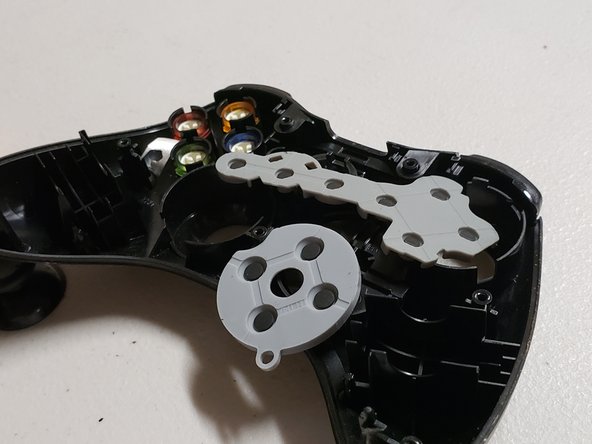
Hey guys welcome to our teardown of the Xbox 360 Wireless controller. So we are going find out how the buttons, triggers, and joystick works. Also we are going to show you guys about how electricity works on the Xbox 360 Controller. Finally we are going to assembly it back and hope that it works!
你所需要的
-
-
I unscrewed the screws with a special screwdriver called Torx 8 T8 screwdriver.
-
-
-
-
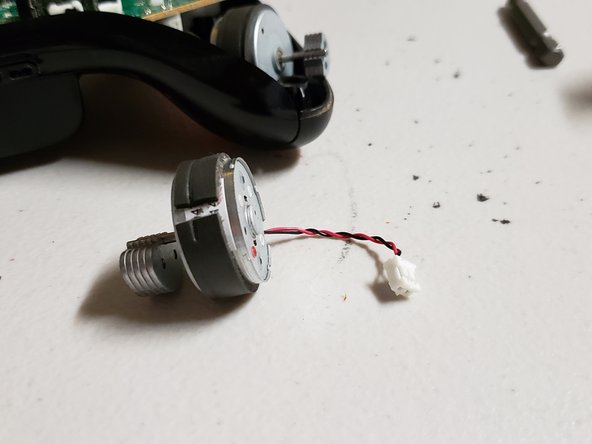
I was looking at the different parts and I found two vibration rumble motors that make the controller vibrate. For example if you play call of duty and you shoot a gun the controller will vibrate.
-
-
-
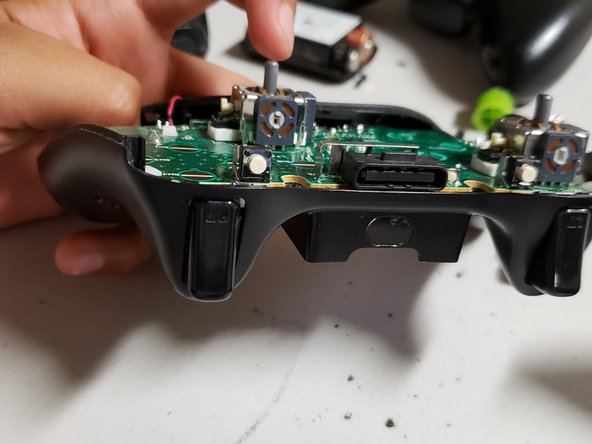
I figured out how to open the other side found three things. I didn't know what they were and I found out they were the triggers for the controller. I also found out how the batteries connect to the controller. Finally, I found out that they where motors connect and I found out. I I also notice the processor chip was the same as a calculator.
-