跳转到主内容
加入维修社区 - 创建账户

Xbox 360 S PSU Disassembly

你所需要的

  1. Xbox 360 S PSU Disassembly, Remove Rubber Boots/Screws: 步骤 1 中的图像 1,3 Xbox 360 S PSU Disassembly, Remove Rubber Boots/Screws: 步骤 1 中的图像 2,3 Xbox 360 S PSU Disassembly, Remove Rubber Boots/Screws: 步骤 1 中的图像 3,3
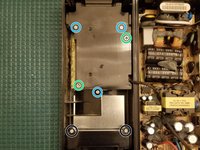
    • Remove rubber boots

    • Remove T10 Screws

  2. Xbox 360 S PSU Disassembly, Cooling Fan Cable: 步骤 2 中的图像 1,2 Xbox 360 S PSU Disassembly, Cooling Fan Cable: 步骤 2 中的图像 2,2
    • Remove the top shell, flip it over, and place next to lower shell

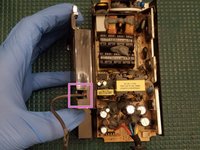
    • The two halves are connected together via the cooling fan wire. BE GENTLE when separating them

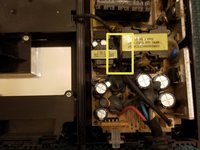
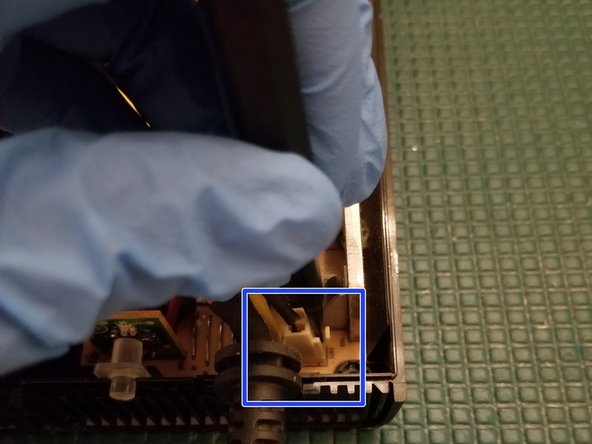
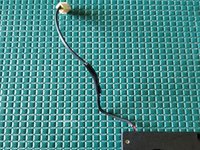
    • In typical Microsoft fashion, they've made it complicated to remove the fan wire. Not only is it wedged between two transistors it's also adhered with an epoxy like substance.

    • Using a craft knife, carefully cut through the epoxy to get the cable free. Work slowly and carefully. The thick substance and awkward angles make this a slightly tedious process

    • Be VERY CAREFUL. You can easily cut the cable here accidentally. If you cut your red/black wires you'll have to patch them. "Slow is smooth, smooth is fast"

  3. Xbox 360 S PSU Disassembly, Cooling Fan Assembly: 步骤 3 中的图像 1,3 Xbox 360 S PSU Disassembly, Cooling Fan Assembly: 步骤 3 中的图像 2,3 Xbox 360 S PSU Disassembly, Cooling Fan Assembly: 步骤 3 中的图像 3,3
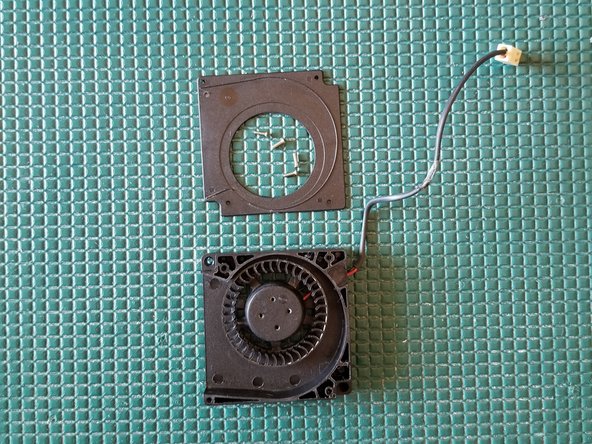
    • Remove PH2 screws

    • Remove PH1 screws

    • Removal unnecessary

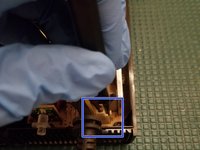
    • Disconnect cooling fan plug

    • Pull wire through

  4. Xbox 360 S PSU Disassembly, Fan Disassembly: 步骤 4 中的图像 1,3 Xbox 360 S PSU Disassembly, Fan Disassembly: 步骤 4 中的图像 2,3 Xbox 360 S PSU Disassembly, Fan Disassembly: 步骤 4 中的图像 3,3
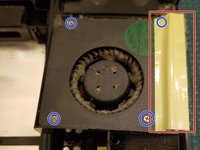
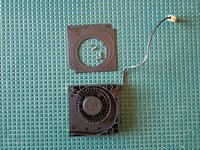
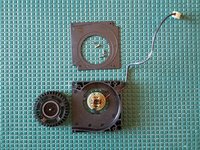
    • Remove tape in order to remove fan from its housing unit. This also uncovers a hidden screw.

    • Remove 4 PH0 screws

    • Tape will need to be replaced during reassembly. Electrical or kaptom tape will suffice

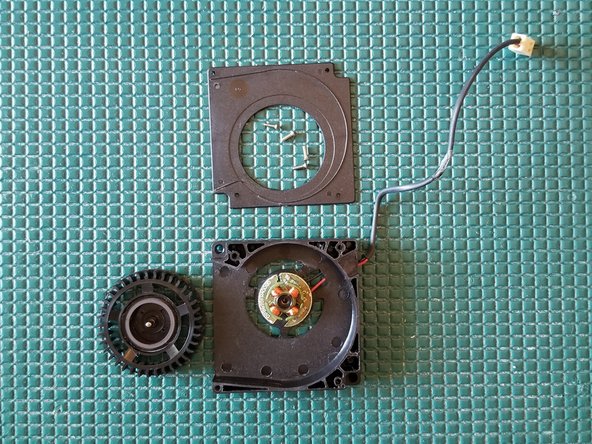
    • Take note of the amount of filth collected on this fan. Inadequate cooling could kill your supply, or worse, become a fire hazard

    • Remove fan upper housing plate

    • Gently lift the fan up and over the post

  5. Xbox 360 S PSU Disassembly, Fan Model Info: 步骤 5 中的图像 1,1
    • Fan model info in case you need to search out new parts

  6. Xbox 360 S PSU Disassembly, Repair Fan Cable If Necessary: 步骤 6 中的图像 1,2 Xbox 360 S PSU Disassembly, Repair Fan Cable If Necessary: 步骤 6 中的图像 2,2
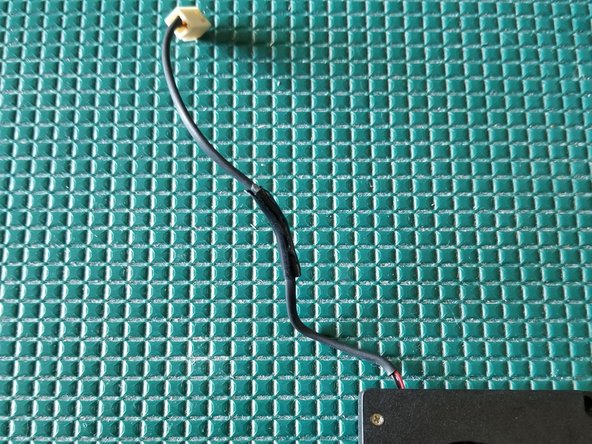
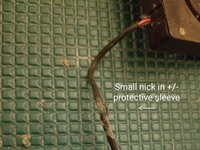
    • The fans +/- wires are covered by a thin protective sleeve.

    • Apply some electrical or kaptom tape to patch it if necessary.

    • Initially I tried to use shrink tubing here but the smallest diameter I could get around the plug was a 3/8" tube which will not properly seal around the cable when heated

    • If you accidentally cut through the entire cable (+/- wires) you'll have to resolder them together and cover with shrink tubing.

  7. Xbox 360 S PSU Disassembly, Underside Of PCB: 步骤 7 中的图像 1,1
    • Remove PCB from lower shell and place face down

    • The metal shield must be removed in order to expose the bottom of the power supply PCB

    • To quickly and safely remove I suggest using ChipQuik on the 2 single sided through holes. Alternatively you can use solder wick

结论

To reassemble your device, follow these instructions in reverse order.

29等其他人完成本指南。

Navy Vet 2015

于06/25/15注册

8,153 声望

创作了15篇指南

3指南评论

If anyone else is wondering how to turn on the 12V supply, you short the 2 small center pins together. The outer rings are ground, and the inner rings are the +12V. The two small pins are the +5Vsb and the 12V enable pin, which turns on the 12V when pulled up to 5V

kjkj kjkjk - 回复 分享

Greetings, friend. Hey, I have an Xbox 360 Slim power supply that outputs 16V at 12V. Any suggestions? The power supply is an A10-120N1A board, A120R001L.

Alpacino - 回复 分享

Hola, amigo. Tengo una fuente de alimentación para Xbox 360 Slim que genera 16 V a 12 V. ¿Alguna sugerencia? La fuente de alimentación es una placa A10-120N1A, A120R001L.

Alpacino - 回复 分享

添加评论

浏览统计数据:

过去 24 小时: 8

过去 7 天: 92

过去 30 天: 412

总计 16,656