跳转到主内容

Toast Master Blender Button Replacement

你所需要的

  1. Toast Master Blender Button Replacement, Blender Button: 步骤 1 中的图像 1,3 Toast Master Blender Button Replacement, Blender Button: 步骤 1 中的图像 2,3 Toast Master Blender Button Replacement, Blender Button: 步骤 1 中的图像 3,3
    • Unplug the plug if connected to any outlets.

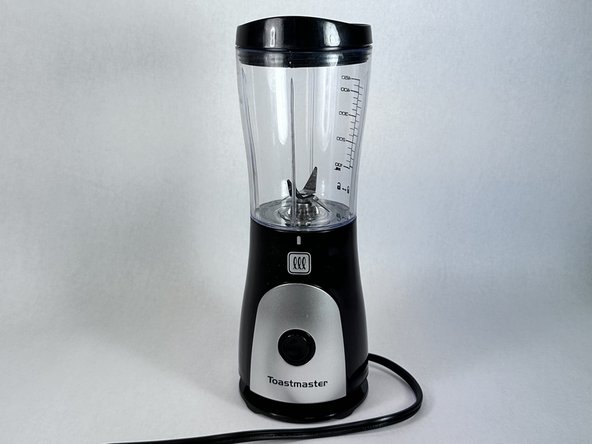
    • Take off the cap from the blender and turn the appliance upside down.

    • The blender should be standing upward stably.

  2. Toast Master Blender Button Replacement: 步骤 2 中的图像 1,3 Toast Master Blender Button Replacement: 步骤 2 中的图像 2,3 Toast Master Blender Button Replacement: 步骤 2 中的图像 3,3
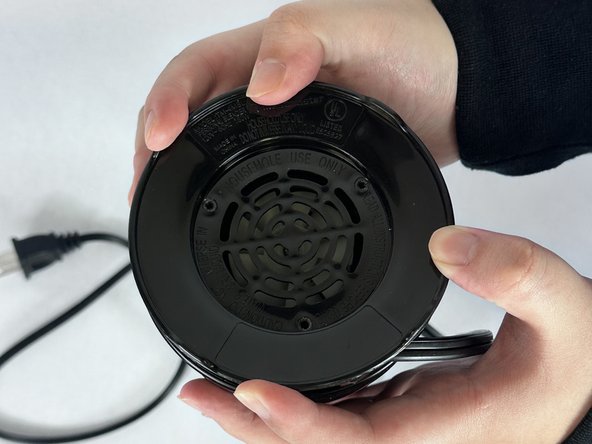
    • Use an allen wrench to remove the three screws from the bottom cover.

  3. Toast Master Blender Button Replacement: 步骤 3 中的图像 1,3 Toast Master Blender Button Replacement: 步骤 3 中的图像 2,3 Toast Master Blender Button Replacement: 步骤 3 中的图像 3,3
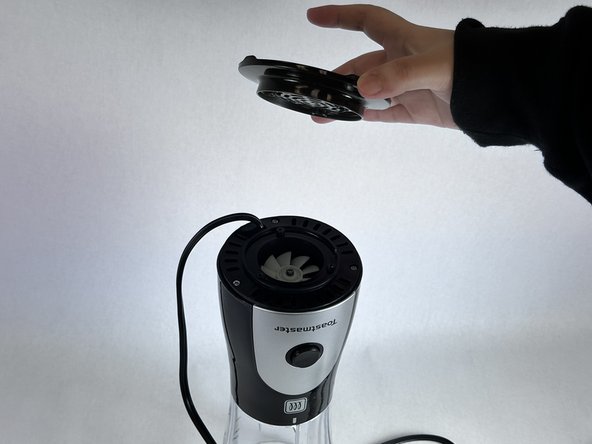
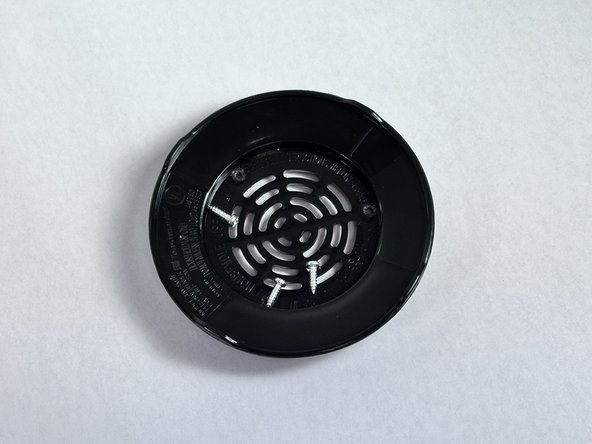
    • Take off the black blender stand.

    • Take off three silver screws.

    • Put the screws safely aside.

  4. Toast Master Blender Button Replacement: 步骤 4 中的图像 1,3 Toast Master Blender Button Replacement: 步骤 4 中的图像 2,3 Toast Master Blender Button Replacement: 步骤 4 中的图像 3,3
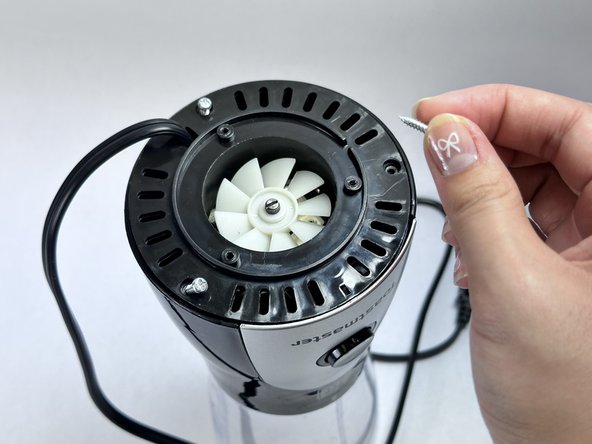
    • Use the Allen wrench to remove the three silver screws on the next level of the blender.

  5. Toast Master Blender Button Replacement: 步骤 5 中的图像 1,2 Toast Master Blender Button Replacement: 步骤 5 中的图像 2,2
    • Remove the black cap by lifting it upwards and gently placing it aside.

    • Do not pull hard on the wire as this may cause it to break

  6. Toast Master Blender Button Replacement: 步骤 6 中的图像 1,3 Toast Master Blender Button Replacement: 步骤 6 中的图像 2,3 Toast Master Blender Button Replacement: 步骤 6 中的图像 3,3
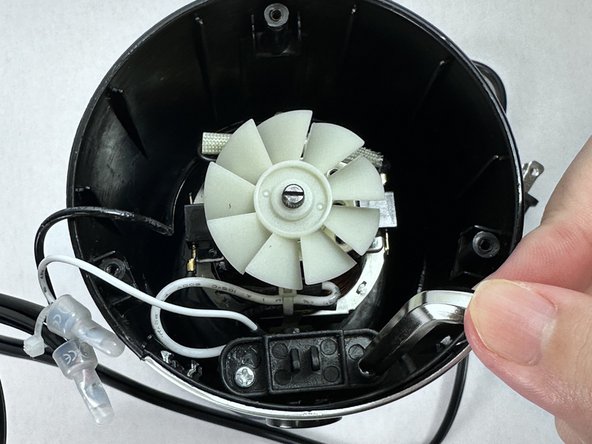
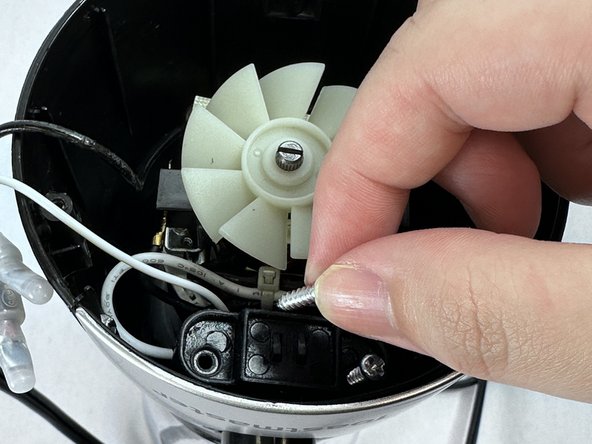
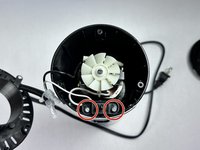
    • Looking into the internal part of the blender, identify the two silver screws near the button and unscrew them with the screwdriver.

    • Carefully remove two silver screws.

  7. Toast Master Blender Button Replacement: 步骤 7 中的图像 1,3 Toast Master Blender Button Replacement: 步骤 7 中的图像 2,3 Toast Master Blender Button Replacement: 步骤 7 中的图像 3,3
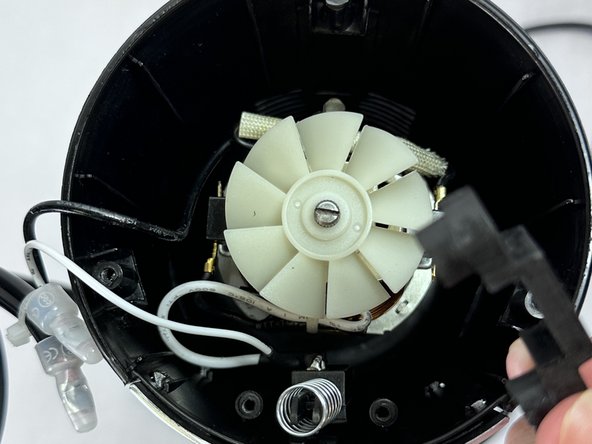
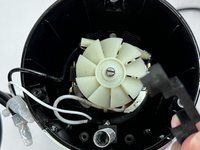
    • Take out the black piece that was attached with the screws and safely place it aside.

  8. Toast Master Blender Button Replacement: 步骤 8 中的图像 1,3 Toast Master Blender Button Replacement: 步骤 8 中的图像 2,3 Toast Master Blender Button Replacement: 步骤 8 中的图像 3,3
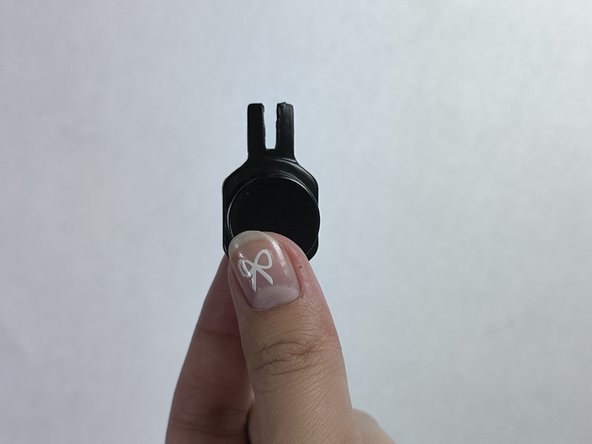
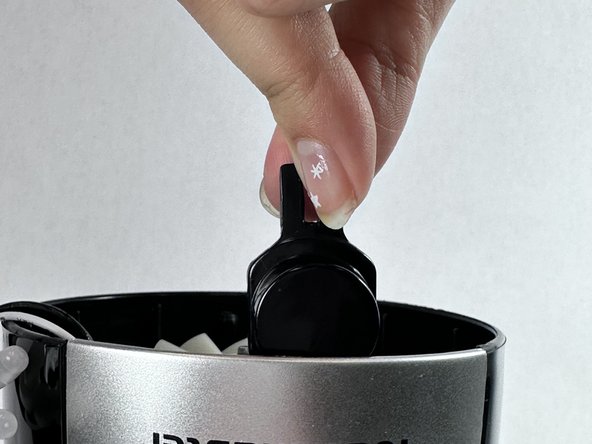
    • Take out the button from the blender.

    • This is the plastic button for Toast Master Blender. If you have a spare button, you can replace it.

    • Make sure that side is facing up and place it back into the original position.

    • The button should have a pointier side that resembles a bunny’s head.

  9. Toast Master Blender Button Replacement: 步骤 9 中的图像 1,1
    • Press the button and make sure it has a “click” sound.

    • If the button is still loose, go back to the previous step and recheck that the button is in the correct position.

  10. Toast Master Blender Button Replacement: 步骤 10 中的图像 1,3 Toast Master Blender Button Replacement: 步骤 10 中的图像 2,3 Toast Master Blender Button Replacement: 步骤 10 中的图像 3,3
    • Reassemble all the parts back, and screw all the screws back to its original place.

    • All the silver screws are the same size.

    • Make sure the black cap separates rotating paddles and wires.

    • There should be no wires wrapped around the rotating blades.

结论

To reassemble your device, follow these instructions in reverse order.

另外一个人完成了本指南。

Jessica Li

于02/02/24注册

181 声望

撰写一个指南

团队

UC Davis, Team 4-8, Andersen Winter 2024 UC Davis, Team 4-8, Andersen Winter 2024 的会员

UCD-ANDERSEN-W24S4G8

2 名成员

创作了1篇指南

0指南评论

添加评论

浏览统计数据:

过去 24 小时: 4

过去 7 天: 22

过去 30 天: 68

总计 634