简介
This is a guide to replace dead pixels, cracked screens, and malfunctioning button terminals.
你所需要的
-
-
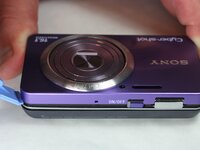
Begin by facing the camera bottom side up to reveal the two 2.93 mm long screws
-
Remove these two screws using a Philips #00 screwdriver
-
-
-
-
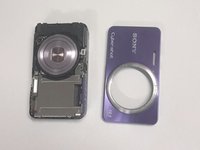
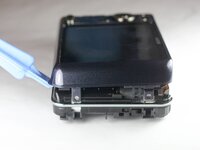
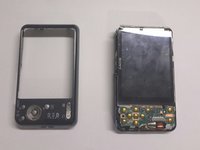
Taking off the previous cover will reveal the two cables connecting the LCD screen to the motherboard below the screen.
-






To reassemble your device, follow these instructions in reverse order.
另外一个人完成了本指南。



团队

USF Tampa, Team 9-1, Brown Winter 2015 USF Tampa, Team 9-1, Brown Winter 2015 的会员
USFT-BROWN-W15S9G1
5 名成员
创作了10篇指南
