跳转到主内容
加入维修社区 - 创建账户
Sigrow Soil Pro + Assembly

你所需要的

  1. Sigrow Soil Pro + Assembly, Gather materials: 步骤 1 中的图像 1,3 Sigrow Soil Pro + Assembly, Gather materials: 步骤 1 中的图像 2,3 Sigrow Soil Pro + Assembly, Gather materials: 步骤 1 中的图像 3,3
    • PCB RR02 or higher 'coated

    • Sigrow Soil Sensor

    • (Top left to bottom right) Case Body +, hat +, solar, bottom inner plate +, fan holder.

    • Sunon Fan 5VDC

    • Solar panel 110x80

    • Tools (top-left to bottom right) : tin, soldering station, flat head screw driver, cable peeler, pliers glue gun (optional).

    • Cable double insulaton: +6 wires, 20 cm

  2. Sigrow Soil Pro + Assembly, Prepare cable solar panel to PCB: 步骤 2 中的图像 1,3 Sigrow Soil Pro + Assembly, Prepare cable solar panel to PCB: 步骤 2 中的图像 2,3 Sigrow Soil Pro + Assembly, Prepare cable solar panel to PCB: 步骤 2 中的图像 3,3
    • Cable length is aprox 20-22 cm

    • Peel both ends, keep the non-peeled part short

    • Group them, twist and solder them together

    • On the opposite side you will only keep two colours: black and yellow

  3. Sigrow Soil Pro + Assembly, Solder cable solar panel: 步骤 3 中的图像 1,3 Sigrow Soil Pro + Assembly, Solder cable solar panel: 步骤 3 中的图像 2,3 Sigrow Soil Pro + Assembly, Solder cable solar panel: 步骤 3 中的图像 3,3
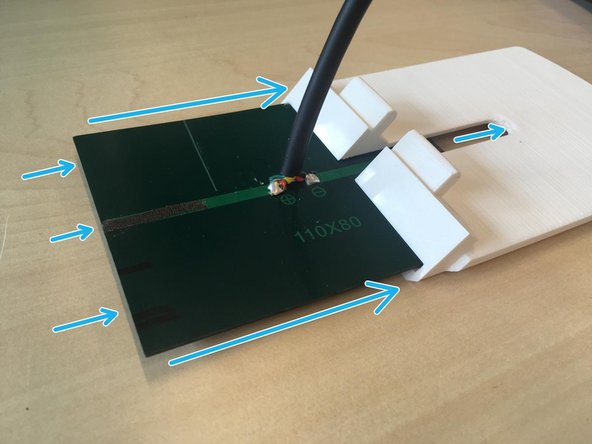
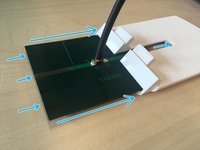
    • Solder

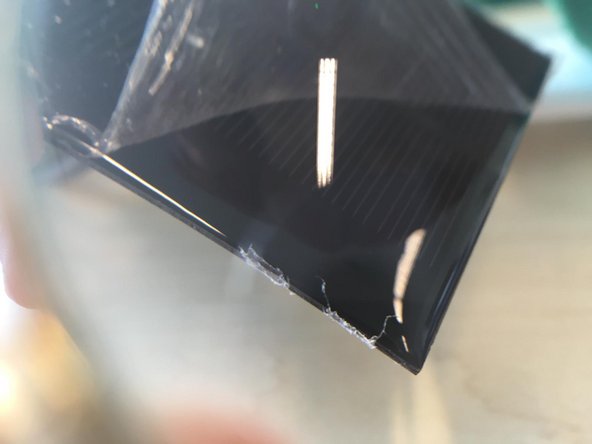
    • Remove the plastic sheet

    • Slide solar panel in parasol

  4. Sigrow Soil Pro + Assembly, Fan mount: 步骤 4 中的图像 1,1
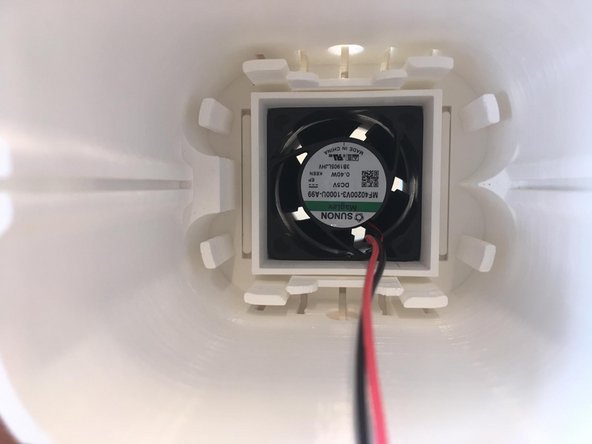
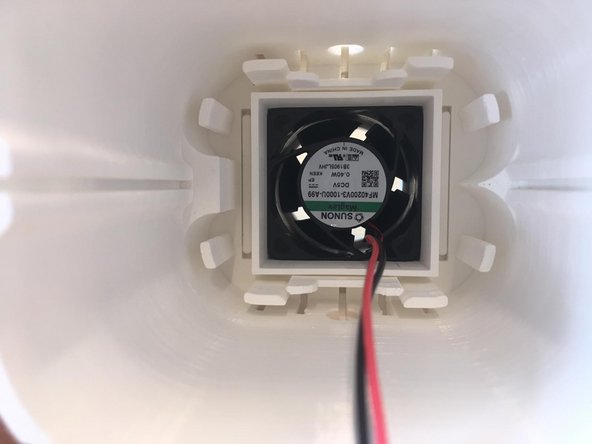
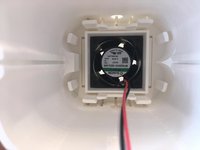
    • Insert fan in fan holder

    • Pay attention to the fan air flow direction, it should be upwards

  5. Sigrow Soil Pro + Assembly, Peripherals: 步骤 5 中的图像 1,2 Sigrow Soil Pro + Assembly, Peripherals: 步骤 5 中的图像 2,2
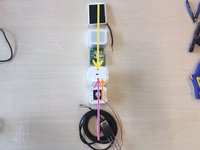
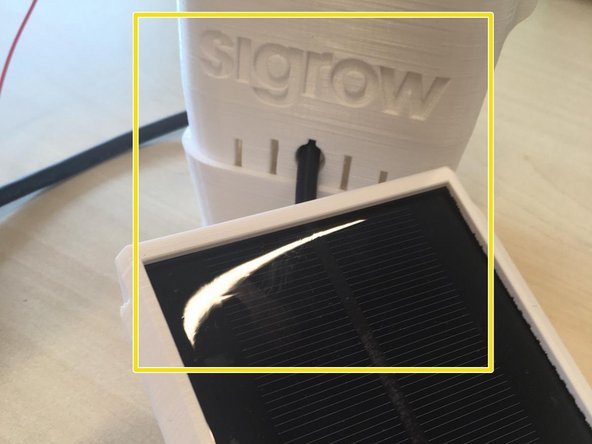
    • From top to bottom:

    • Solar Panel mounted and with cable soldered (side with Sigrow letters)

    • Fan (cable enters from bottom)

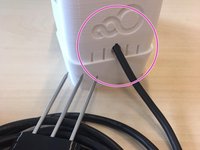
    • Soil Sensor (cable enters from Sigrow 3 circles logo side)

  6. Sigrow Soil Pro + Assembly, Attach fan holder to main case+: 步骤 6 中的图像 1,2 Sigrow Soil Pro + Assembly, Attach fan holder to main case+: 步骤 6 中的图像 2,2
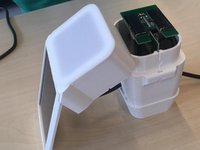
    • Fan holder should be inserted in main body case by pressure

    • If there's not a tight fit there are 2 options:

    • Option 1: Request a new fan holder

    • Option 2: Use the hot glue gun.

    • tight fit could be interpreted as: "if with very hard shaken the fan holder and main case will not disconnect and stay solidly attached.'

  7. Sigrow Soil Pro + Assembly, Bottom inner plate: 步骤 7 中的图像 1,2 Sigrow Soil Pro + Assembly, Bottom inner plate: 步骤 7 中的图像 2,2
    • Rectangular gap (for temperature humidity sensor) goes slightly in the left.

    • Bottom right tiny circular hole is for the fan cables

  8. Sigrow Soil Pro + Assembly, Confirm orientation: 步骤 8 中的图像 1,2 Sigrow Soil Pro + Assembly, Confirm orientation: 步骤 8 中的图像 2,2
    • Sigrow 3 circles side-> Soil Sensor

    • Letter side -> Solar panel

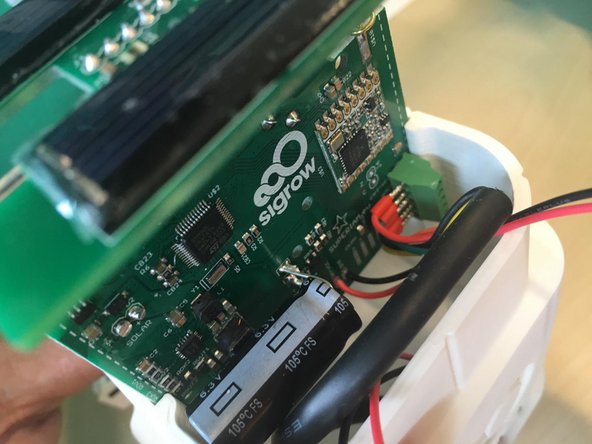
  9. Sigrow Soil Pro + Assembly, Soil Sensor connection: 步骤 9 中的图像 1,3 Sigrow Soil Pro + Assembly, Soil Sensor connection: 步骤 9 中的图像 2,3 Sigrow Soil Pro + Assembly, Soil Sensor connection: 步骤 9 中的图像 3,3
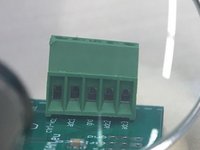
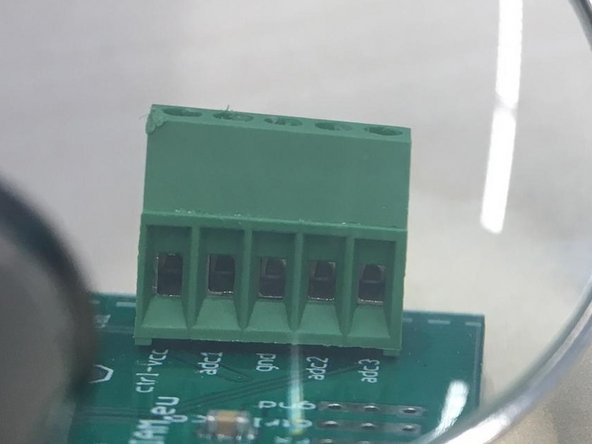
    • Insert cables into connector, check in 3rd image in this step that the ports are open

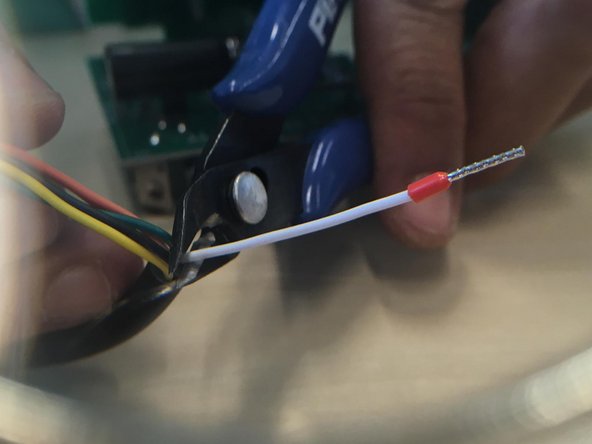
    • Use pliers to cut white cable

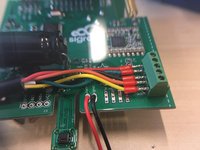
  10. Sigrow Soil Pro + Assembly, Solder fan cables: 步骤 10 中的图像 1,2 Sigrow Soil Pro + Assembly, Solder fan cables: 步骤 10 中的图像 2,2
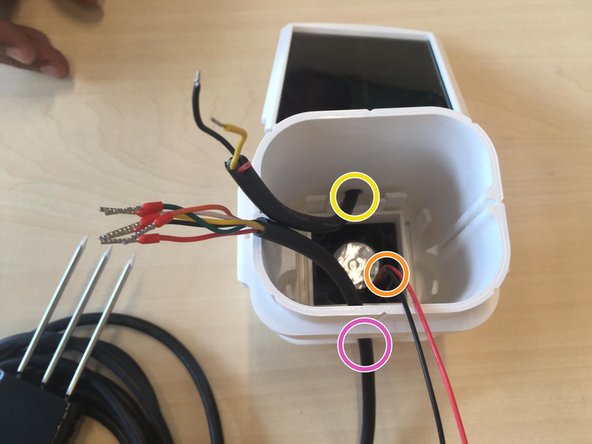
    • Black ground

    • Red positive

    • Cut with pliers cable excess from behind

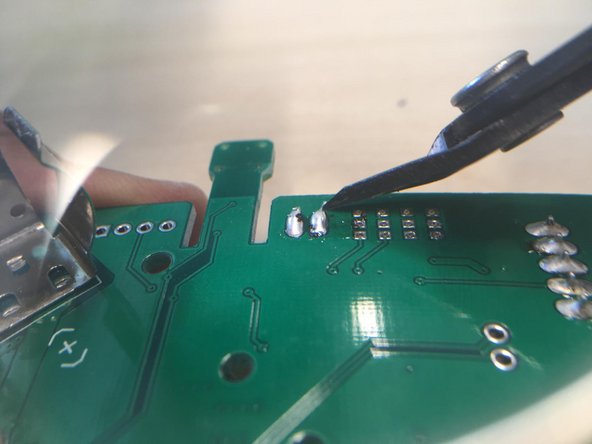
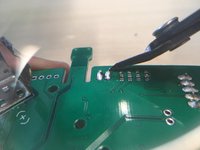
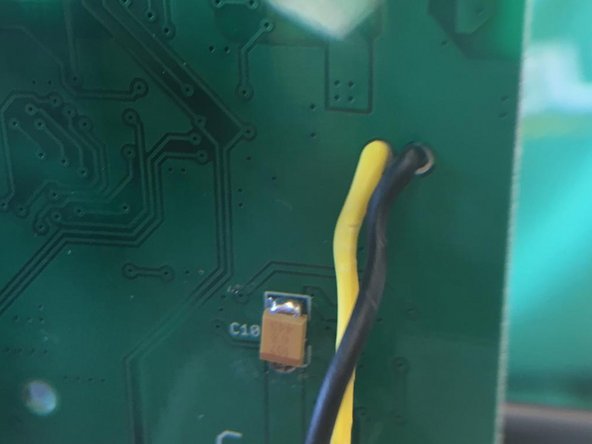
  11. Sigrow Soil Pro + Assembly, Solder solar panel cables to pcb: 步骤 11 中的图像 1,3 Sigrow Soil Pro + Assembly, Solder solar panel cables to pcb: 步骤 11 中的图像 2,3 Sigrow Soil Pro + Assembly, Solder solar panel cables to pcb: 步骤 11 中的图像 3,3
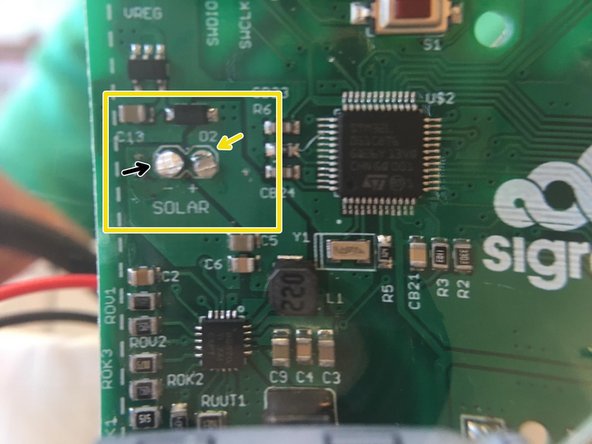
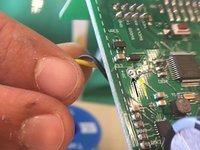
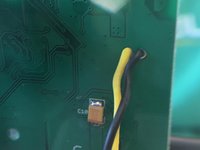
    • Cables enter from the back of the PCB

    • Yellow is positive

    • Black is negative (closer to the edge)

    • Cut with pliers cable and tin excess

    • Soldering station is very hot, dont touch it with your hands

  12. Sigrow Soil Pro + Assembly, Insert PCB in case - Cable details: 步骤 12 中的图像 1,2 Sigrow Soil Pro + Assembly, Insert PCB in case - Cable details: 步骤 12 中的图像 2,2
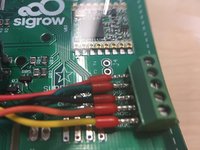
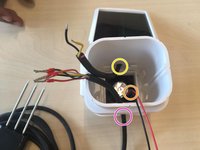
    • It's great to leave some extra cables in good shape

    • ~10 cm for the soil sensor bended as inverted-U

    • Twist the fan cable (it's very long) and bend as inverted-U

    • if PCB doesn't slide down with a gentle push or slides out too easy when case is upside down new case should be requested.

  13. Sigrow Soil Pro + Assembly, Closing the case: 步骤 13 中的图像 1,2 Sigrow Soil Pro + Assembly, Closing the case: 步骤 13 中的图像 2,2
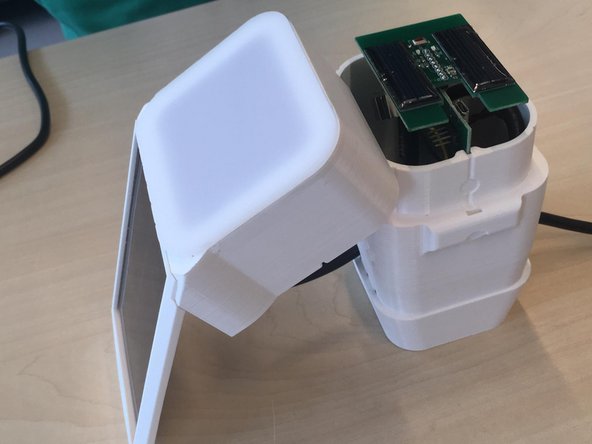
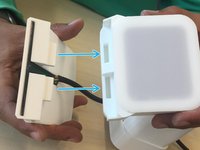
    • After sliding PCB in, connect the solar parasol and the hat +

    • If the fit is not great inform Sigrow senior technician

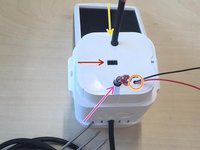
  14. Sigrow Soil Pro + Assembly: 步骤 14 中的图像 1,1
    • Congrats, you have completed a Soil Pro+

    • Please request from your Senior technician the latest packaging guidelines

结论

In case of doubt contact manufacturing@sigrow.com

Sigrow

于05/14/20注册

1,075 声望

创作了5篇指南

团队

Sigrow Sigrow 的会员

Community

3 名成员

创作了5篇指南

0指南评论

添加评论

浏览统计数据:

过去 24 小时: 0

过去 7 天: 0

过去 30 天: 3

总计 280