跳转到主内容
加入维修社区 - 创建账户

Samsung SPH-M360 Keyboard Replacement

你所需要的

  1. Samsung SPH-M360 Keyboard Replacement, Remove the back battery panel from the phone.: 步骤 1 中的图像 1,2 Samsung SPH-M360 Keyboard Replacement, Remove the back battery panel from the phone.: 步骤 1 中的图像 2,2
    • Detach the battery cover by sliding the cover down toward the bottom of the phone.

    • Slide back cover in direction of arrow.

    • Lift up on the battery cover to complete cover removal.

  2. Samsung SPH-M360 Keyboard Replacement, Remove the battery.: 步骤 2 中的图像 1,2 Samsung SPH-M360 Keyboard Replacement, Remove the battery.: 步骤 2 中的图像 2,2
    • Remove battery by lifting up in the corner of the battery.

    • Use the semi-circle provided in order to gain access to the battery.

    • Battery will come out at an angle. This does not require force.

  3. Samsung SPH-M360 Keyboard Replacement, Unscrew the case: 步骤 3 中的图像 1,1
    • Use a phillips head (PH) #00 screwdriver to remove four screws connecting the two halves of the case.

    • Note: keep the screws in a safe location, where they will not be lost until needed for reassembly.

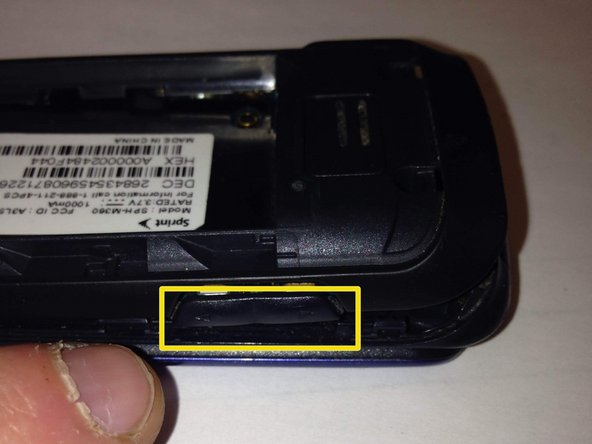
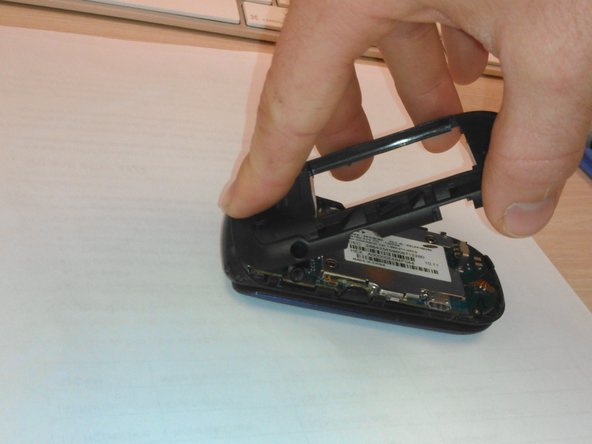
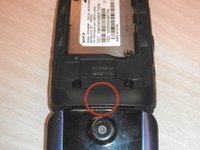
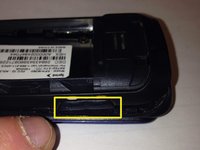
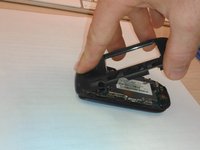
  4. Samsung SPH-M360 Keyboard Replacement, Remove the back half of the case.: 步骤 4 中的图像 1,3 Samsung SPH-M360 Keyboard Replacement, Remove the back half of the case.: 步骤 4 中的图像 2,3 Samsung SPH-M360 Keyboard Replacement, Remove the back half of the case.: 步骤 4 中的图像 3,3
    • Using your plastic opening tool, pry under the back case starting with the top as marked by red circle.

    • There is a small clip at the top of the phone that must be released in order to remove the back case.

    • The volume button and camera button are held in by the back case. Volume button pictured. Camera button opposite.

    • REASSEMBLY ONLY: Replace volume and camera buttons in place. Then, insert the top of the back case FIRST and squeeze together clips as you work toward the bottom of the phone.

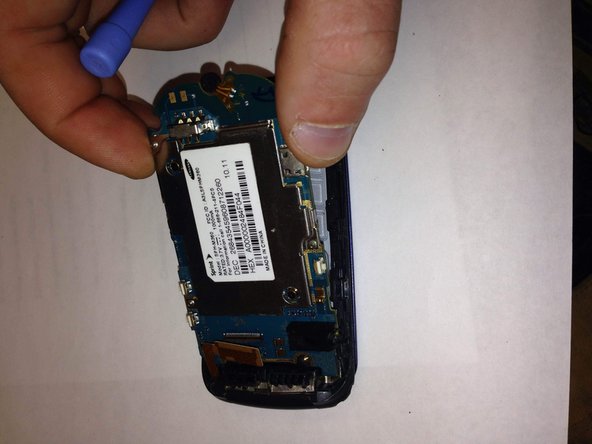
  5. Samsung SPH-M360 Keyboard Replacement, Lift the ribbon at the top right of the logic board.: 步骤 5 中的图像 1,1
    • Locate the ribbon at the top right corner of the logic board.

    • Use the opening tool to gently lift the ribbon away. It should lift easily.

    • During reassembly, align the gold contacts and black plastic ends, then press lightly until it clicks into place.

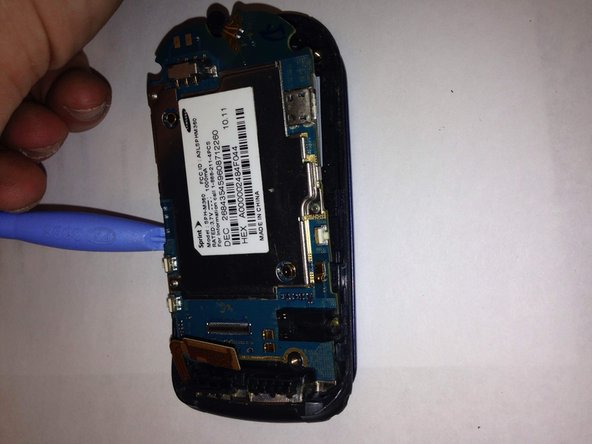
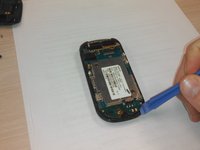
  6. Samsung SPH-M360 Keyboard Replacement, Remove the logic board: 步骤 6 中的图像 1,3 Samsung SPH-M360 Keyboard Replacement, Remove the logic board: 步骤 6 中的图像 2,3 Samsung SPH-M360 Keyboard Replacement, Remove the logic board: 步骤 6 中的图像 3,3
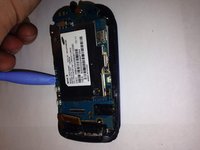
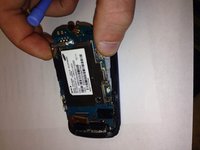
    • Insert the plastic opening tool beneath the logic board.

    • While stabilizing the phone, gently lift the board away from the casing. Please do NOT force it! If it resists, apply even pressure in multiple locations.

    • For reassembly, press lightly in 2–4 areas until the board clicks securely into place.

  7. Samsung SPH-M360 Keyboard Replacement, Place the logic board in a safe place: 步骤 7 中的图像 1,1
    • If you plan to reuse the logic board, store it in a clean, static-free environment to avoid dust and debris contamination.

  8. Samsung SPH-M360 Keyboard Replacement, Removing the Keyboard: 步骤 8 中的图像 1,1
    • After removing the logic board, grasp the bottom of the plastic casing.

    • Using your hands, pop the plastic keyboard out of the plastic casing by pushing lightly on the middle of the keyboard.

    • Insert new keyboard.

结论

To reassemble your device, follow these instructions in reverse order.

Christopher

于10/13/14注册

4 声望

撰写一个指南

团队

Plato Plato 的会员

Community

5 名成员

创作了6篇指南

0指南评论

添加评论

浏览统计数据:

过去 24 小时: 1

过去 7 天: 3

过去 30 天: 13

总计 462