跳转到主内容
加入维修社区 - 创建账户

Samsung SGH-A137 Keypad Replacement

你所需要的

  1. Samsung SGH-A137 Keypad Replacement, Battery: 步骤 1 中的图像 1,1
    • Use your thumbs to pull down on the back cover to remove it and expose the battery.

    询问修复机器人
  2. Samsung SGH-A137 Keypad Replacement: 步骤 2 中的图像 1,1
    • Locate the indent in the case below the battery. (see red square)

    • Place your finger at the indent and pull up on the battery to remove it.

    询问修复机器人
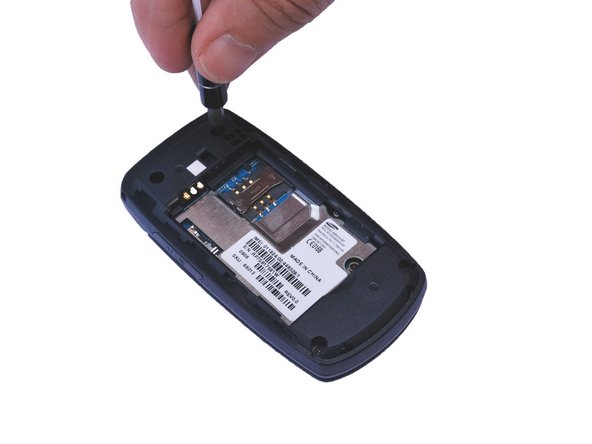
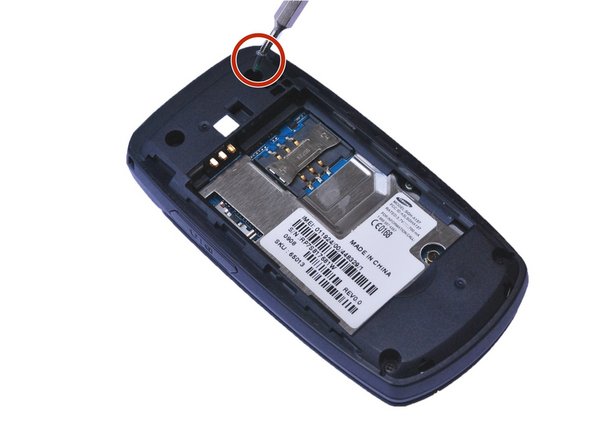
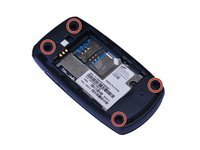
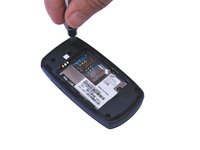
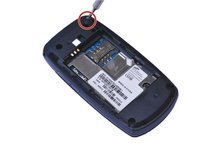
  3. Samsung SGH-A137 Keypad Replacement, Motherboard: 步骤 3 中的图像 1,3 Samsung SGH-A137 Keypad Replacement, Motherboard: 步骤 3 中的图像 2,3 Samsung SGH-A137 Keypad Replacement, Motherboard: 步骤 3 中的图像 3,3
    • Locate the 4 screw holes and remove the 0.4 mm Phillips head screws using a #000 Phillips head screwdriver. (See red circles)

    询问修复机器人
  4. Samsung SGH-A137 Keypad Replacement: 步骤 4 中的图像 1,1
    • Using a plastic opening tool, gently pry open the back of the phone at the seam.

    • Carefully work the tool all the way around the opening while prying up to avoid breaking the plastic retaining clips.

    询问修复机器人
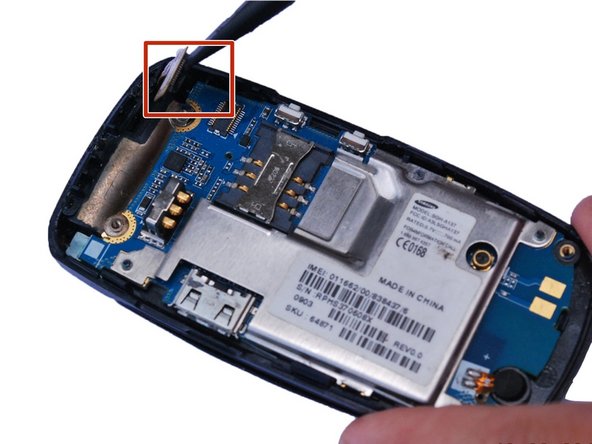
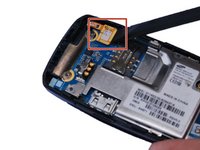
  5. Samsung SGH-A137 Keypad Replacement: 步骤 5 中的图像 1,2 Samsung SGH-A137 Keypad Replacement: 步骤 5 中的图像 2,2
    • Smaller press-fit connectors may require a simple flick with a plastic opening tool or spudger.

    • Place the flat edge of a spudger under the edge of the press-fit connector and , gently pry the connector straight up from its socket. (Highlighted by the red square)

    询问修复机器人
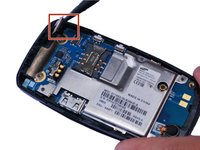
  6. Samsung SGH-A137 Keypad Replacement: 步骤 6 中的图像 1,1
    • Using a plastic opening tool, gently pry up the motherboard.

    • You might need to pry from several different locations to get the motherboard loose enough to remove.

    询问修复机器人
  7. Samsung SGH-A137 Keypad Replacement, Keypad: 步骤 7 中的图像 1,1
    • Gently push the keypad out toward the back.

    询问修复机器人
  8. Samsung SGH-A137 Keypad Replacement: 步骤 8 中的图像 1,1
    • Replace the defective keypad and reassemble the phone.

    询问修复机器人
结论

To reassemble your device, follow these instructions in reverse order.

另外一个人完成了本指南。

0指南评论

添加评论

浏览统计数据:

过去 24 小时: 3

过去 7 天: 7

过去 30 天: 47

总计 575