跳转到主内容
加入维修社区 - 创建账户

Samsung Jack Motherboard Replacement

你所需要的

    1. Samsung Jack Motherboard Replacement, Battery: 步骤 1 中的图像 1,1
      • Slide the battery cover downwards with pressure focused on the center of the cover.

      • Lift the cover off of the phone.

      询问修复机器人

      添加评论

    2. Samsung Jack Motherboard Replacement: 步骤 2 中的图像 1,1
      • Grasp the bottom left and right corners of the battery and lift it from its housing.

      询问修复机器人

      添加评论

    1. Samsung Jack Motherboard Replacement, Rear Case: 步骤 3 中的图像 1,1
      • Remove the four black 7.30 mm screws surrounding the battery housing using a Phillips #00 Screwdriver.

      询问修复机器人

      添加评论

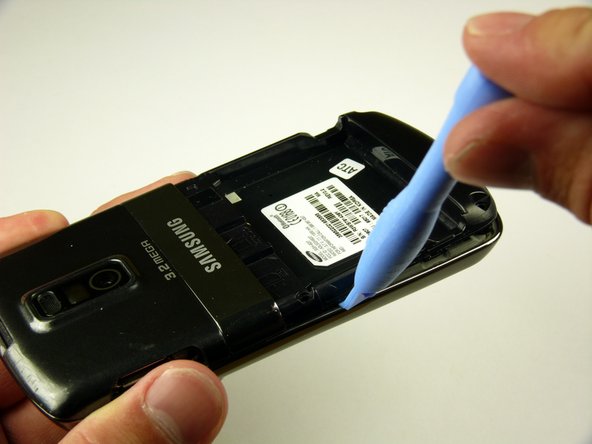
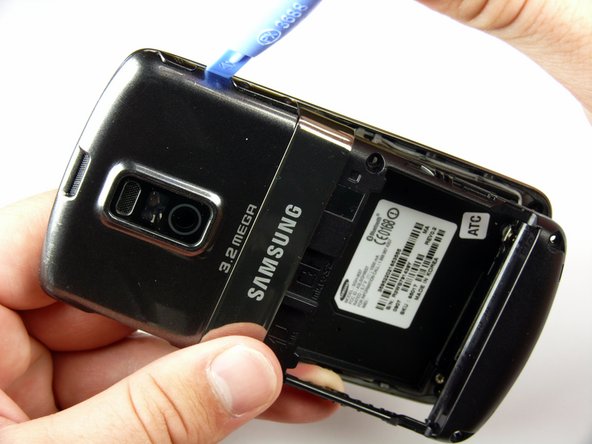
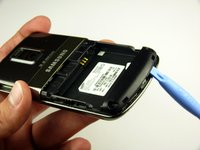
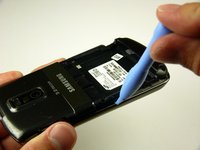
    2. Samsung Jack Motherboard Replacement: 步骤 4 中的图像 1,3 Samsung Jack Motherboard Replacement: 步骤 4 中的图像 2,3 Samsung Jack Motherboard Replacement: 步骤 4 中的图像 3,3
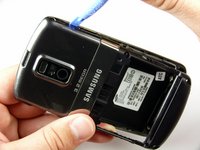
      • The rear case is firmly attached to the phone with clips. Do not be afraid to use a little extra force.

      • Insert the Plastic Opening Tool in between the front and rear cases.

      • Pry with the Plastic Opening Tool around all edges of the phone until you free all the clips.

      询问修复机器人

      添加评论

    3. Samsung Jack Motherboard Replacement: 步骤 5 中的图像 1,1
      • Lift the rear case off of the phone.

      询问修复机器人

      添加评论

    1. Samsung Jack Motherboard Replacement, Speaker: 步骤 6 中的图像 1,1
      • Remove the two black 7.30 mm screws on the top right and left corners of the Motherboard using a Phillips #00 Screwdriver.

      • Remove the silver 4.50 mm screw located below the speaker using a Phillips #00 Screwdriver.

      询问修复机器人

      添加评论

    2. Samsung Jack Motherboard Replacement: 步骤 7 中的图像 1,2 Samsung Jack Motherboard Replacement: 步骤 7 中的图像 2,2
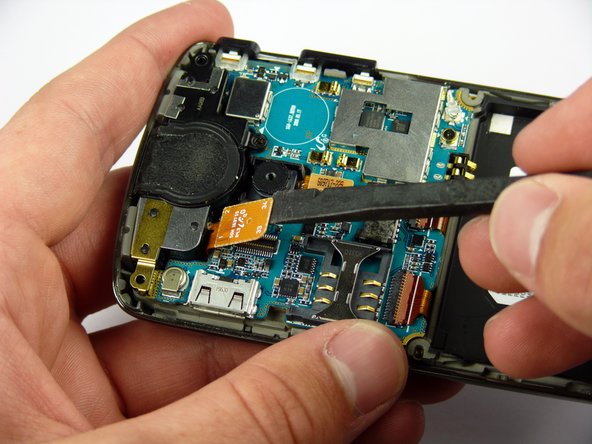
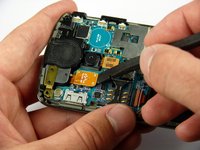
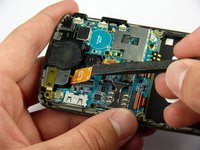
      • Use the spudger to detach the speaker ribbon cable.

      询问修复机器人

      添加评论

    3. Samsung Jack Motherboard Replacement: 步骤 8 中的图像 1,1
      • Lift the speaker out of its compartment.

      询问修复机器人

      添加评论

    1. Samsung Jack Motherboard Replacement, Motherboard: 步骤 9 中的图像 1,1
      • Remove the power and volume buttons on the right side of the Motherboard.

      询问修复机器人

      添加评论

    2. Samsung Jack Motherboard Replacement: 步骤 10 中的图像 1,2 Samsung Jack Motherboard Replacement: 步骤 10 中的图像 2,2
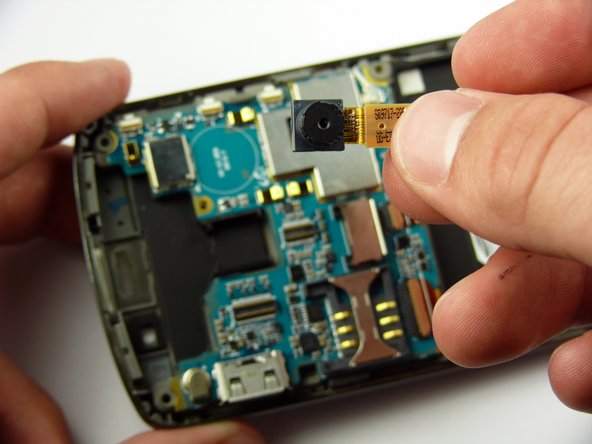
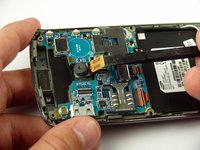
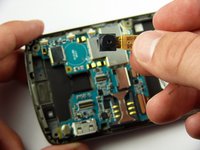
      • Use a spudger to detach the camera ribbon cable.

      • Lift the camera off of the Motherboard.

      询问修复机器人

      添加评论

    3. Samsung Jack Motherboard Replacement: 步骤 11 中的图像 1,2 Samsung Jack Motherboard Replacement: 步骤 11 中的图像 2,2
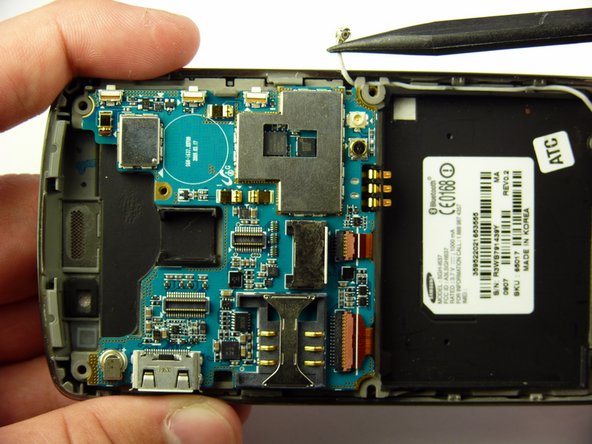
      • Use a spudger to disconnect the white antenna wire on the bottom right corner of the Motherboard.

      询问修复机器人

      添加评论

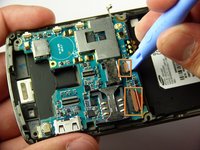
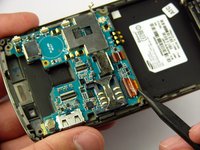
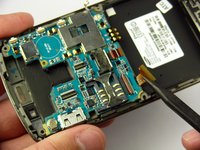
    4. Samsung Jack Motherboard Replacement: 步骤 12 中的图像 1,3 Samsung Jack Motherboard Replacement: 步骤 12 中的图像 2,3 Samsung Jack Motherboard Replacement: 步骤 12 中的图像 3,3
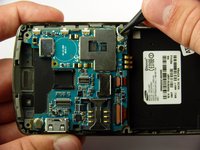
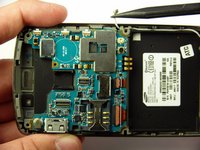
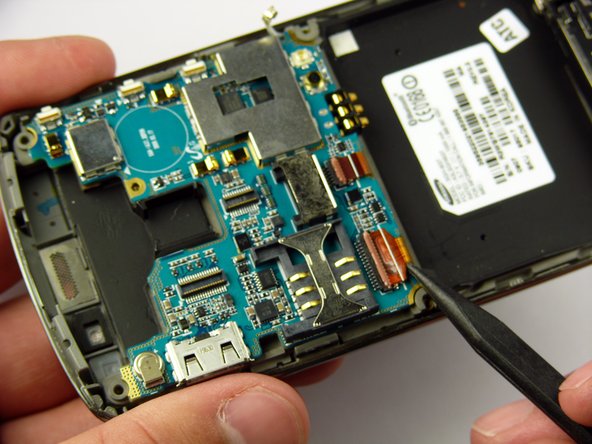
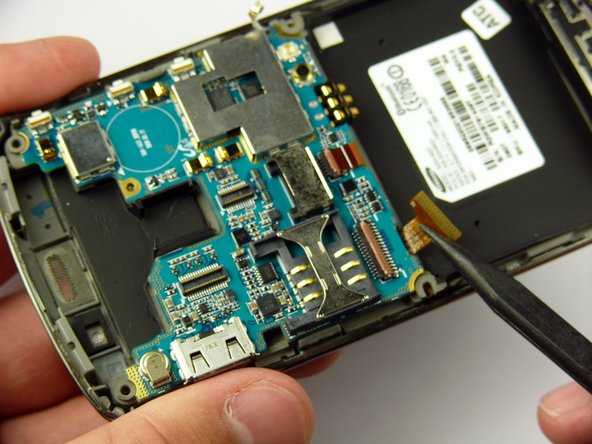
      • Use a Plastic Opening Tool to lift the flaps of the ZIF connectors to release the ribbon cables near the bottom of the Motherboard.

      • Use a spudger to carefully pull the ribbon cables away from the ZIF connectors.

      询问修复机器人

      添加评论

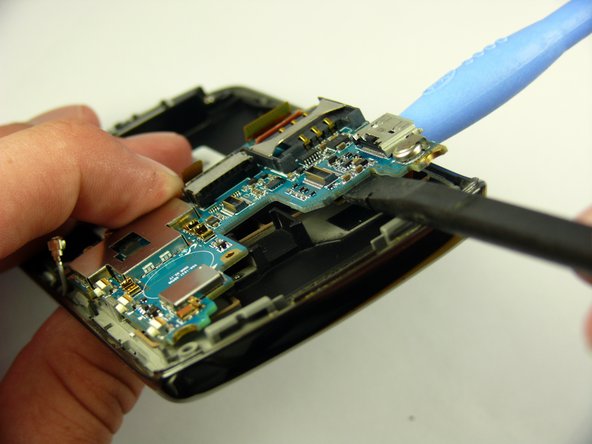
    5. Samsung Jack Motherboard Replacement: 步骤 13 中的图像 1,2 Samsung Jack Motherboard Replacement: 步骤 13 中的图像 2,2
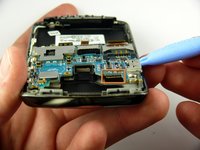
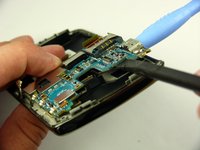
      • There is a ribbon cable under the Motherboard connecting it to the LCD. Do not pull off the Motherboard just yet.

      • Insert the Plastic Opening Tool under the upper left corner of the Motherboard to help reveal the ribbon cable.

      • Use a spudger to disconnect the Motherboard ribbon cable.

      询问修复机器人

      添加评论

    6. Samsung Jack Motherboard Replacement: 步骤 14 中的图像 1,1
      • Lift the Motherboard off of the phone.

      询问修复机器人

      添加评论

结论

To reassemble your device, follow these instructions in reverse order.

取消:我没有完成这个指南。

团队

Cal Poly, Team 24-57, Amido Spring 2011 Cal Poly, Team 24-57, Amido Spring 2011 的会员

CPSU-AMIDO-S11S24G57

4 名成员

创作了49篇指南

0指南评论

添加评论

浏览统计数据:

过去 24 小时: 1

过去 7 天: 8

过去 30 天: 31

总计 2,523