跳转到主内容

Samsung Galaxy Note7 Screen Assembly Replacement

你所需要的

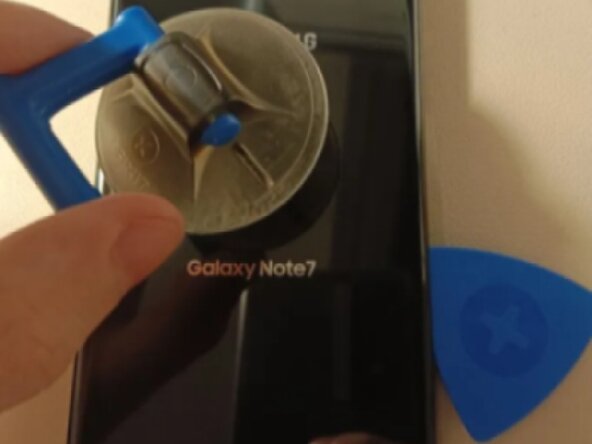
  1. Samsung Galaxy Note7 Screen Assembly Replacement, Screen Assembly: 步骤 1 中的图像 1,1
    • Apply heat to the back panel, use a guitar pick and suction cup to carefully remove the adhesive and remove the back panel.

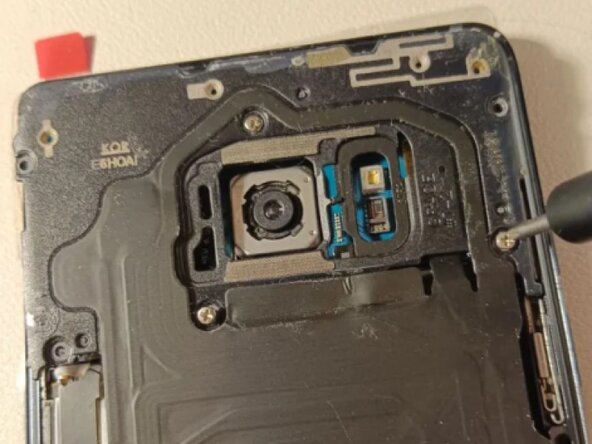
  2. Samsung Galaxy Note7 Screen Assembly Replacement: 步骤 2 中的图像 1,1
    • Remove the screws holding the wireless charging and NFC cover in place using a 00 screwdriver, then lift it off.

  3. Samsung Galaxy Note7 Screen Assembly Replacement: 步骤 3 中的图像 1,1
    • Carefully disconnect and remove the battery by lifting up the connector with either your fingernail or the flat end of a plastic spudger.

  4. Samsung Galaxy Note7 Screen Assembly Replacement: 步骤 4 中的图像 1,1
    • Remove the five screws holding the speaker pass-through and lift it off.

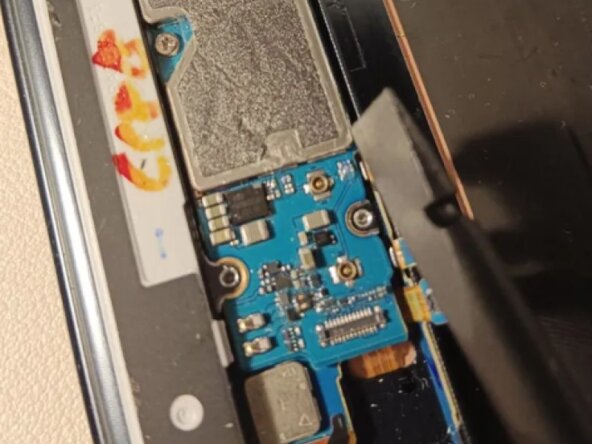
  5. Samsung Galaxy Note7 Screen Assembly Replacement: 步骤 5 中的图像 1,2 Samsung Galaxy Note7 Screen Assembly Replacement: 步骤 5 中的图像 2,2
    • Using the flat end of a plastic spudger, carefully remove and lift up every connector on the board.

    • Make sure to press them a little further upward using the spudger, or else they might end up blocking the motherboard from being lifted up, and can also get stuck underneath it during the reassembly process.

  6. Samsung Galaxy Note7 Screen Assembly Replacement: 步骤 6 中的图像 1,2 Samsung Galaxy Note7 Screen Assembly Replacement: 步骤 6 中的图像 2,2
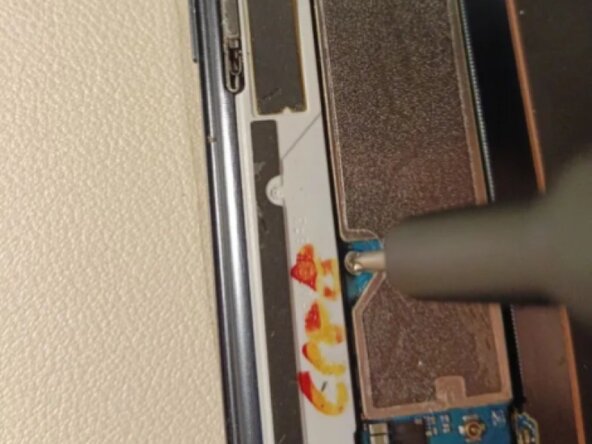
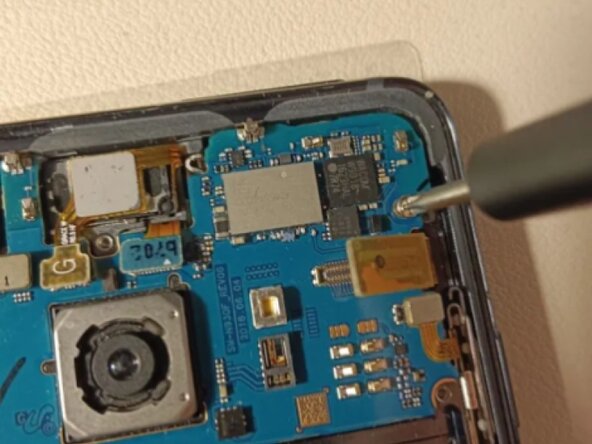
    • Remove the two screws holding the motherboard to the frame.

  7. Samsung Galaxy Note7 Screen Assembly Replacement: 步骤 7 中的图像 1,1
    • Using a plastic spudger, lift up the bottom part of the motherboard, then lift it up and out of the frame.

    • To reassemble the phone with the new screen + midframe, follow these steps in reverse order.

结论

To reassemble your device, follow these instructions in reverse order.

另外一个人完成了本指南。

Kugel Fisch

于10/14/25注册

157 声望

撰写一个指南

0指南评论

添加评论

浏览统计数据:

过去 24 小时: 1

过去 7 天: 9

过去 30 天: 24

总计 63