跳转到主内容
加入维修社区 - 创建账户

Samsung DVD-P230 LCD Screen Replacement

你所需要的

    1. Samsung DVD-P230 LCD Screen Replacement, Outer Cover & Faceplate: 步骤 1 中的图像 1,3 Samsung DVD-P230 LCD Screen Replacement, Outer Cover & Faceplate: 步骤 1 中的图像 2,3 Samsung DVD-P230 LCD Screen Replacement, Outer Cover & Faceplate: 步骤 1 中的图像 3,3
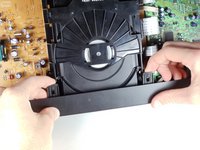
      • Open the tray by pressing the eject button

      • Remove the DVD tray faceplate by pushing the faceplate up off of the tray.

      添加评论

    2. Samsung DVD-P230 LCD Screen Replacement: 步骤 2 中的图像 1,1
      • Press the eject button to insert the tray

      • After the tray is closed unplug DVD player

      询问修复机器人

      添加评论

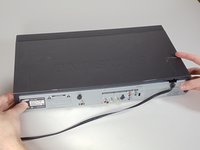
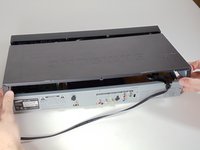
    3. Samsung DVD-P230 LCD Screen Replacement: 步骤 3 中的图像 1,1
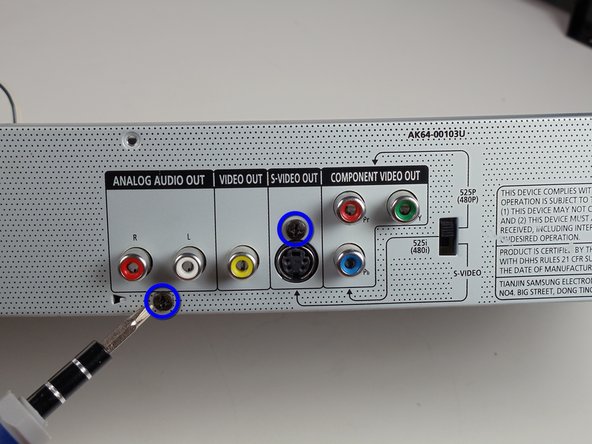
      • Unscrew the 3 screws in the back.

      询问修复机器人

      添加评论

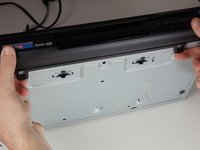
    4. Samsung DVD-P230 LCD Screen Replacement: 步骤 4 中的图像 1,2 Samsung DVD-P230 LCD Screen Replacement: 步骤 4 中的图像 2,2
      • Pull the outer case upward and then towards you.

      询问修复机器人

      添加评论

    5. Samsung DVD-P230 LCD Screen Replacement: 步骤 5 中的图像 1,3 Samsung DVD-P230 LCD Screen Replacement: 步骤 5 中的图像 2,3 Samsung DVD-P230 LCD Screen Replacement: 步骤 5 中的图像 3,3
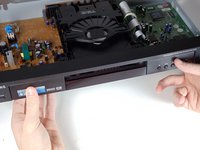
      • There are six symmetrically placed tabs holding in the front faceplate. Unhook these six tabs to loosen the faceplate.

      询问修复机器人

      添加评论

    6. Samsung DVD-P230 LCD Screen Replacement: 步骤 6 中的图像 1,2 Samsung DVD-P230 LCD Screen Replacement: 步骤 6 中的图像 2,2
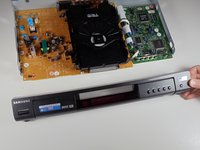
      • Pull off front faceplate. This may take a couple of tries to get all six tabs unhooked simultaneously.

      询问修复机器人

      添加评论

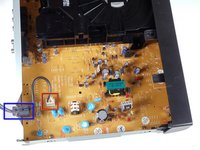
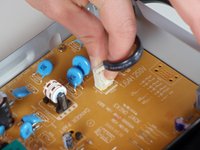
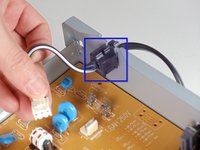
    1. Samsung DVD-P230 LCD Screen Replacement, Power Cord: 步骤 7 中的图像 1,3 Samsung DVD-P230 LCD Screen Replacement, Power Cord: 步骤 7 中的图像 2,3 Samsung DVD-P230 LCD Screen Replacement, Power Cord: 步骤 7 中的图像 3,3
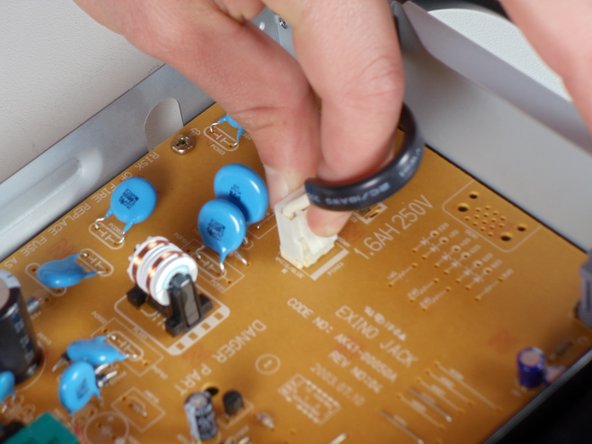
      • Locate the white clip that attaches the cord to the motherboard

      • Grasp clip and squeeze to release

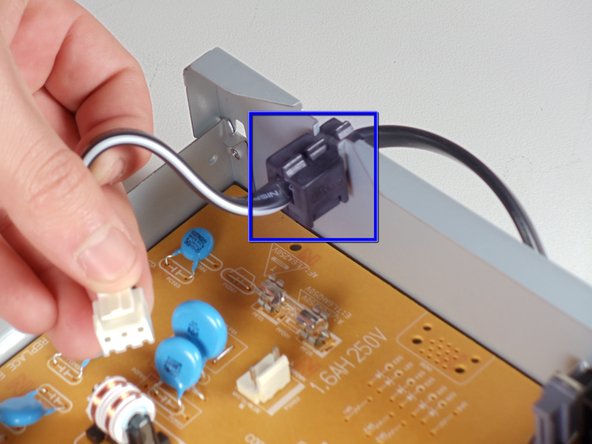
      • Lift up and remove power cord

      • Slide cord mount from outer case

      询问修复机器人

      添加评论

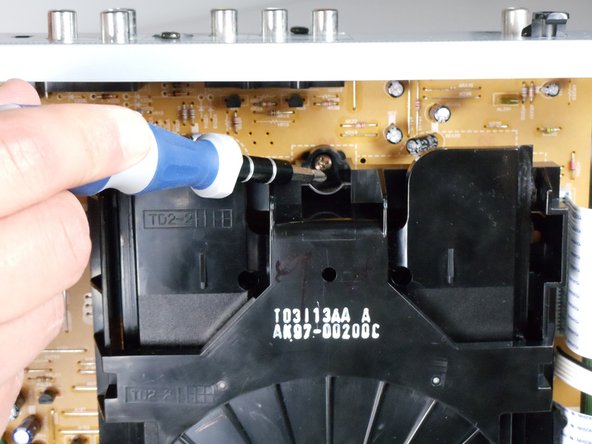
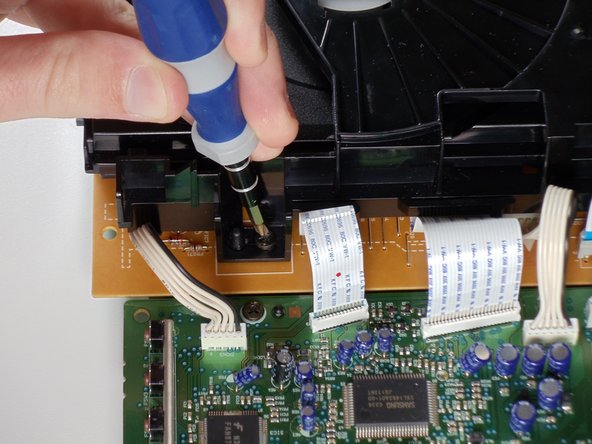
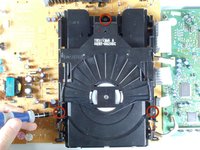
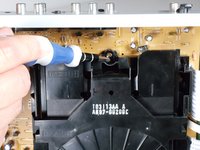
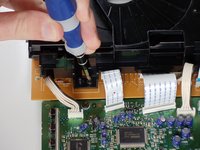
    1. Samsung DVD-P230 LCD Screen Replacement, Tray: 步骤 8 中的图像 1,3 Samsung DVD-P230 LCD Screen Replacement, Tray: 步骤 8 中的图像 2,3 Samsung DVD-P230 LCD Screen Replacement, Tray: 步骤 8 中的图像 3,3
      • Remove the three screws holding in the DVD tray

      询问修复机器人

      添加评论

    2. Samsung DVD-P230 LCD Screen Replacement: 步骤 9 中的图像 1,2 Samsung DVD-P230 LCD Screen Replacement: 步骤 9 中的图像 2,2
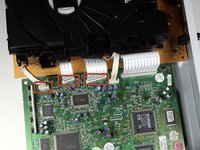
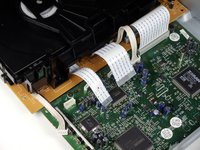
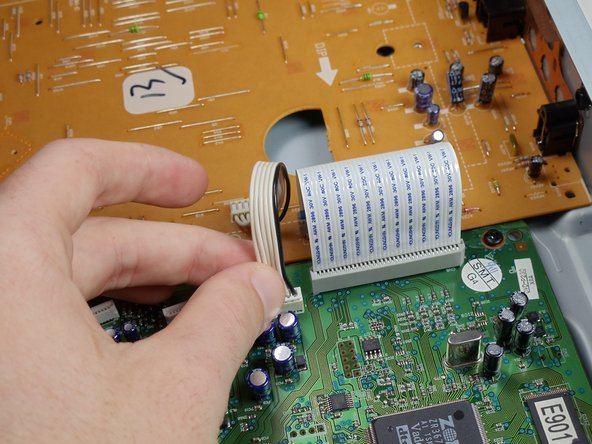
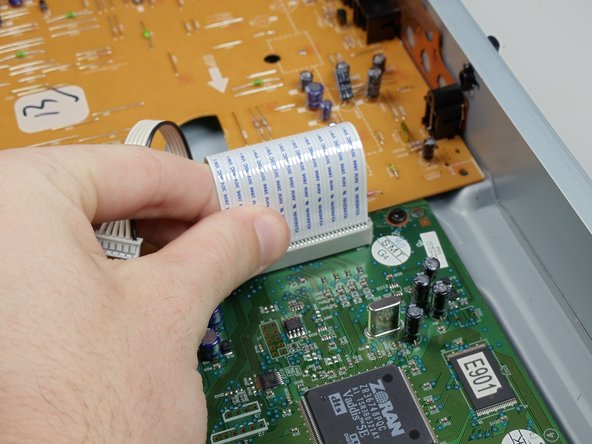
      • Remove the power cord and first two ribbons by pulling them directly out of their sockets.

      询问修复机器人

      添加评论

    3. Samsung DVD-P230 LCD Screen Replacement: 步骤 10 中的图像 1,2 Samsung DVD-P230 LCD Screen Replacement: 步骤 10 中的图像 2,2
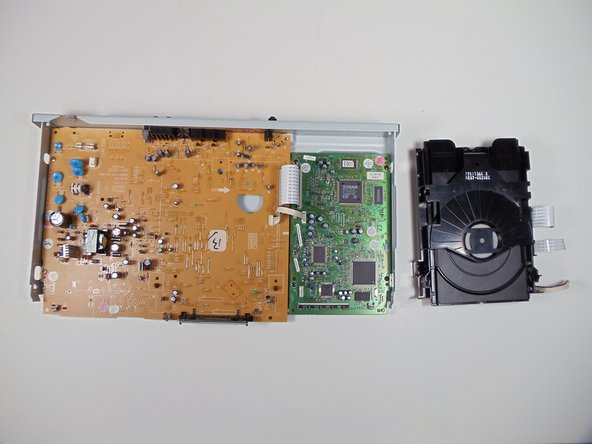
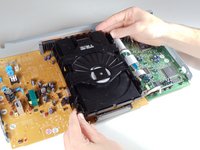
      • Gently lift the DVD tray off of the motherboard.

      询问修复机器人

      添加评论

    1. Samsung DVD-P230 LCD Screen Replacement, Motherboard: 步骤 11 中的图像 1,2 Samsung DVD-P230 LCD Screen Replacement, Motherboard: 步骤 11 中的图像 2,2
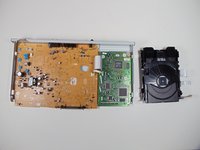
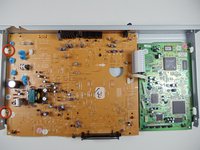
      • Unscrew the 2 screws on the motherboard

      • Unscrew the 2 screws on the back

      询问修复机器人

      添加评论

    2. Samsung DVD-P230 LCD Screen Replacement: 步骤 12 中的图像 1,3 Samsung DVD-P230 LCD Screen Replacement: 步骤 12 中的图像 2,3 Samsung DVD-P230 LCD Screen Replacement: 步骤 12 中的图像 3,3
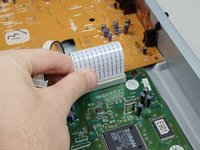
      • Disconnect the wires and ribbon by pulling them out of their respective connections

      询问修复机器人

      添加评论

    3. Samsung DVD-P230 LCD Screen Replacement: 步骤 13 中的图像 1,2 Samsung DVD-P230 LCD Screen Replacement: 步骤 13 中的图像 2,2
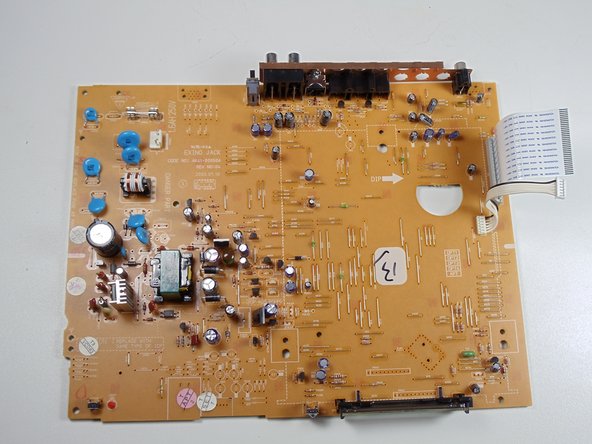
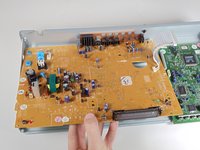
      • Lift board up and out of the lower case

      询问修复机器人

      添加评论

    1. Samsung DVD-P230 LCD Screen Replacement, LCD Screen: 步骤 14 中的图像 1,2 Samsung DVD-P230 LCD Screen Replacement, LCD Screen: 步骤 14 中的图像 2,2
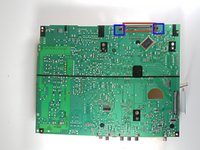
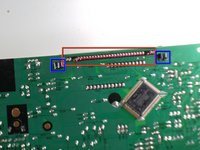
      • The LCD screen has pins attaching it to the motherboard. Flip the motherboard over.

      • De-solder LCD screen pins from the motherboard.

      • Pinch black tabs to remove LCD screen from motherboard.

      • Solder the new LCD screen pins into motherboard.

      询问修复机器人

      添加评论

结论

To reassemble your device, follow these instructions in reverse order.

取消:我没有完成这个指南。

另外一个人完成了本指南。

团队

Cal Poly, Team 3-30, Regan Winter 2011 Cal Poly, Team 3-30, Regan Winter 2011 的会员

CPSU-REGAN-W11S3G30

4 名成员

创作了32篇指南

0指南评论

添加评论

浏览统计数据:

过去 24 小时: 1

过去 7 天: 12

过去 30 天: 32

总计 3,376