简介
This guide covers the replacement of a motherboard in an SGIN X15S. The motherboard connects all the components of the computer together and allows for them to interact with each other. A bad motherboard would result in the computer failing to turn on, boot up, or perform essential tasks. While working on your device, if you notice that the battery is swollen, stop your replacement and follow the swollen battery disposal guide. Before working on your device, ensure that it is turned off and completely unplugged from any power sources.
你所需要的
-
-
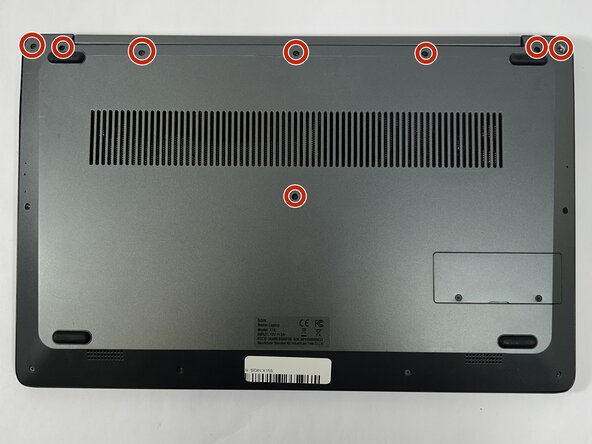
Remove the eight top and middle 7.3 mm screws using the Phillips #0 screwdriver.
-
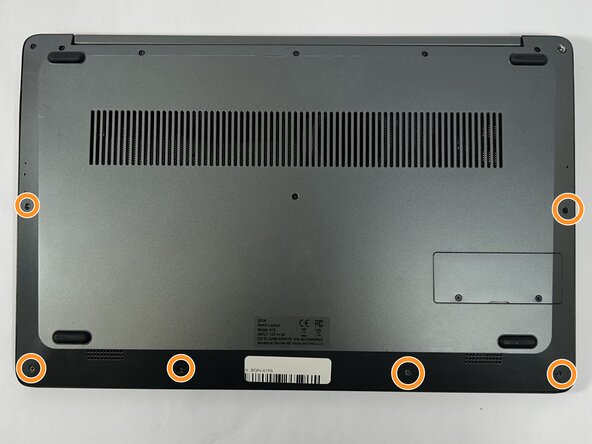
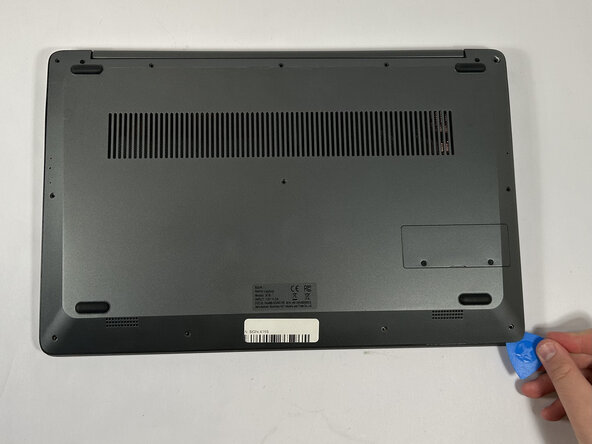
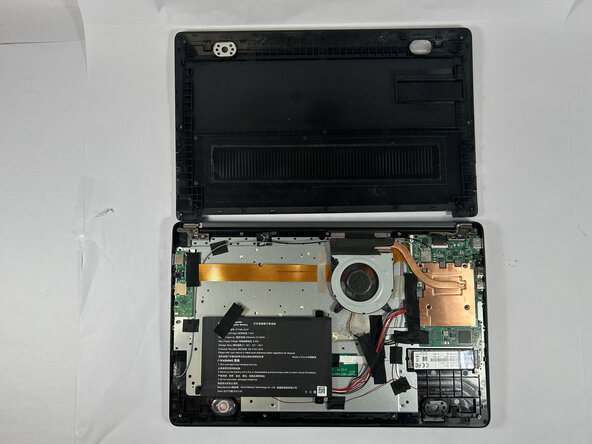
Remove the six bottom and side 4.4 mm screws using the Phillips #0 screwdriver.
-
-
-
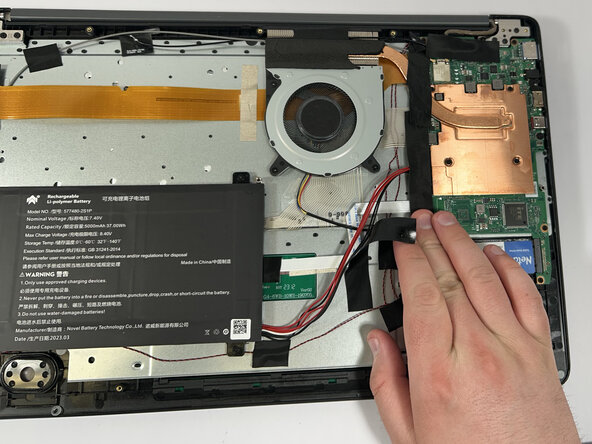
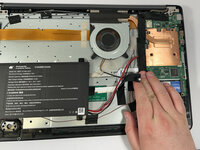
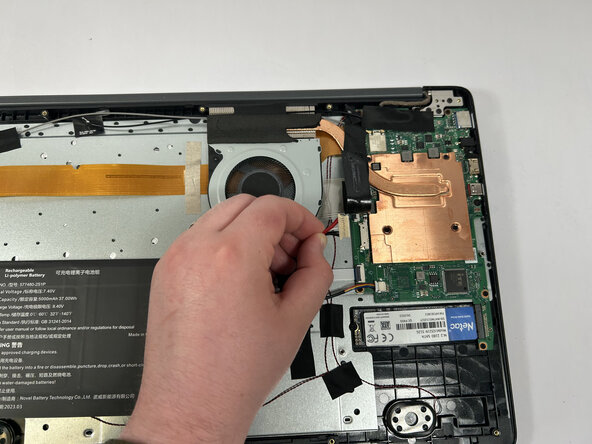
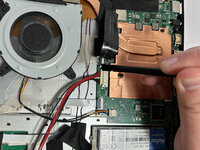
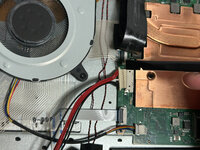
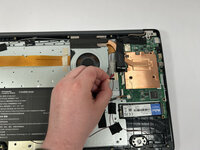
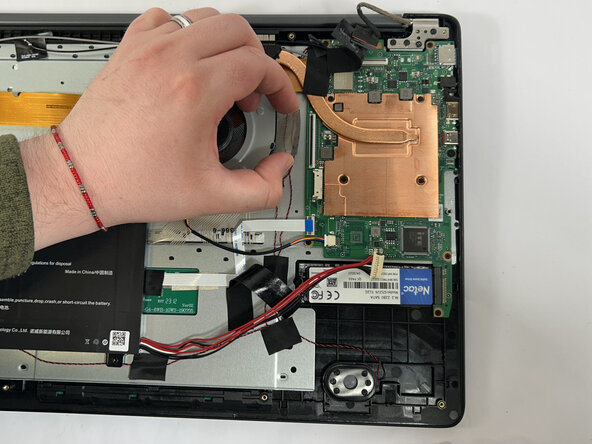
Gently remove the tape holding the battery's cord to the motherboard, followed by the tape in the middle of the cord.
-
-
-
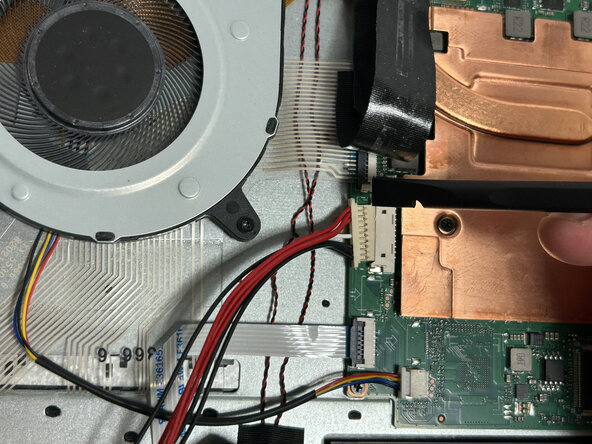
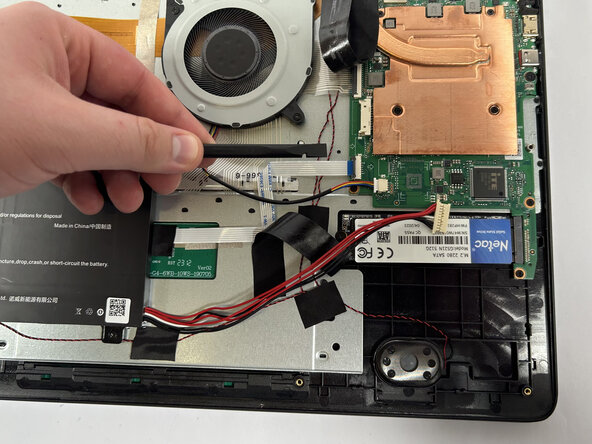
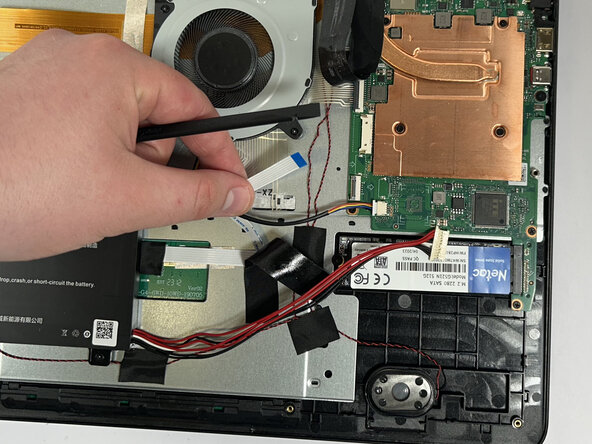
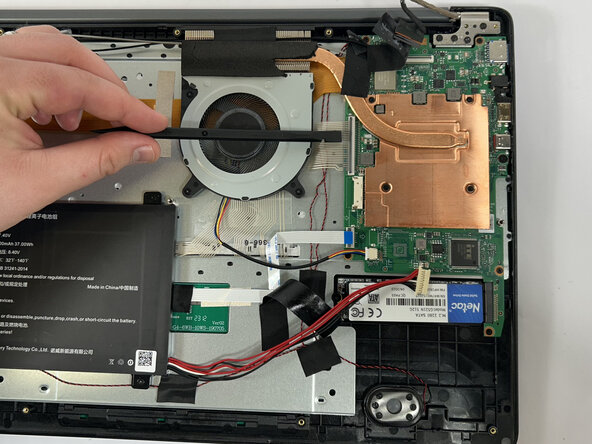
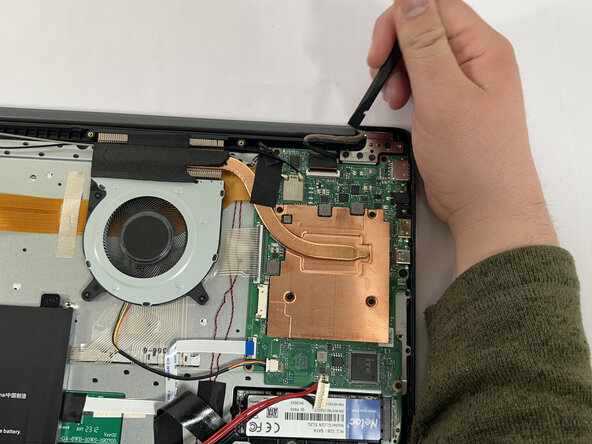
Using the nylon spudger, unclip the clip holding the touchpad cable down.
-
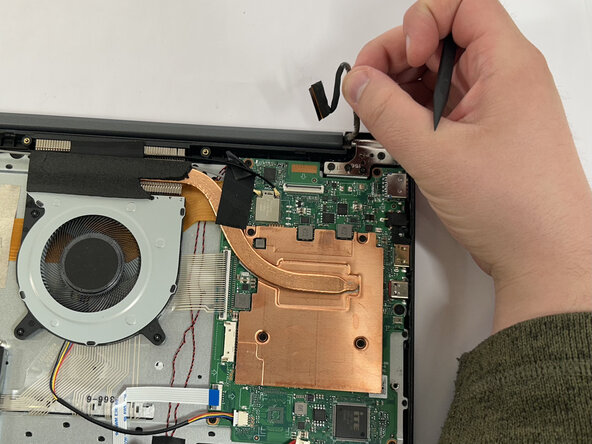
Disconnect the touchpad cable.
-
-
-
-
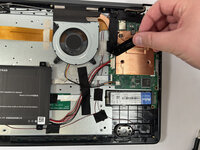
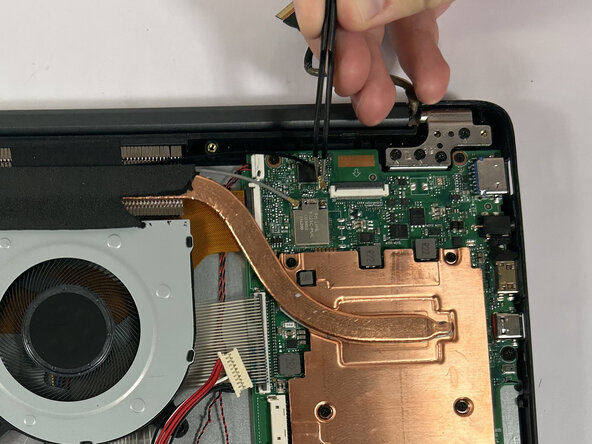
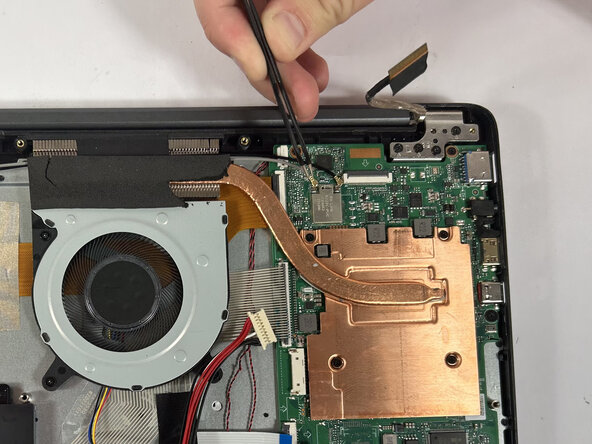
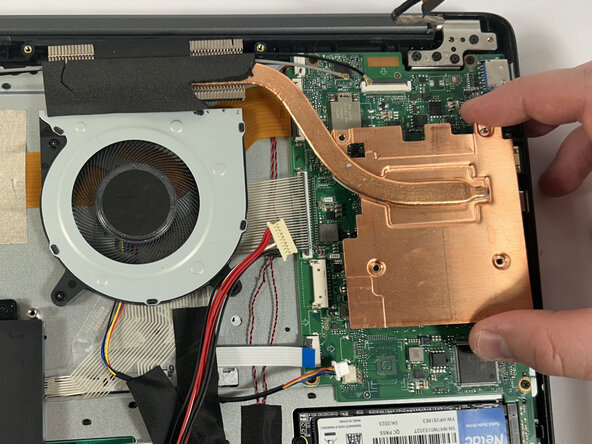
Remove the four 3 mm screws holding the heatsink in place using a Phillips #0 screwdriver.
-
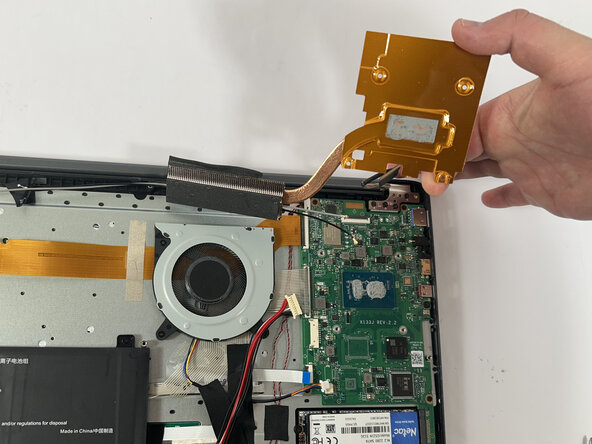
Lift and remove the heatsink.
-
-
-
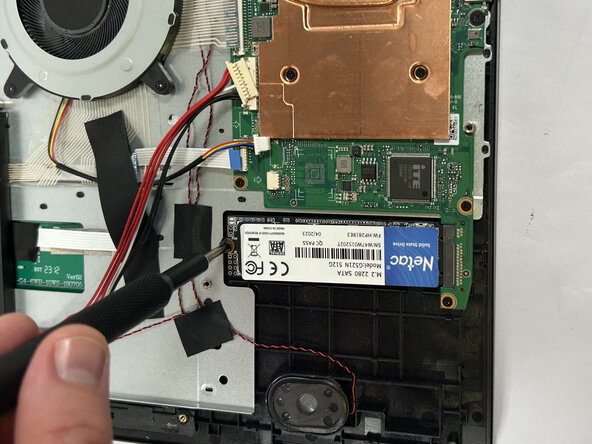
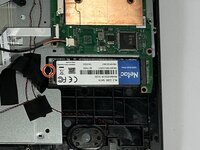
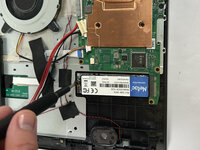
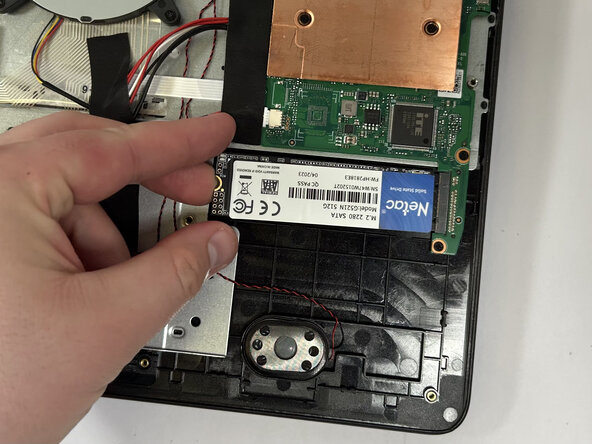
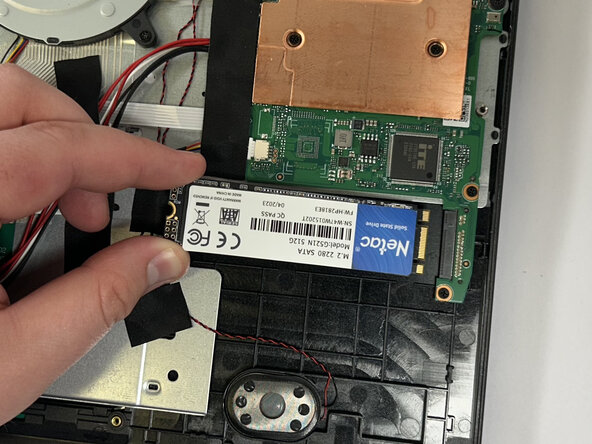
Remove the single 3 mm screw holding the SSD in place using a Phillips #0 screwdriver.
-
-
-
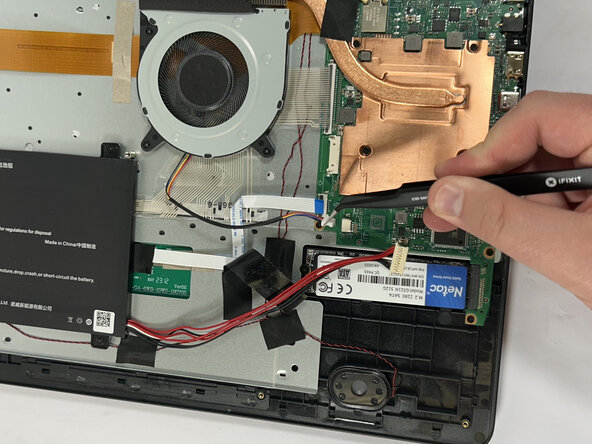
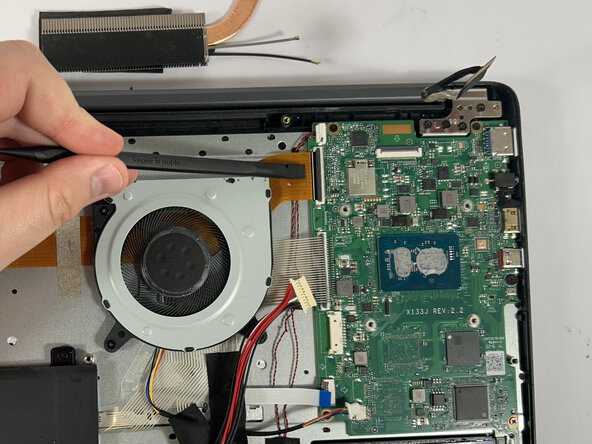
Using the nylon spudger, unclip the clip holding down the ribbon cable.
-
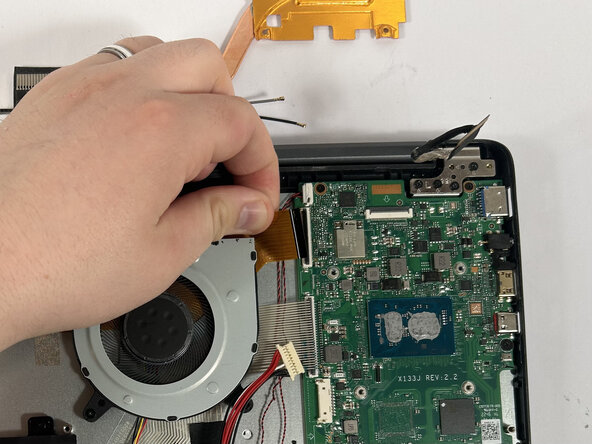
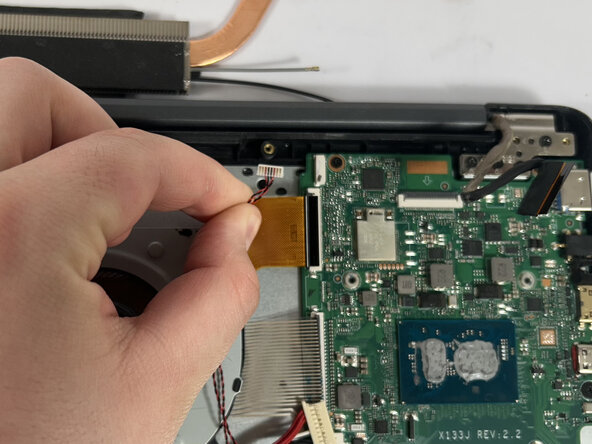
Disconnect the ribbon cable.
-

























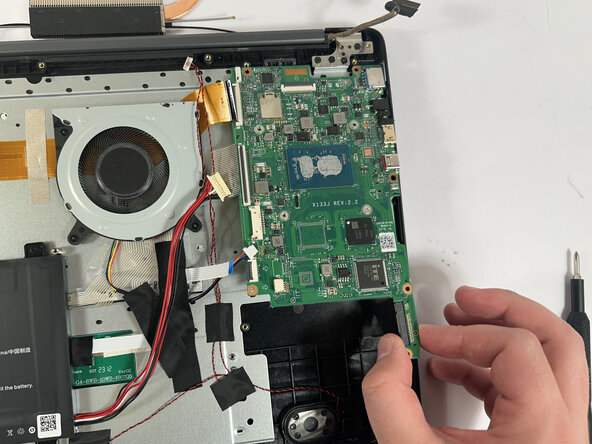
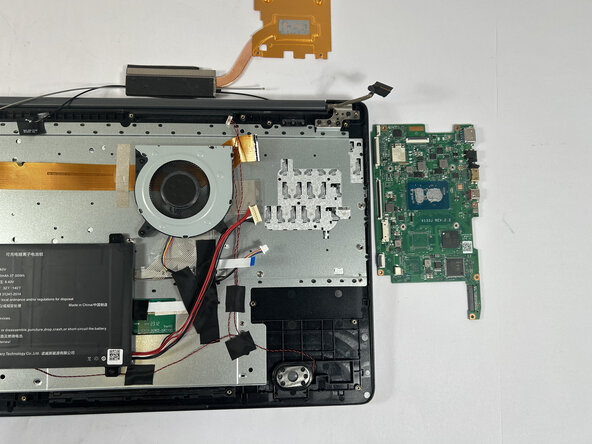

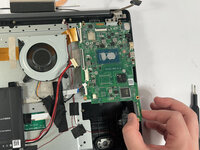

To reassemble your device, follow these instructions in reverse order and remember to reapply thermal paste on the heatsink.



团队

Idaho State University, Team 1-1, Watkins Spring 2025 Idaho State University, Team 1-1, Watkins Spring 2025 的会员
ISU-WATKINS-S25S1G1
3 名成员
创作了9篇指南
