简介
Over time, the bottom shell of the Roborock Q5 Max+ may need to be removed for cleaning, part replacement, or internal repairs. Whether you're replacing a damaged shell or accessing internal components like the battery, sensors, or wheels, this guide will walk you through the safe and effective removal and reinstallation process. This step-by-step guide ensures that even users with minimal repair experience can perform this procedure confidently.
你所需要的
-
-
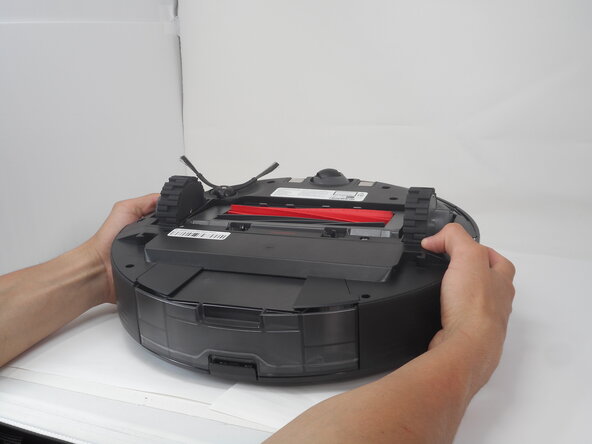
Carefully flip the Roborock upside down on a soft surface (e.g., towel) to avoid scratches.
-
Turn off the vacuum using the main switch underneath.
-
-
-
-
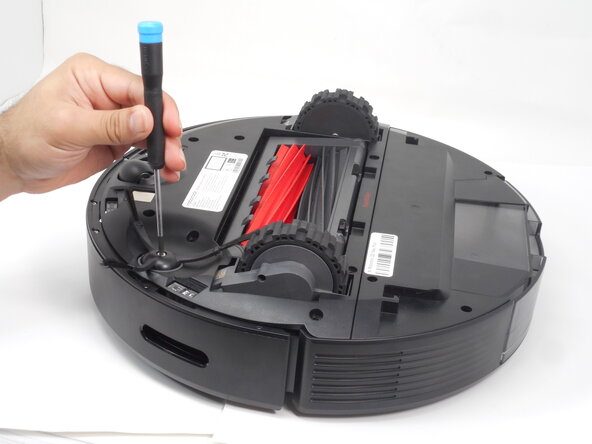
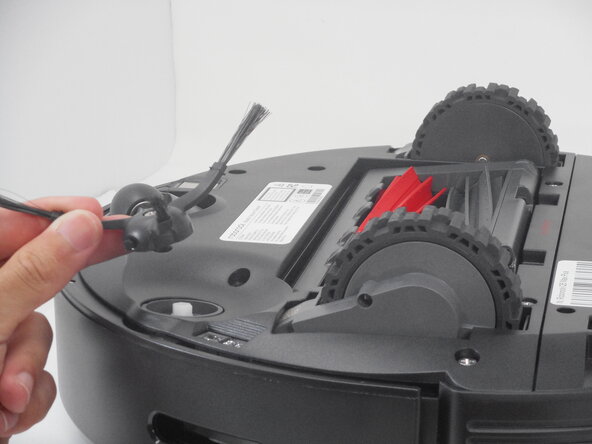
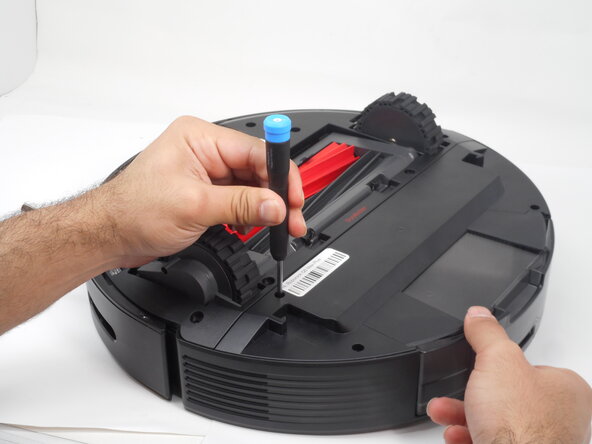
Use a Phillips #1 screwdriver to remove the eight 14 mm screws that secure the bottom shell.
-







To reassemble your device, follow these instructions in reverse order.
另外一个人完成了本指南。



团队

University of Memphis, Team 3-1, Sneed Spring 2025 University of Memphis, Team 3-1, Sneed Spring 2025 的会员
UM-SNEED-S25S3G1
4 名成员
创作了5篇指南
