跳转到主内容

Roborock Q5 LiDar Sensor Replacement

你所需要的

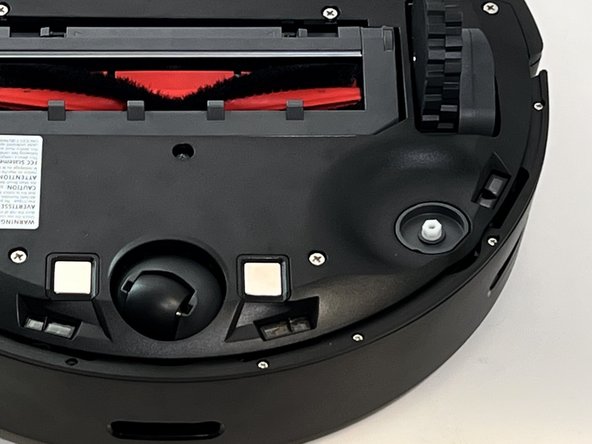
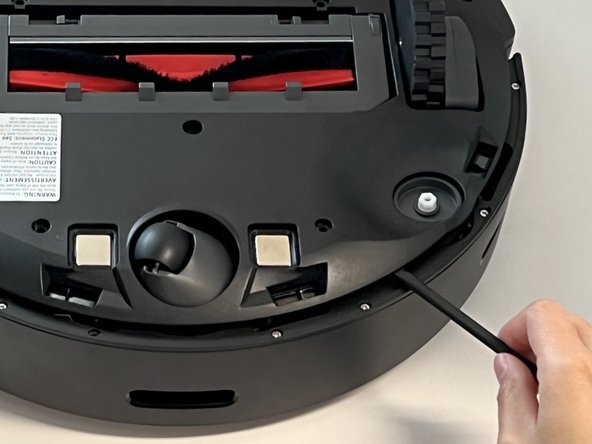
  1. Roborock Q5 LiDar Sensor Replacement, Side Brush: 步骤 1 中的图像 1,1
    • Power off your Roborock and place the device on a flat surface with the wheels facing up.

    • Position the robot so the five-pronged side brush is on the bottom right side.

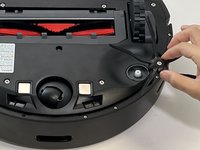
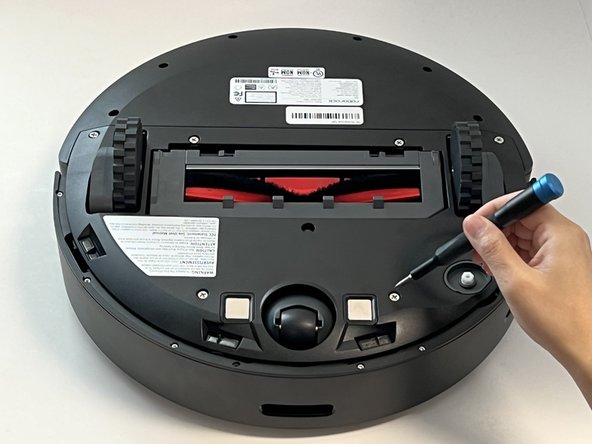
  2. Roborock Q5 LiDar Sensor Replacement: 步骤 2 中的图像 1,2 Roborock Q5 LiDar Sensor Replacement: 步骤 2 中的图像 2,2
    • Use a Phillips #2 screwdriver to loosen the single captive side brush screw.

    • The screw is attached to the side brush so they cannot be separated.

  3. Roborock Q5 LiDar Sensor Replacement: 步骤 3 中的图像 1,2 Roborock Q5 LiDar Sensor Replacement: 步骤 3 中的图像 2,2
    • Lift the side brush up and off.

  4. Roborock Q5 LiDar Sensor Replacement, Battery: 步骤 4 中的图像 1,3 Roborock Q5 LiDar Sensor Replacement, Battery: 步骤 4 中的图像 2,3 Roborock Q5 LiDar Sensor Replacement, Battery: 步骤 4 中的图像 3,3
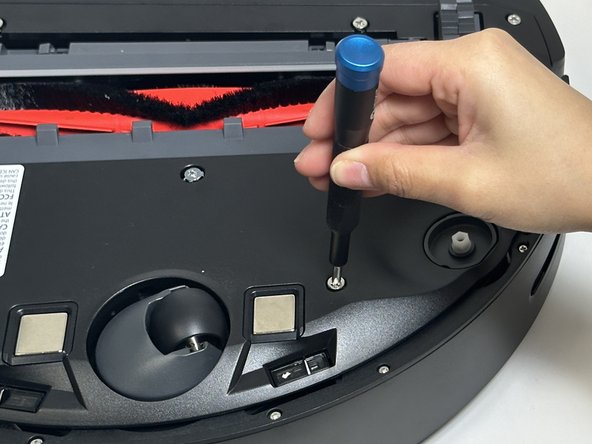
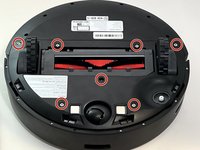
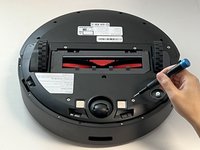
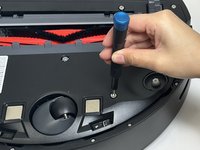
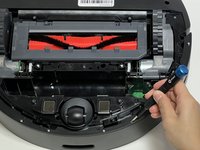
    • Use a Phillips screwdriver to remove the seven 15 mm screws from the bottom panel.

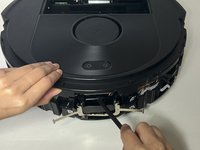
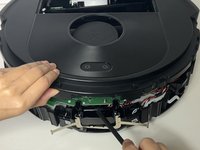
  5. Roborock Q5 LiDar Sensor Replacement: 步骤 5 中的图像 1,3 Roborock Q5 LiDar Sensor Replacement: 步骤 5 中的图像 2,3 Roborock Q5 LiDar Sensor Replacement: 步骤 5 中的图像 3,3
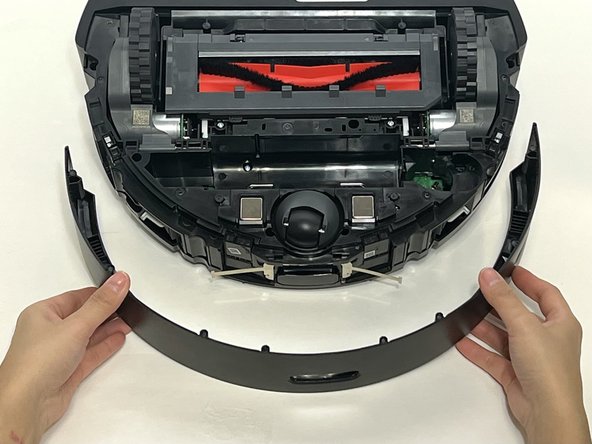
    • Gently lift off the bottom panel cover.

    • If the bottom panel is stuck, use a plastic spudger along the edges to gently lift it out of place, then remove it by hand.

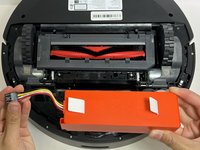
  6. Roborock Q5 LiDar Sensor Replacement: 步骤 6 中的图像 1,3 Roborock Q5 LiDar Sensor Replacement: 步骤 6 中的图像 2,3 Roborock Q5 LiDar Sensor Replacement: 步骤 6 中的图像 3,3
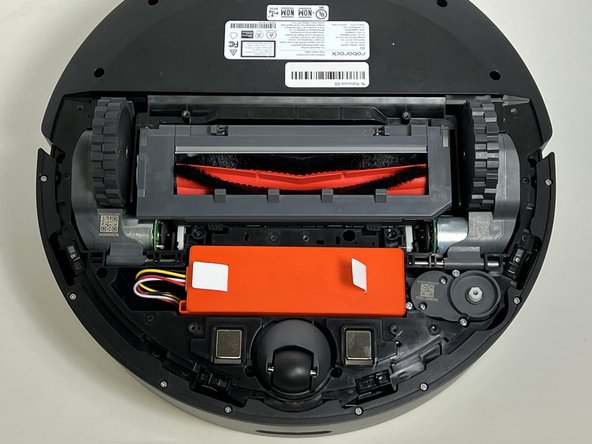
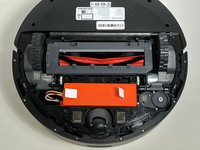
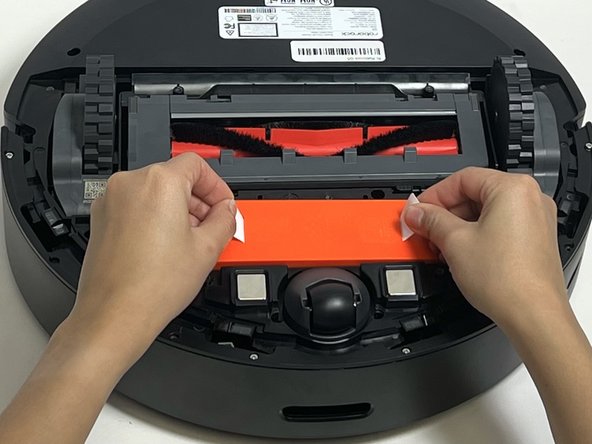
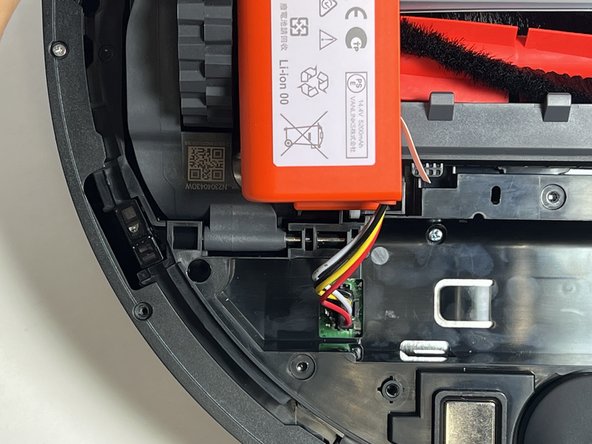
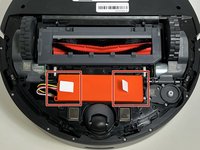
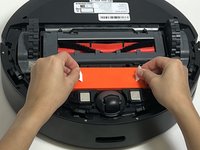
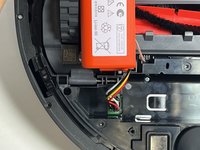
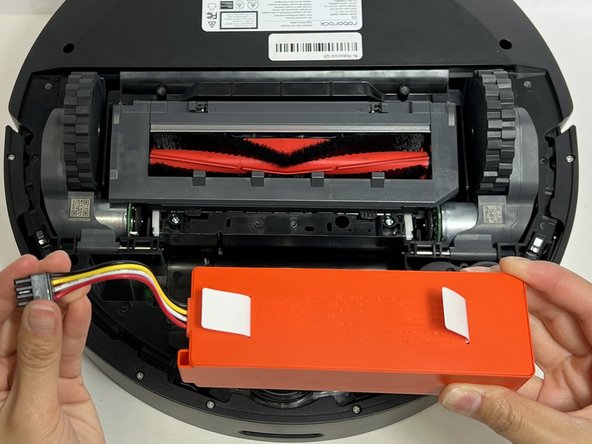
    • Use the two white straps to lift the battery out slightly to reveal the battery connector.

    • The battery is still connected to the robot vacuum. Take care not to strain the battery cable.

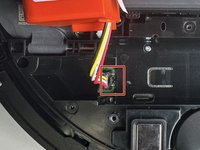
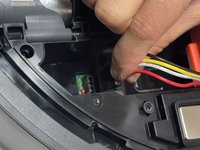
  7. Roborock Q5 LiDar Sensor Replacement: 步骤 7 中的图像 1,3 Roborock Q5 LiDar Sensor Replacement: 步骤 7 中的图像 2,3 Roborock Q5 LiDar Sensor Replacement: 步骤 7 中的图像 3,3
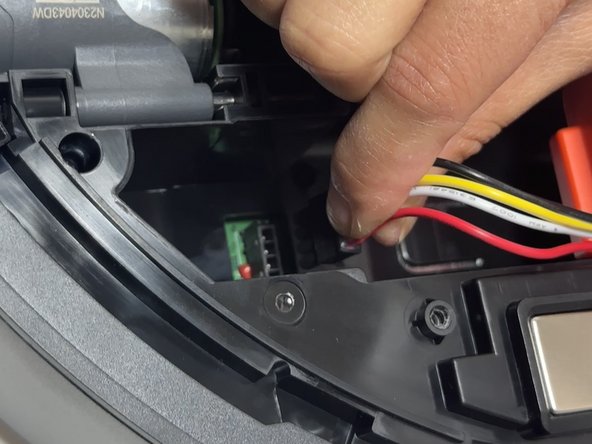
    • Using moderate pressure, squeeze and pull on the four-wire connector to disconnect the battery from the robot vacuum.

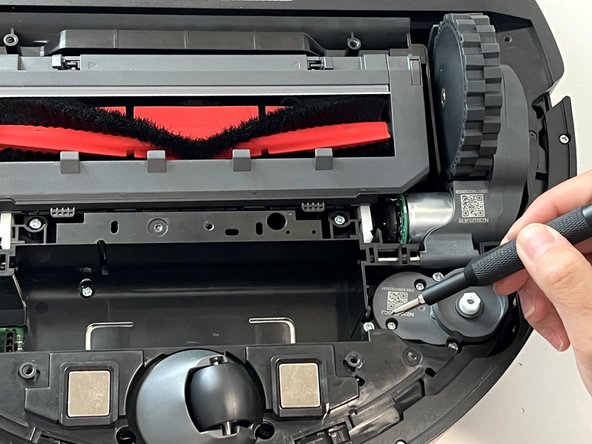
  8. Roborock Q5 LiDar Sensor Replacement, LiDar Sensor: 步骤 8 中的图像 1,3 Roborock Q5 LiDar Sensor Replacement, LiDar Sensor: 步骤 8 中的图像 2,3 Roborock Q5 LiDar Sensor Replacement, LiDar Sensor: 步骤 8 中的图像 3,3
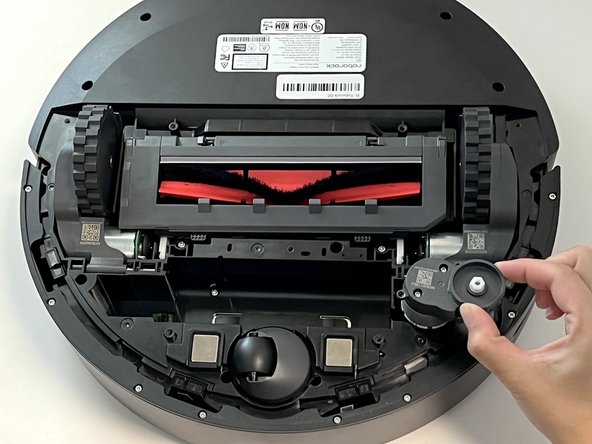
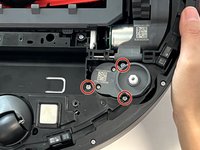
    • Remove the three 10 mm Phillips screws that secure the side brush motor.

    • Lift the side brush motor up and out of its housing.

  9. Roborock Q5 LiDar Sensor Replacement: 步骤 9 中的图像 1,2 Roborock Q5 LiDar Sensor Replacement: 步骤 9 中的图像 2,2
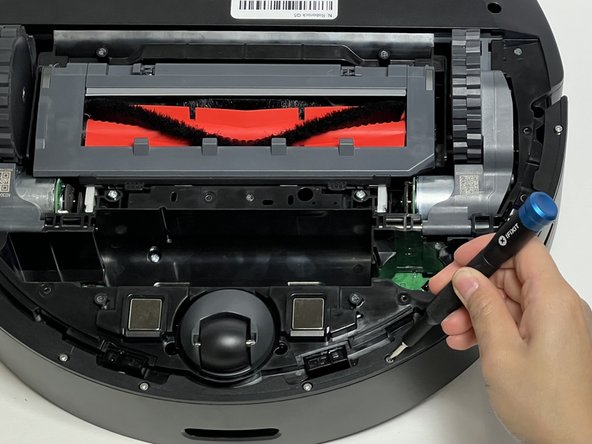
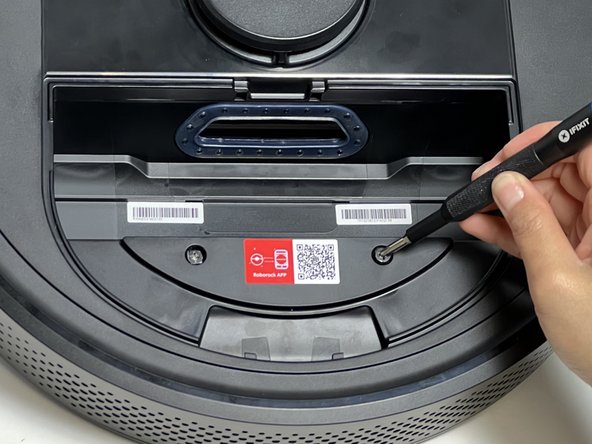
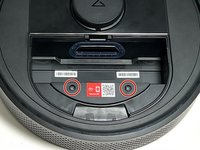
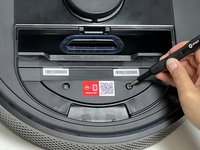
    • Use a Phillips #1 screwdriver to remove the eight 11 mm screws from the front sensor panel cover.

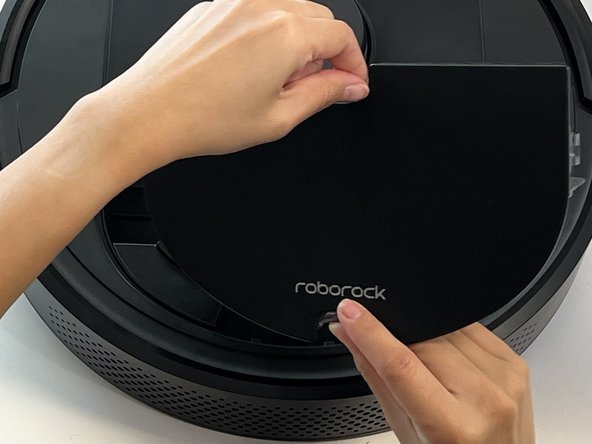
  10. Roborock Q5 LiDar Sensor Replacement: 步骤 10 中的图像 1,2 Roborock Q5 LiDar Sensor Replacement: 步骤 10 中的图像 2,2
    • Gently lift and remove he thin black sensor housing bracket.

    • Pull the front sensor panel cover away from the robot.

  11. Roborock Q5 LiDar Sensor Replacement: 步骤 11 中的图像 1,1
    • Use a Phillips screwdriver to remove one 14 mm Phillips screw from the battery housing.

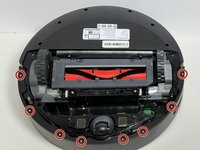
    • Use a Phillips screwdriver to remove the eleven deep-set 14 mm Phillips screws from the bottom panel.

  12. Roborock Q5 LiDar Sensor Replacement: 步骤 12 中的图像 1,2 Roborock Q5 LiDar Sensor Replacement: 步骤 12 中的图像 2,2
    • Carefully flip the device and set it down.

    • Pinch together the two dustbin tabs and pull up on the dustbin to remove it.

  13. Roborock Q5 LiDar Sensor Replacement: 步骤 13 中的图像 1,2 Roborock Q5 LiDar Sensor Replacement: 步骤 13 中的图像 2,2
    • Use a Phillips #2 screwdriver to remove two 15 mm Phillips screws from the front panel cover.

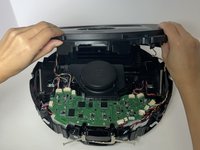
  14. Roborock Q5 LiDar Sensor Replacement: 步骤 14 中的图像 1,3 Roborock Q5 LiDar Sensor Replacement: 步骤 14 中的图像 2,3 Roborock Q5 LiDar Sensor Replacement: 步骤 14 中的图像 3,3
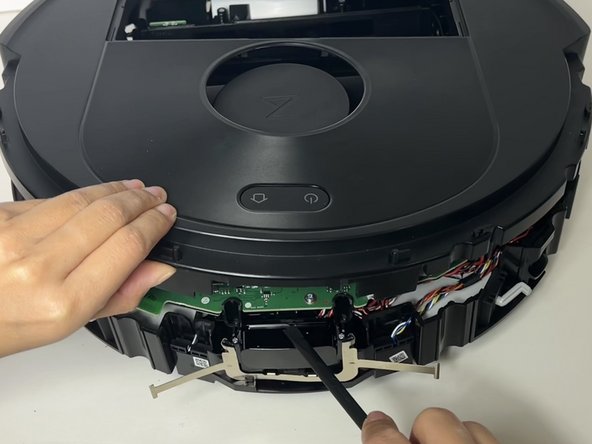
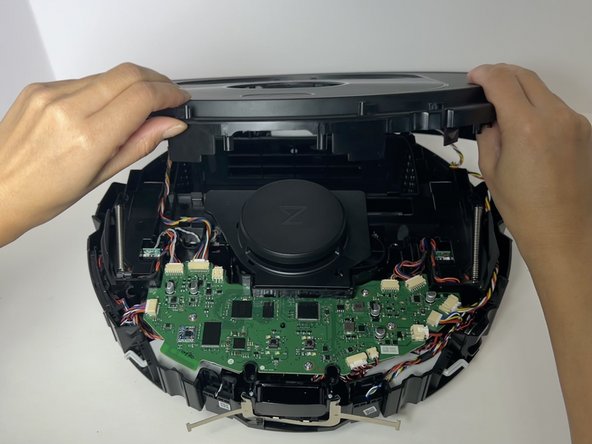
    • Gently lift and remove the top cover off of the robot vacuum.

    • If the top panel is stuck, use a plastic spudger along the edges to gently lift it out of place, then remove it by hand.

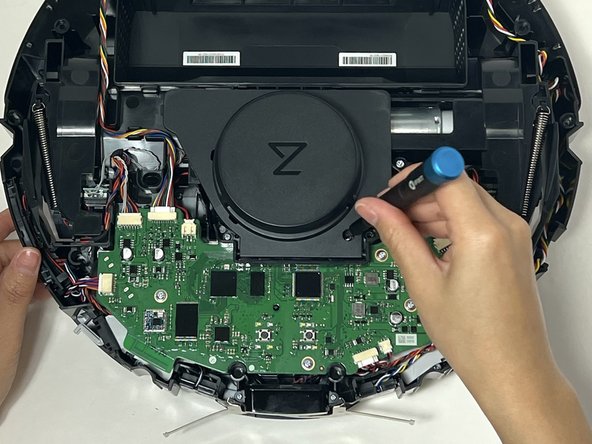
  15. Roborock Q5 LiDar Sensor Replacement: 步骤 15 中的图像 1,3 Roborock Q5 LiDar Sensor Replacement: 步骤 15 中的图像 2,3 Roborock Q5 LiDar Sensor Replacement: 步骤 15 中的图像 3,3
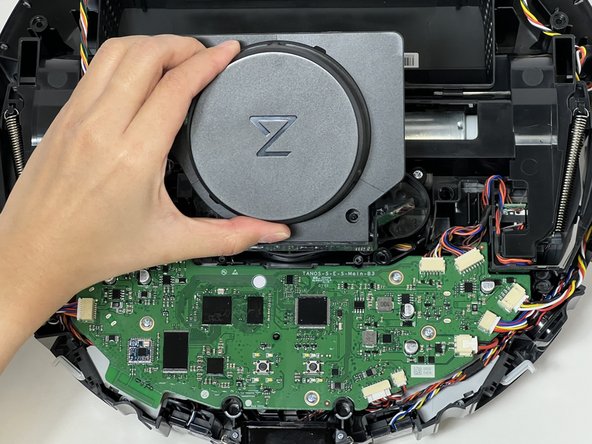
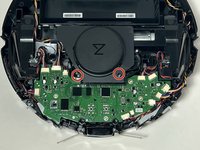
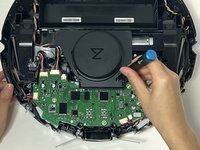
    • Use a Phillips #1 screwdriver to remove the two 10 mm screws from the LiDar sensor cover.

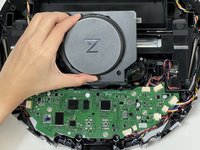
    • Gently lift off the sensor cover.

  16. Roborock Q5 LiDar Sensor Replacement: 步骤 16 中的图像 1,3 Roborock Q5 LiDar Sensor Replacement: 步骤 16 中的图像 2,3 Roborock Q5 LiDar Sensor Replacement: 步骤 16 中的图像 3,3
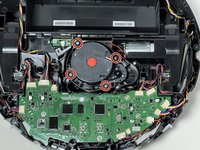
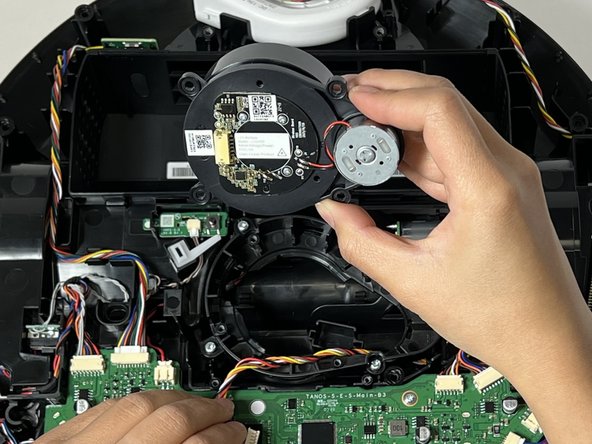
    • Use a Phillips #1 screwdriver to remove the four 9 mm screws that secure the LiDar sensor.

    • Lift the sensor from the vacuum.

  17. Roborock Q5 LiDar Sensor Replacement: 步骤 17 中的图像 1,3 Roborock Q5 LiDar Sensor Replacement: 步骤 17 中的图像 2,3 Roborock Q5 LiDar Sensor Replacement: 步骤 17 中的图像 3,3
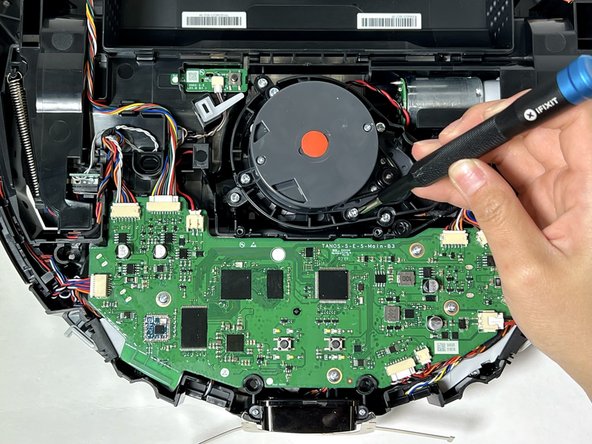
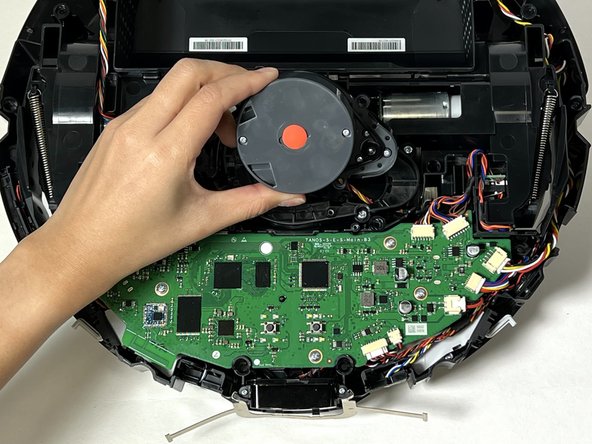
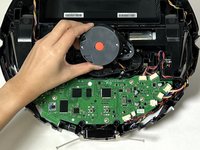
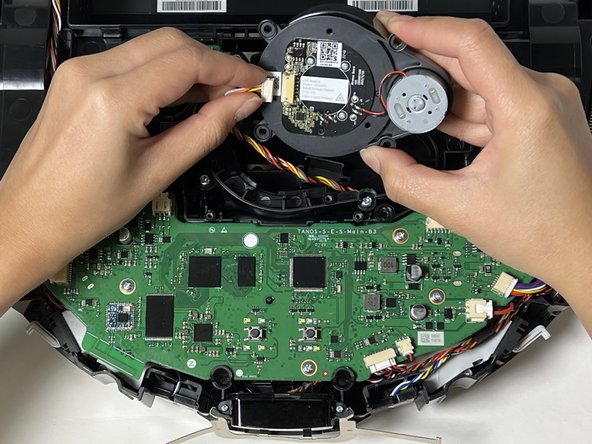
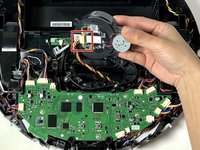
    • Grip and the white LiDar sensor cable connector and pull it directly out of its socket.

    • Remove the LiDar sensor.

结论

To reassemble your device, follow these instructions in reverse order.

3等其他人完成本指南。

Joyce T

于01/29/24注册

313 声望

创作了2篇指南

2指南评论

The replacement lidar sensor is available on Ali Express. OEM model # is LDS04RR. Here's a link to the correct part (as of Sept 2025): Original Roborock LDS Replacement LDS04RR For Robot Vacuum Cleaner Q5 / Q7/ Q7 Max / S8 Series Accessories Laser Distance Sensor - AliExpress
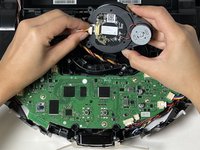
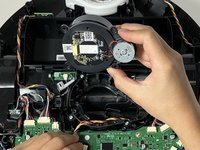
Before replacing, take a good look at the motor shaft of the lidar sensor - it can get tangled with hair and lint and may be the reason your sensor is not spinning. Cleaning the shaft may save the need for a new part (but not the hassle of dissassembly)
Gullimukin - 回复

The replacement lidar sensor is available on Ali Express. OEM model # is LDS04RR. Here's a link to the correct part (as of Sept 2025): Original Roborock LDS Replacement LDS04RR For Robot Vacuum Cleaner Q5 / Q7/ Q7 Max / S8 Series Accessories Laser Distance Sensor - AliExpress

Before replacing, take a good look at the motor shaft of the lidar sensor - it can get tangled with hair and lint and may be the reason your sensor is not spinning. Cleaning the shaft may save the need for a new part (but not the hassle of dissassembly)

Gullimukin - 回复

添加评论

浏览统计数据:

过去 24 小时: 12

过去 7 天: 48

过去 30 天: 305

总计 4,219