The purpose of this guide is to apply the best practices for opening this product.
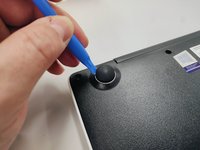
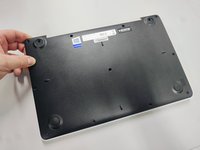
With the opening tool, remove a rubber foot.
For this action you will have to exert some force, because the foot is glued with a resistant glue.
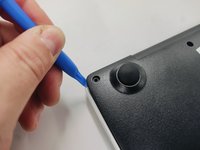
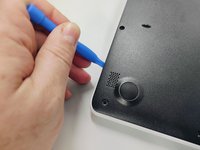
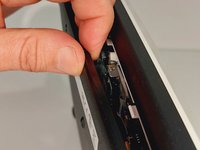
With the plastic tool, insert between the plastics and gently pry open.
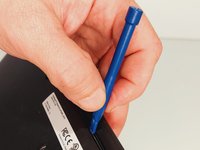
With your fingers continue to force open the bottom cover on the side indicated in the figure.
You will feel and hear several clicks, perfectly normal, nothing is breaking. Remove the cover completely.
Finally, we have the laptop open and ready to replace most of its components. Look elsewhere on how to replace a component.
To close the laptop just follow this guide in reverse.
嵌入本指南
选择一个尺寸并复制下面的代码,将本指南作为一个小插件嵌入到你的网站/论坛中。
单个步骤
完整指南
小——600像素
中——800像素
大——1200像素
预览